
Best laptops for students in Singapore
For presentations, essays, and all the little Netflix breaks in between, laptops might just be the most important device for all types of students in Singapore. Whether you’re an engineer who needs extra juice for 3D renders or a budding designer who requires plenty of storage for all your projects, it’s important to pick a laptop that can keep up with your daily demands.
Here, we’ve picked out the best laptops for students available in Singapore.
Table of Contents
- Best laptops for students in Singapore
- Price & features breakdown
- What to look for in a laptop as a student
- Is a Windows or MacBook laptop better for students?
- 1. ASUS Zenbook
- 2. Dell XPS 13
- 3. Acer Swift 14 AI Copilot+
- 4. Apple MacBook Air
- 5. ASUS Vivobook 14
- 6. HP Pavilion Plus
- 7. Lenovo Legion 5i (Gen 10)
- 8. ASUS TUF Gaming A16
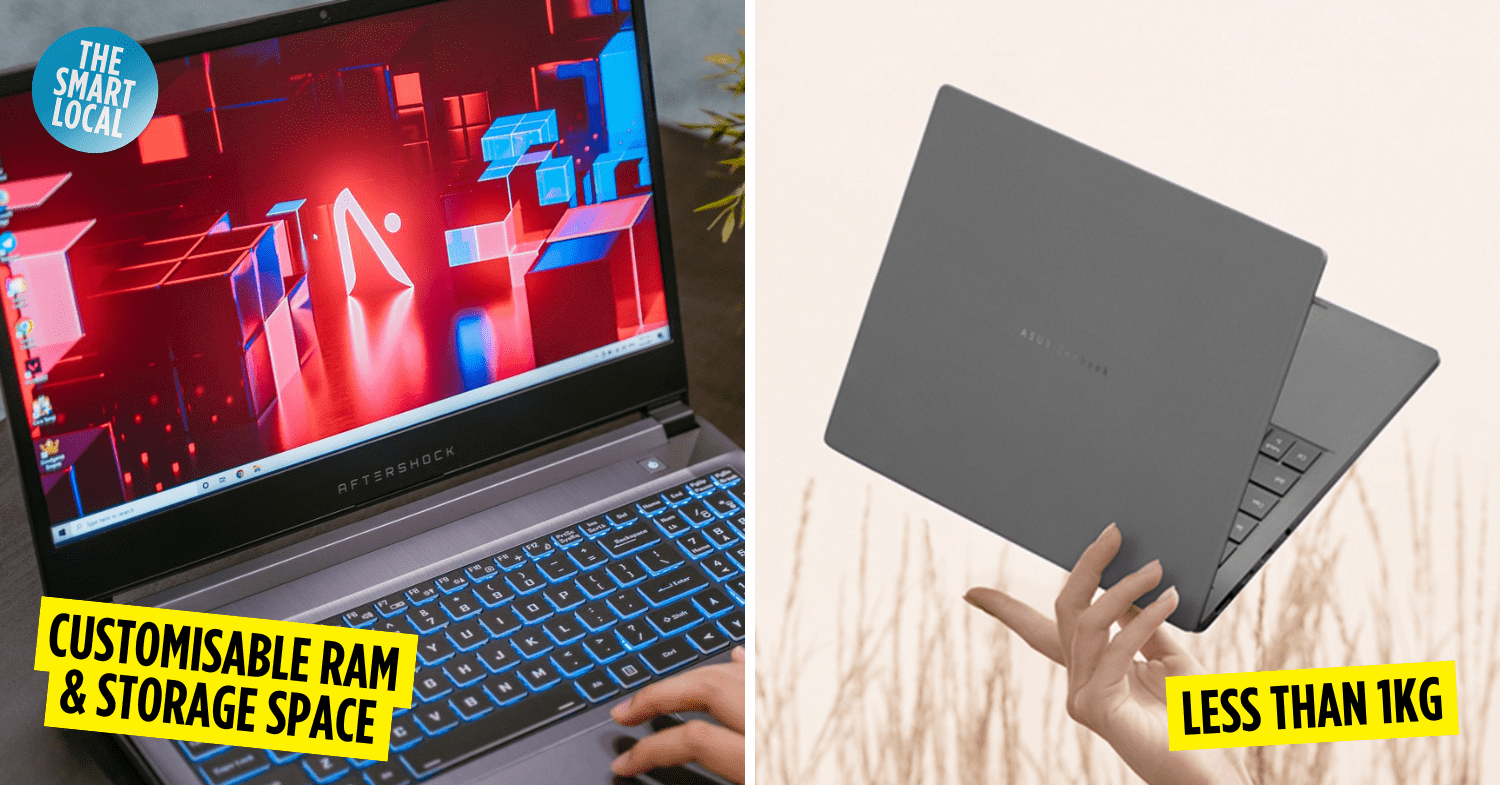
- 9. Aftershock Forge 16X
- 10. Razer Blade 14
Price & features breakdown
| Laptop model | Best features | Price |
| ASUS Zenbook 14 | Ultra-light at 980g, shock and scratch-resistant, 32-hour battery life, AI Copilot assistant | From $1,313 |
| Dell XPS 13 | Ultra-light carbon fiber/aluminium, 512GB NVMe SSD, 2K touchscreen option, Intel processor with integrated graphics | From $1,699 |
| Acer Swift 14 AI Copilot+ | 1.26kg, 29-hour battery, AI Copilot assistant, 3K OLED display | From $1,349 |
| Apple MacBook Air | M4 chip, fanless operation, 18-hour battery life, premium design | From $1,499 |
| ASUS Vivobook 14 | Affordable, 180-degree hinge, webcam shield, user-friendly touchpad | From $799 |
| HP Pavilion Plus | Sleek design, 13th-gen Intel Core i5, Bang & Olufsen speakers, 16:10 screen ratio | From $1,007 |
| Lenovo Legion 5i (Gen 10) | Nvidia GeForce RTX 5050, 512GB SSD, suitable for gaming and productivity | From $1,648.63 |
| ASUS TUF Gaming A16 | AMD Ryzen 7 260, Nvidia GeForce RTX 5070, 2 TB of storage, military-grade build | From $1,599 |
| Aftershock Forge 16X | Customisable RAM and storage, Nvidia GeForce RTX 5050, great for gaming and intensive workloads | From $1,499 |
| Razer Blade 14 | 1.63kg, quick charge, ultra-thin bezels, immersive screen experience | From $2,408.21 |
What to look for in a laptop as a student
When choosing a laptop, there are myriad specifications to pay attention to. Regardless of your needs, here are some of the more fundamental ones that we’ve taken into account when curating this list:
- CPU: This component executes every task you do on your laptop. While a task like writing a Word document won’t require a powerful CPU, gaming or video rendering will. A general rule of thumb is to look at its core count and clock speeds (measured in GHz). The higher the number, the better the performance.
- GPU or Graphics card: Similarly, a good GPU is essential for gaming and students doing creative work like video or photo editing. Look out for discrete rather than integrated graphics to tell whether a graphics card can handle more intensive graphics rendering. Benchmarking sites such as PassMark can also help you get a grasp on how powerful a GPU is.
- RAM: Relatedly, RAM is also important for performance, as it determines how many concurrent tasks your laptop can run. For most users, 8GB-16GB of RAM should suffice, whereas gamers and students in programme-heavy majors will benefit from 32GB or more.
- Storage: Like your phone, laptops come with built-in storage that ranges from 256GB to 1TB. Built-in storage is handy if your laptop is the only device you’re using, but you can also buy an external hard drive to store your data.
- Display: Like monitors, you should pay attention to things like the refresh rate, resolution, and brightness. Generally, a higher refresh rate and resolution mean better picture quality. A high brightness, on the other hand, comes in handy if you plan on working outdoors.
- Battery life: You’d hate for your laptop to be low on battery with no power outlet in sight, especially during a study sesh. While statistics on a laptop’s website can give you an idea of how much charge the battery can hold, they say little about the actual performance of the battery. A pro tip is to look up YouTube reviews of people who have actually used the laptop, as they can tell you exactly how long it lasts with certain software running.
- Size & weight: When you’re running between lecture halls and classrooms, the last thing you want is to be tired out from carrying your laptop. On average, laptops weigh between 1.4kg and 1.8kg; anything above 2kg might start to put a strain on your shoulders.
Is a Windows or MacBook laptop better for students?
A Windows laptop is usually the preferred choice when it comes to good, affordable laptops for students, and it’s also known to have more customisable hardware compared to MacBooks. However, MacBooks are more optimised for creative software, like video and photo editing applications, so students pursuing creative courses might find them more suitable.
Regular laptops
Now that we’ve gotten the technical details out of the way, here are the best laptops for students available in Singapore, from affordable options to lightweight designs.
1. ASUS Zenbook
Best lightweight laptop for students in Singapore
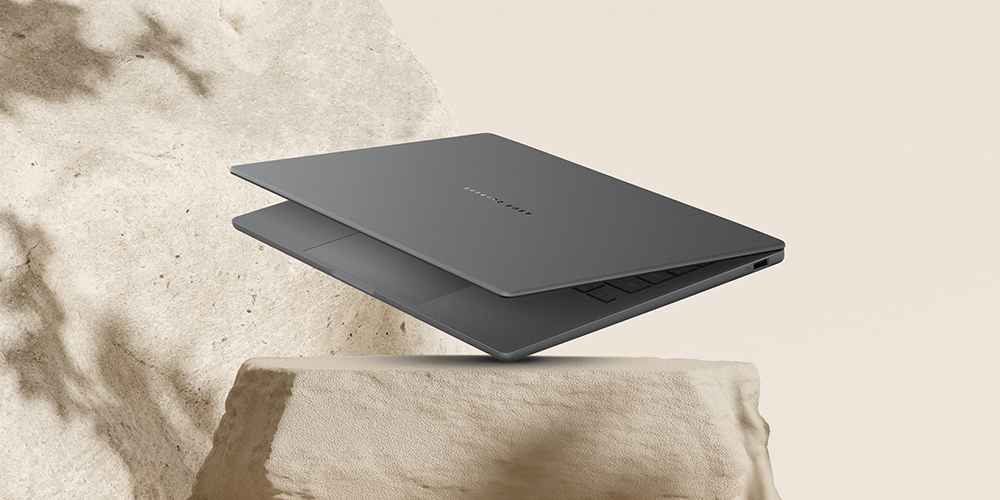
Image credit: ASUS
If you’re looking for an ultra-light laptop to carry around, look no further than the ASUS Zenbook 14. Weighing just 980g – yes, not even 1kg – these sleek machines have a clean, minimalist design, and are known for both their portability and stylishness.
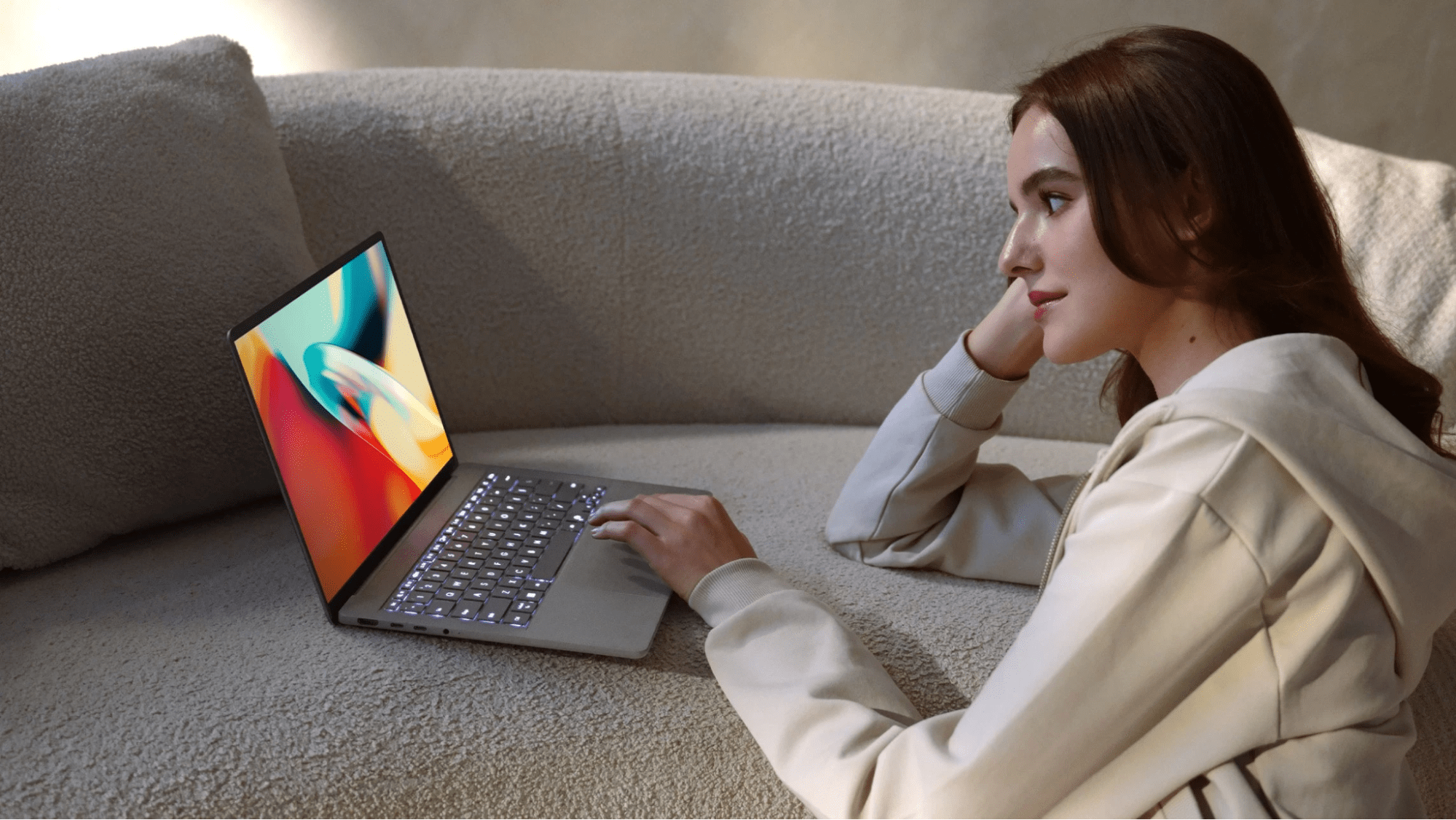 Image credit: ASUS
Starting at a relatively decent price of $1,312.99 for the ASUS Zenbook A14 (UX3407) Copilot+ PC, this laptop is both practical and chic. Externally, it’s made with strong ceraluminum metal that’s said to be shock and scratch-resistant, so you won’t have to worry about lugging your PC around on the go.
This model operates on the new Snapdragon X X1 26 100 Processor, known to be power efficient, so you won’t run out of juice in the middle of a task. It also comes with 16GB RAM and has a 1TB solid-state drive. The device also has a handy AI assistant, which helps with a bunch of task shortcuts.
Other impressive features include an extended battery life of up to 32 hours – more than a day’s worth of work – plus fast charging. Apparently, you’ll be able to boot your device back up to 60% strength in just 49 minutes.
Price: From $1,313
ASUS Zenbook 14 review: “Laptop is really light! Set up is easy too, graphics and designs are really pretty!” – k*****n via Shopee
Get the ASUS Zenbook 14.
2. Dell XPS 13
Suitable for light video gaming
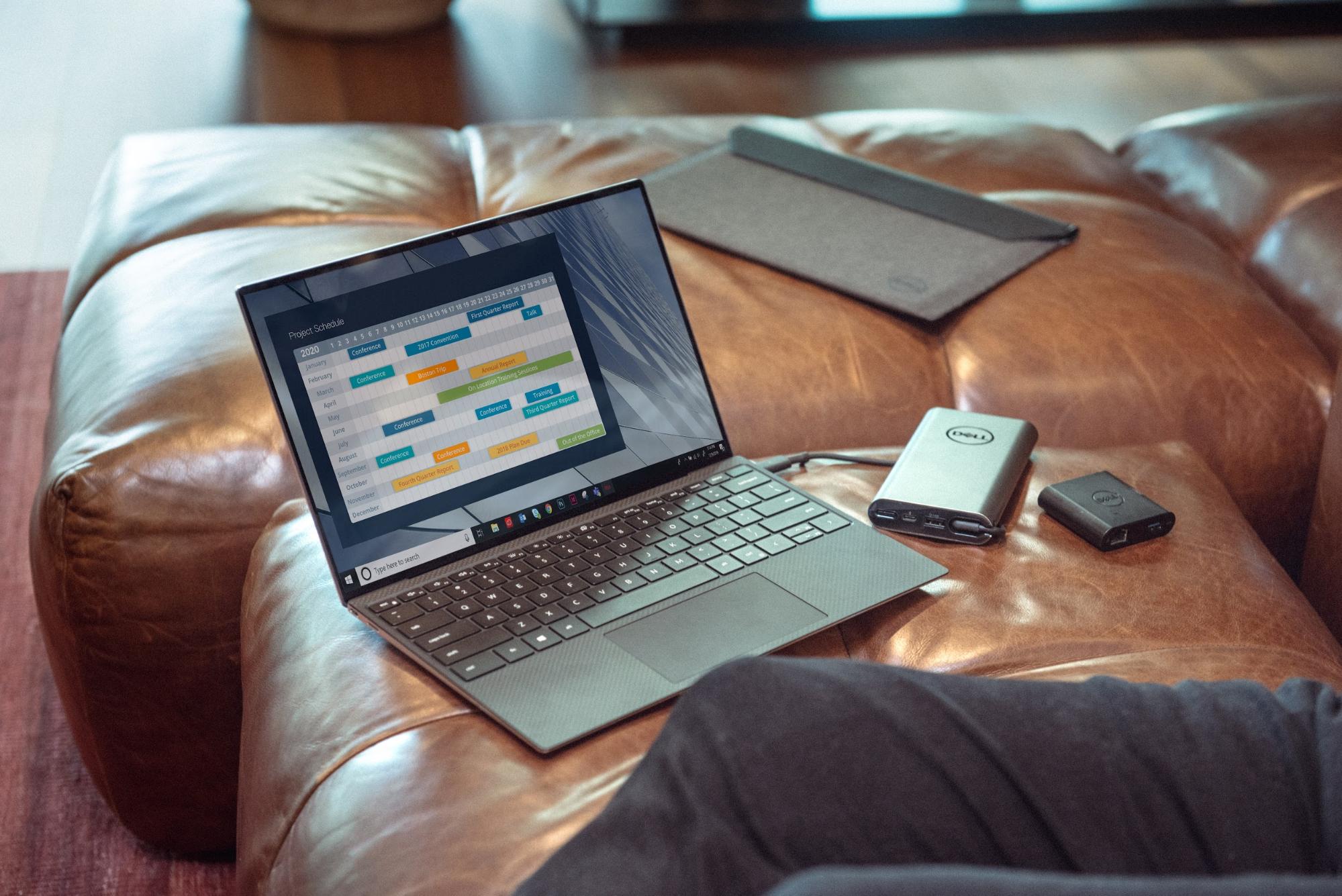 Image credit: XPS
For those who prefer lugging all you need in a tote bag, you’ll probably want a lighter laptop to go easy on your shoulders. Made with ultra-lightweight carbon fibre and aluminium that’s found in F1 cars and planes, the Dell XPS 13 weighs in at just 1.22kg – lighter than some accounting textbooks.
Packed within its slim design is the Intel Core Ultra 5 processor. Unlike dedicated graphics cards on beefier laptops like the Forge 15X, this CPU also does graphics processing, making it more energy efficient and compact. New tech aboard doubles the performance, letting you sneak in some light video gaming.
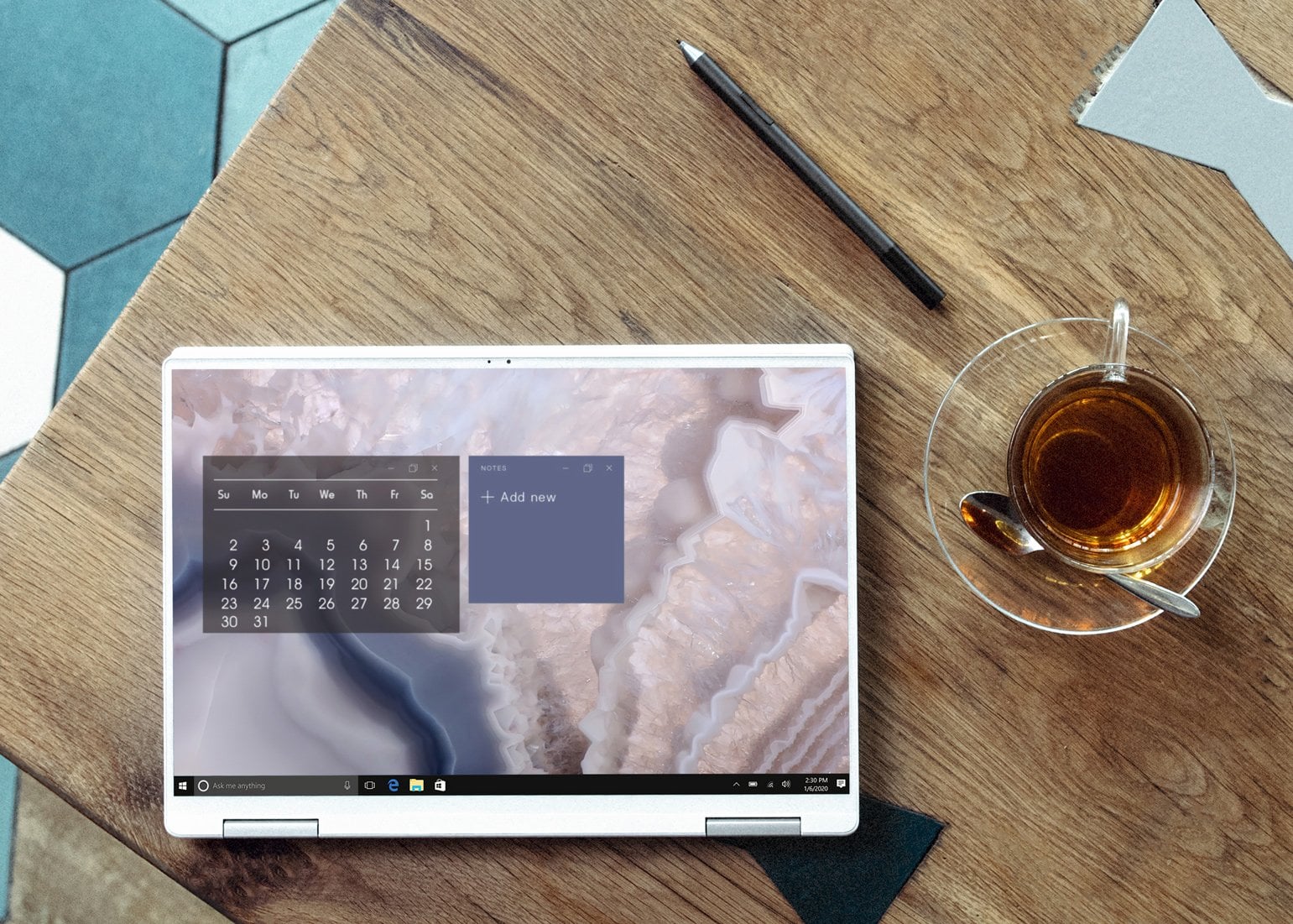 You can convert the XPS 13 into a touch-screen tablet.
Image credit: XPS
For storage, the base model XPS 13 comes with a 512GB NVMe solid-state drive that allows for snappier boot times – a bonus for those who are constantly on the move.
Its display also comes in 2 options: the InfinityEdge 2K-resolution non-touchscreen or 2.5K-resolution touchscreen display. Both choices are vibrant, colour-accurate and will unleash 500 nits of brightness – letting you comfortably read text on your screen even on a sunny day.
Price: From $1,699
Dell XPS 13 review: “My personal laptop has been an XPS-13 for 2 prior purchases. They have been sturdy and reliable with great performance. I ordered my latest update online and was able to easily order the specifics that I wanted.” – Stephen via Dell website
Get the Dell XPS 13.
3. Acer Swift 14 AI Copilot+
Best affordable lightweight laptop for students in Singapore
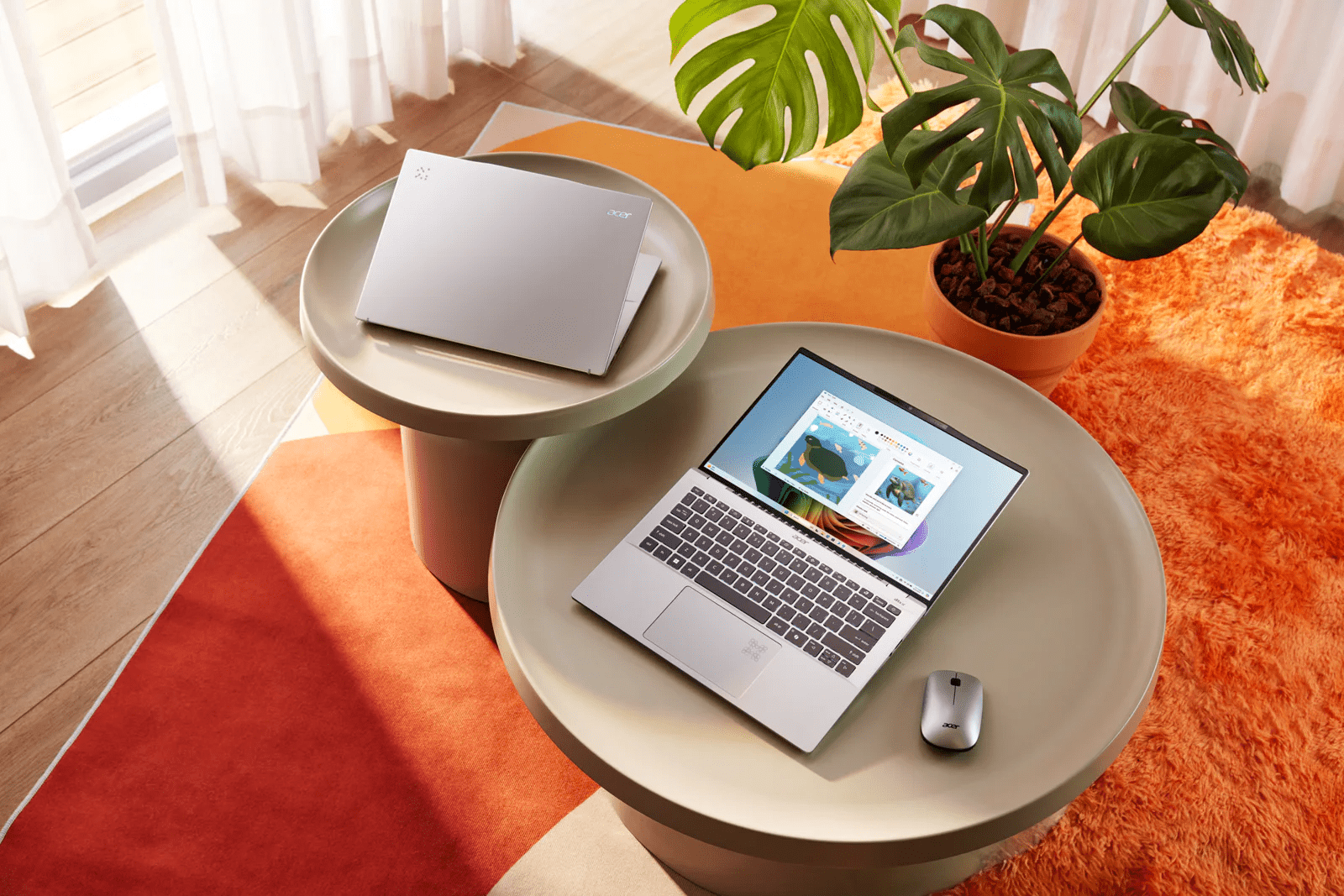 Image credit: Acer
If you’re looking for a more affordable, lightweight alternative, check out the Acer Swift 14 AI Copilot+ laptops. Though a tad heavier than the Dell XPS 13, these sleek devices weigh as little as 1.26kg and come at a lower starting price of $1,349.
The PCs are equipped with the latest Intel Core 9 processor, and promise up to 29 hours of battery life, so you needn’t worry about carrying a charger around all the time.
As its name suggests, the Acer Swift 14 AI has special artificial intelligence features that help to up your productivity, including the aforementioned AI assistant Copilot. For the creatives out there, this laptop is also a decent option for some light editing work, with up to a 3K OLED display that’s high-res enough for seamless photo editing.
Price: From $1,349
Acer Swift 14 AI Copilot+ review: “I love the weight of this laptop, it’s just the “right size”. It was very easy to set up and install several programs that I use throughout my day. I really love the keyboard, the keys are very responsive and the backlighting is very helpful. The one item that I truly like about this Acer Swift 14 AI laptop is the touchscreen. It is very responsive and helps so much.” – Mike777VSP via BestBuy
Get the Acer Swift 14 AI Copilot+.
4. Apple MacBook Air
Best creative laptop
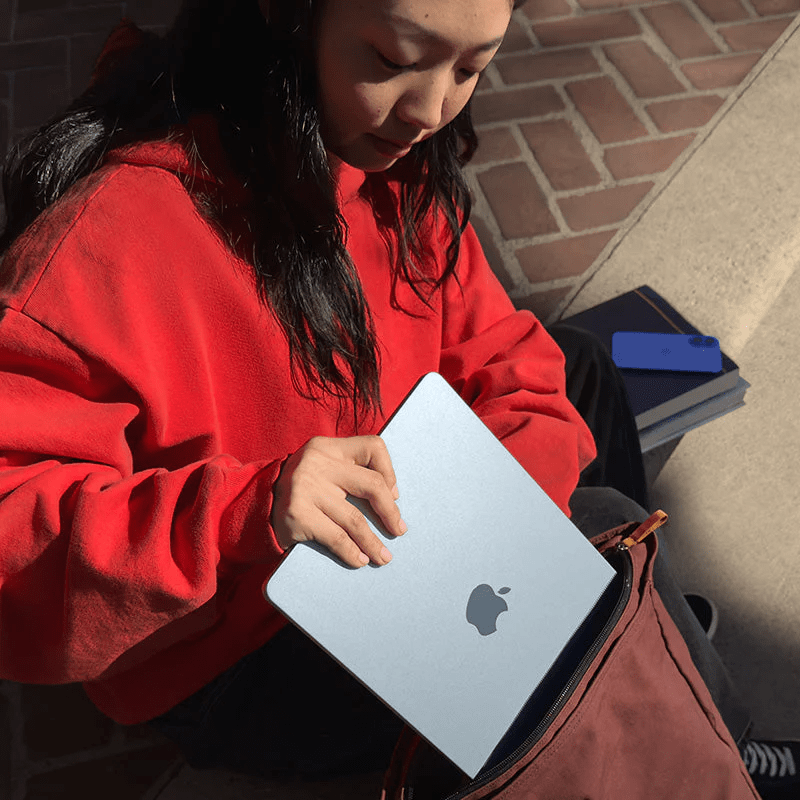
Image credit: Apple
The MacBook Air from Apple has been a staple and is one of the best laptops for many students in Singapore thanks to its premium all-metal design and easy-to-use operating system since it came out in 2008. But it became an even worthier purchase when it updated its processor to the speedy M4 chip earlier this year.
While it looks exactly the same from the outside, it can now handle more than 10 Google Chrome tabs without scalding your thighs when you’re working on the go. Unlike many other laptops, the MacBook Air lacks a fan, making it a completely silent workhorse that won’t earn you stares during your mugging sessions in the library.
The MacBook Air boasts a long battery life of 18 hours of wireless web surfing on a full charge – so you won’t have to search high and low for power outlets at your favourite cafe anymore. University students and all teachers can also make use of the educational discounts available on the Apple Store.
Price: From $1,499
Apple MacBook Air review: “Long-lasting battery life for all-day usage, ample storage space for all your files, smooth and fluid user experience.” – sn2c4gsvtz via Lazada
Get the Apple MacBook Air.
5. ASUS Vivobook 14
Best budget laptop for students in Singapore
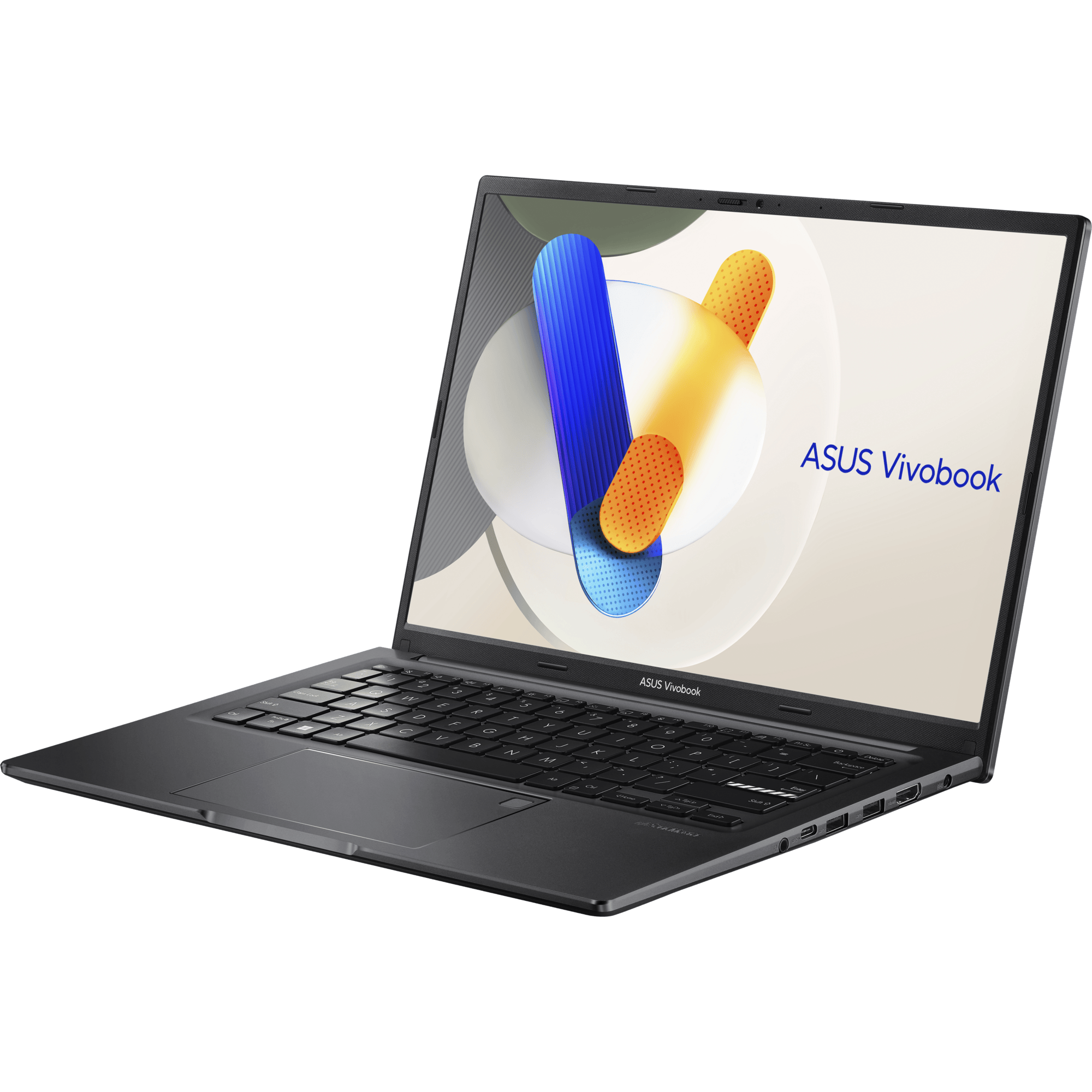 Image credit: ASUS
Starting at an ultra-affordable price of $799, the ASUS Vivobook 14 may not have the fanciest specs, but it’s a solid budget option that’ll get the job done nonetheless.
Some of its features include a 180-degree lay-flat hinge, webcam shield, and a larger user-friendly touchpad for easier navigation. We’d recommend it for students who need something practical for daily use, without having to fork out too much cash.
If you’re curious about the specs, the most affordable Vivobook has a slightly older Intel Core processor with an 8GB + 8GB RAM, and 512GB solid-state storage.
Price: From $799
ASUS Vivobook 14 review: “Good product. Power i9 processor. But the RAM and SSD is an older generation. Not recommended if you want a powerful system. But sufficient for normal gaming and work.“ – e*****8 via Shopee
Get the ASUS Vivobook 14.
6. HP Pavilion Plus
Sleek design with Bang & Olufsen speakers
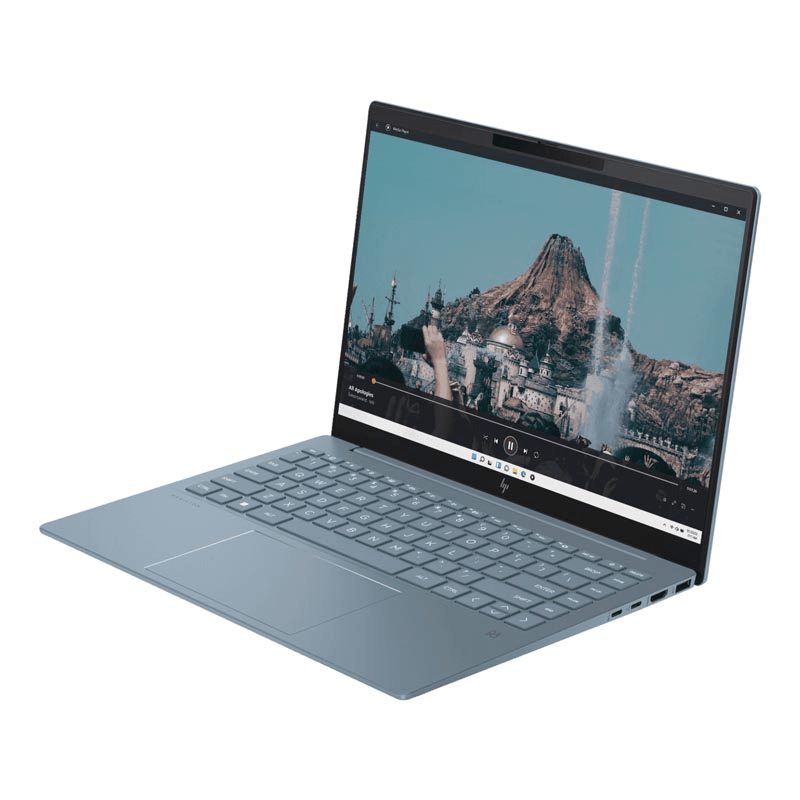
Image credit: Challenger
If you’re willing to pay a lil more, the HP Pavilion Plus is another affordable PC option starting at $1,007. Visually, this laptop looks sleeker and a tad more stylish, coming in a classic metal-blue colour.
The most affordable model runs on a 13th-gen Intel Core i5 processor with 16GB RAM, and has a 512GB solid-state storage like the ASUS Vivobook. It’s definitely a bit fancier though, and zhnged up with features like Bang & Olufsen speakers.
Price: From $1,007
HP Pavilion Plus review: “Laptop works well, starts up very fast with the SSD storage.” – xitjien8106 via Shopee
Get the HP Pavilion Plus.
Gaming laptops
For better performance when juggling multiple game and study tabs, check out these best gaming laptops for students in Singapore.
7. Lenovo Legion 5i (Gen 10)
Best budget gaming laptop
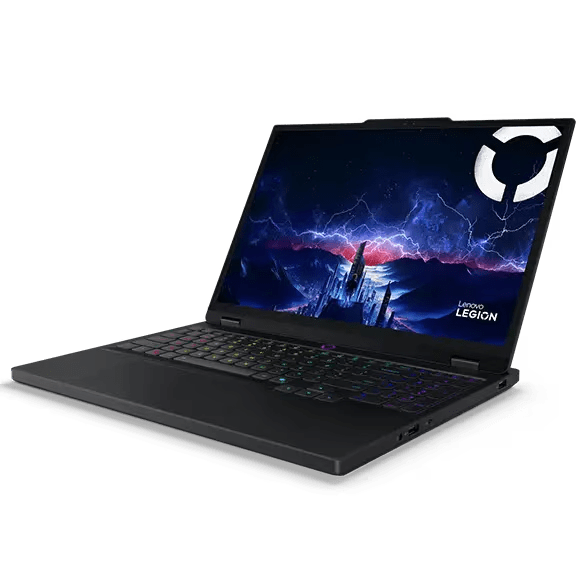
Image credit: Lenovo
Gaming laptops are usually bulky, heavy, or super expensive. Despite its gaming chops, Lenovo Legion 5i doesn’t have any of these drawbacks and is the best laptop in Singapore for students looking for a healthy balance of work and play – all while on a budget.
It has a dedicated Nvidia GeForce RTX 5050 graphics card that will boost the performance of demanding apps like Photoshop and Premiere Pro. Demanding edits like perspective warp and overall processing times will also be vastly improved with the RTX 5050 when compared to an integrated graphics card.
And once you’ve cleared your submissions for the week, firing up your favourite video game will be super quick as well, thanks to the NVMe SSD. But with a base storage of 512GB, design students who need extra space for projects or movie junkies might want to fork out a little more for an upgrade.
Price: From $1,605
Lenovo Legion 5i review: “If you are looking for a mobile powerhouse, this laptop is for you. However, don’t buy this expecting good battery life, you get around 3 hours of basic web use before it shuts down.” – Nick via Amazon
Get the Lenovo Legion 5i.
8. ASUS TUF Gaming A16
Military-grade toughness
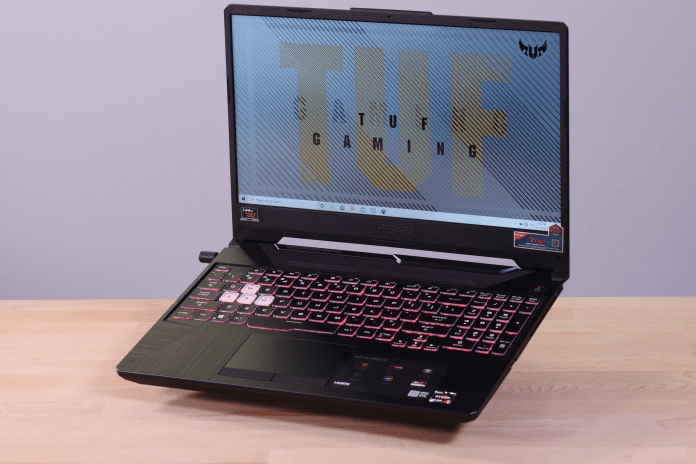
Image credit: ASUS
Another gaming laptop that students can consider is the ASUS TUF Gaming A16. Unlike the other Intel-based devices on this list, the secret sauce of the TUF Gaming A16 is the latest AMD Ryzen 7 260 chip. Especially when in some video editing and 3D design apps, this affordable processor can be faster than some high-end Intel ones.
It also sports a dedicated Nvidia GeForce RTX 5070 graphics card with ROG Boost that can add additional performance when you’re working on a video project on Adobe Premiere Pro. With up to 2 TB of storage, you can rest assured that your countless projects and assets all have a home, too.
The “TUF” part of the name comes from how tough the laptop literally is – it is built to military-grade toughness and has been drop tested with short falls to deal with daily bumps and dings. To sweeten the deal, your TUF Gaming A14 will come with some freebies including a gaming mouse and backpack.
Price: From $1,599
ASUS TUF Gaming A16 review: “A beast of a machine, can do anything you throw at it. Also, gives good battery life for this performance segment at around 4-5 hours on silent mode at standard graphics. Could use a bit more ram by default but other than that, great machine!! PS: The display is incredible. ” – Divyam via ASUS
Get the ASUS TUF Gaming A16.
9. Aftershock Forge 16X
Best customisable gaming laptop
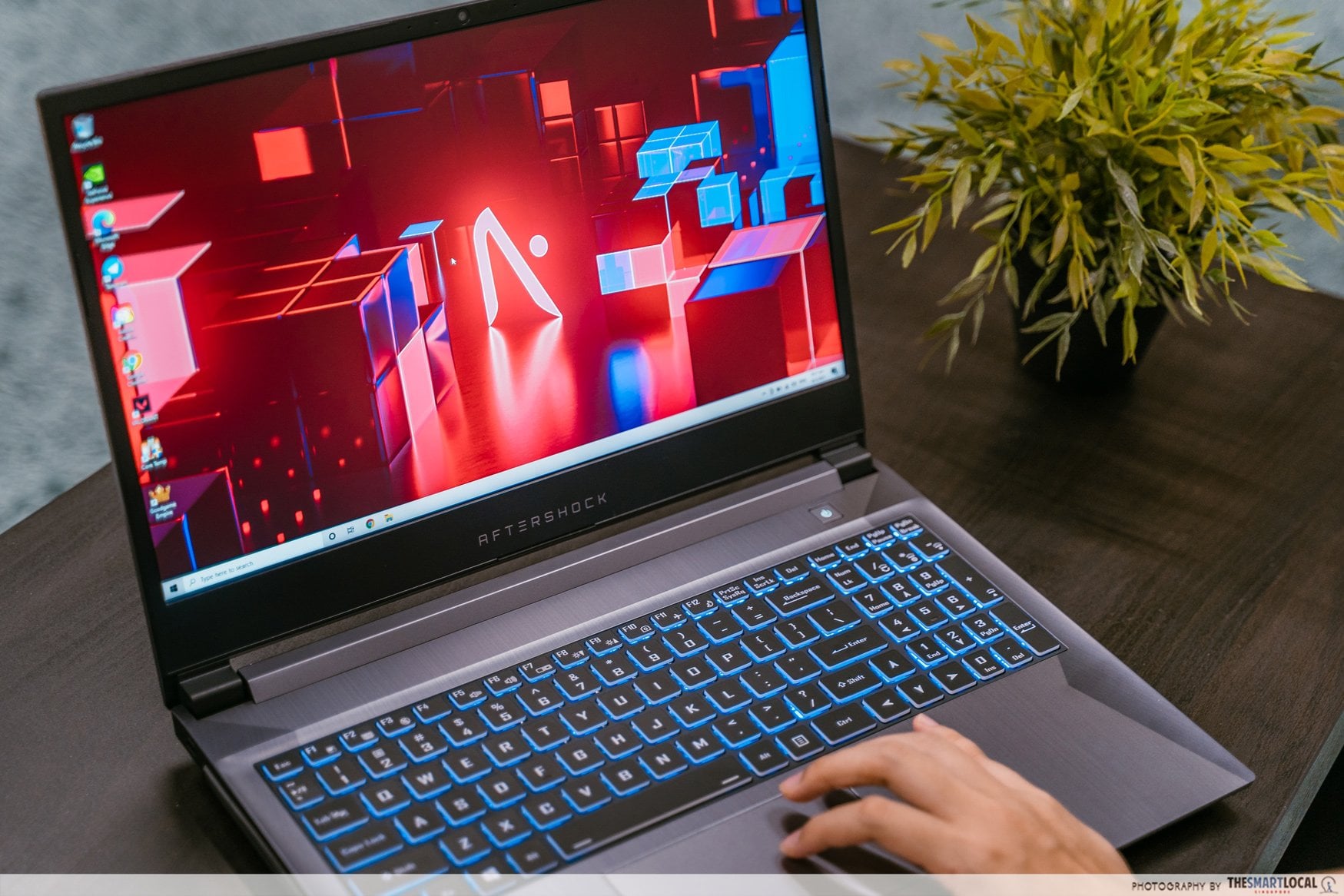
You might be familiar with Aftershock and the custom PCs they build. They also offer customisations for laptops, starting with the Forge 16X. The base specs of the Forge 16X hit the sweet spot when it comes to price-to-performance ratio, and it can handle even the most intense gaming sessions.
The CPU and graphics card are two of a computer’s core components, and the Forge 16X comes equipped with some of the latest ones. While it is the heaviest laptop in this list at 2.2KG, you will find one of the latest graphics cards – the Nvidia GeForce RTX 5050 for the base model – that can handle almost any intensive task you throw at it, from photo editing to 3D video rendering.
Some of the customisable features include the RAM and storage space, but the base option of 16GB of RAM and 1TB of storage in a solid-state drive is more than sufficient for most users.
Price: From $1,499
Aftershock Forge 16X review: “The 16-inch screen on the Aftershock Forge 16X is good for the price. It offers a maximum 240Hz refresh rate, but you can also manually switch to 60Hz or 144Hz. Unsurprisingly for a budget gaming laptop, there’s no HDR support. The screen, though, is bright enough for indoor use, and its matte finish does a decent job at reducing reflections from office lighting.” – Can Buy Or Not
Get the Aftershock Forge 16X.
For a custom desktop for gaming and productivity, check out our Aftershock RAPID review.
10. Razer Blade 14
Best lightweight gaming laptop
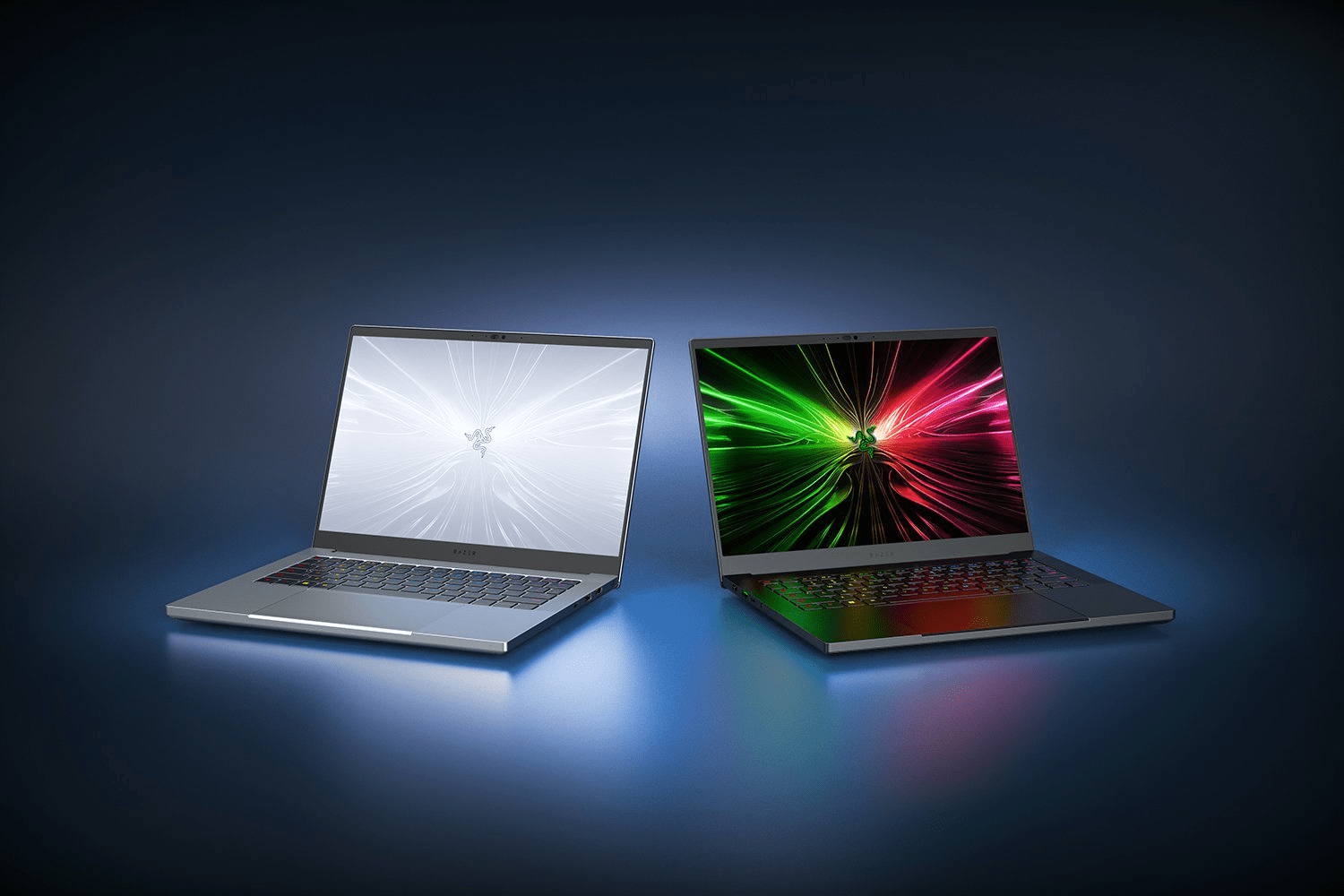 Image credit: Razer
Razer might be known for their gaming devices, but their Razer Blade 14 is geared towards those who take pride in their productivity – students included. It offers the sleek aluminium chassis that its gaming laptops are known for, while only weighing 1.63KG, a lightweight companion for those days spent shuttling between faculties non-stop.
But while it trades off the ability to breeze through demanding gaming titles like its gaming-focused cousins, the Razer Blade 14 has a nifty quick charge feature. This lets you quickly refuel your device for a four-hour lecture marathon while you grab a quick 30-minute bite at the canteen.
But it’s the display that really makes the Razer Blade 14 truly stand out from the competition. It has some of the thinnest bezels ever on a 14” screen, which makes for an immersive all-screen viewing experience for movies and some casual gameplay.
Price: From $2,408.21
Razer Blade 14 review: “The 3070 version of this laptop hits the sweet spot for sure. Graphics caps out at 100w. This laptop drives the WQHD screen amazingly. It does get a bit warm on the top case near the display, which is to be expected from a gaming laptop. Overall the best laptop I’ve ever owned.” – Jonathan Carter via Amazon
Get the Razer Blade 14.
Where to find the best laptops for students in Singapore
With a whole jumble of specs, figures, and features to consider, it can be difficult to pick out the best laptop for your schooling needs. By considering your course requirements and hobbies, this list of the best laptops for students in Singapore might just contain the perfect laptop for you to blaze through 3D design projects, photography side-gig, and nightly Netflix binges.
Check out more tech articles:
Cover image adapted from: ASUS
This article contains partial partnership content. However, all opinions are ours.
Originally published by Josiah Neo on 26th April 2021. Last updated by Nathan Koh on 13th November 2025.