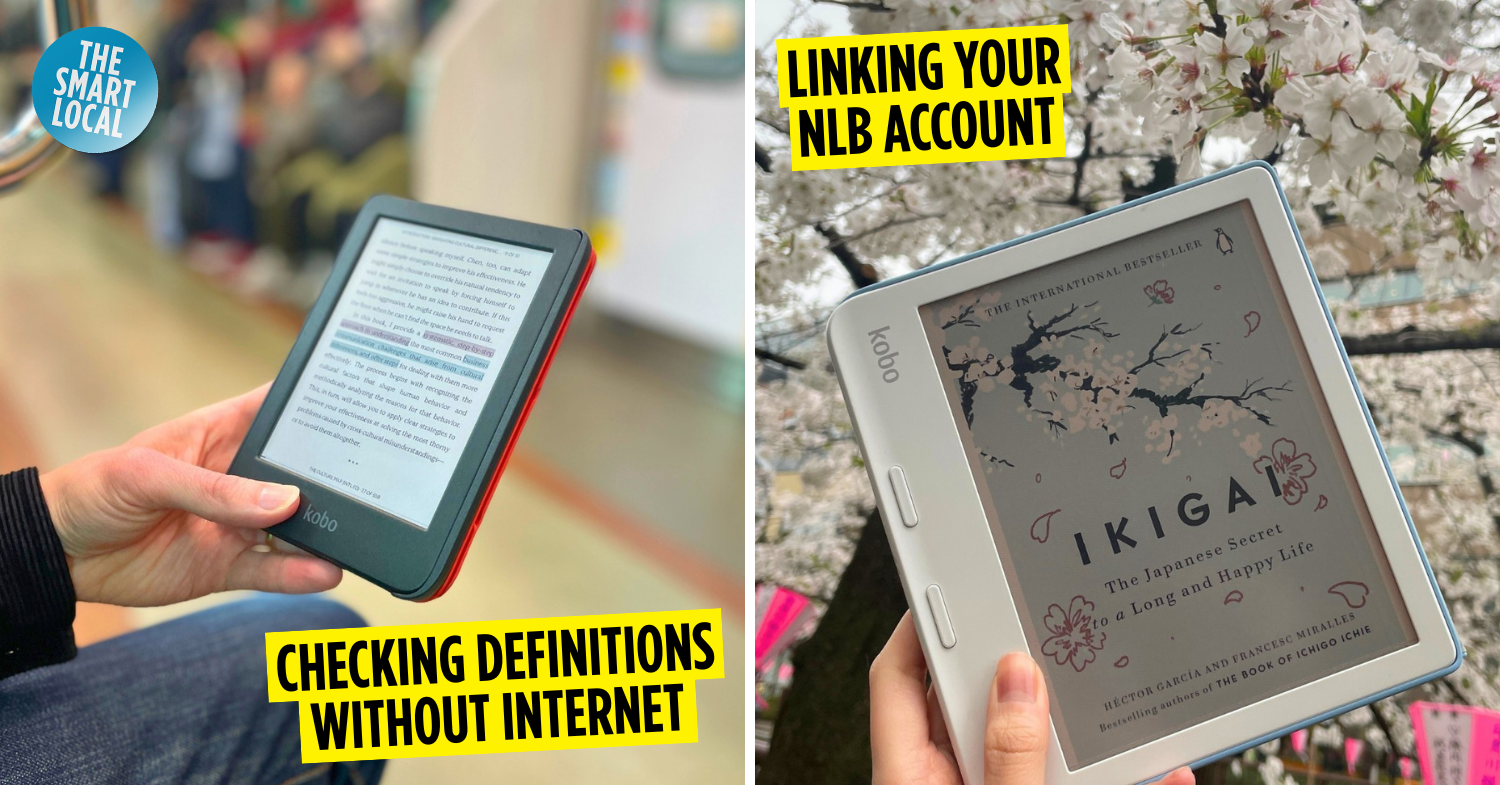

Guide to Kobo eReaders
We’ve just breached December, so it might be a tad early to start talking about New Year’s resolutions, but do we really need to wait till the countdown fireworks go off to get started on them? Probably not. For those who’d like to cultivate the good habit of reading, now’s the best time to start, as eReaders like the Rakuten Kobo have made digitally leafing through books so accessible.
From the best places in Singapore to shop for one to hooking it up with Libby to borrow from NLB’s huge repository of free eBooks, here’s a Kobo eReader guide to get you started on your literary journey.
What is a Kobo & what are its features?
The Rakuten Kobo is a brand of eReader produced by Rakuten, a Japanese technology conglomerate.
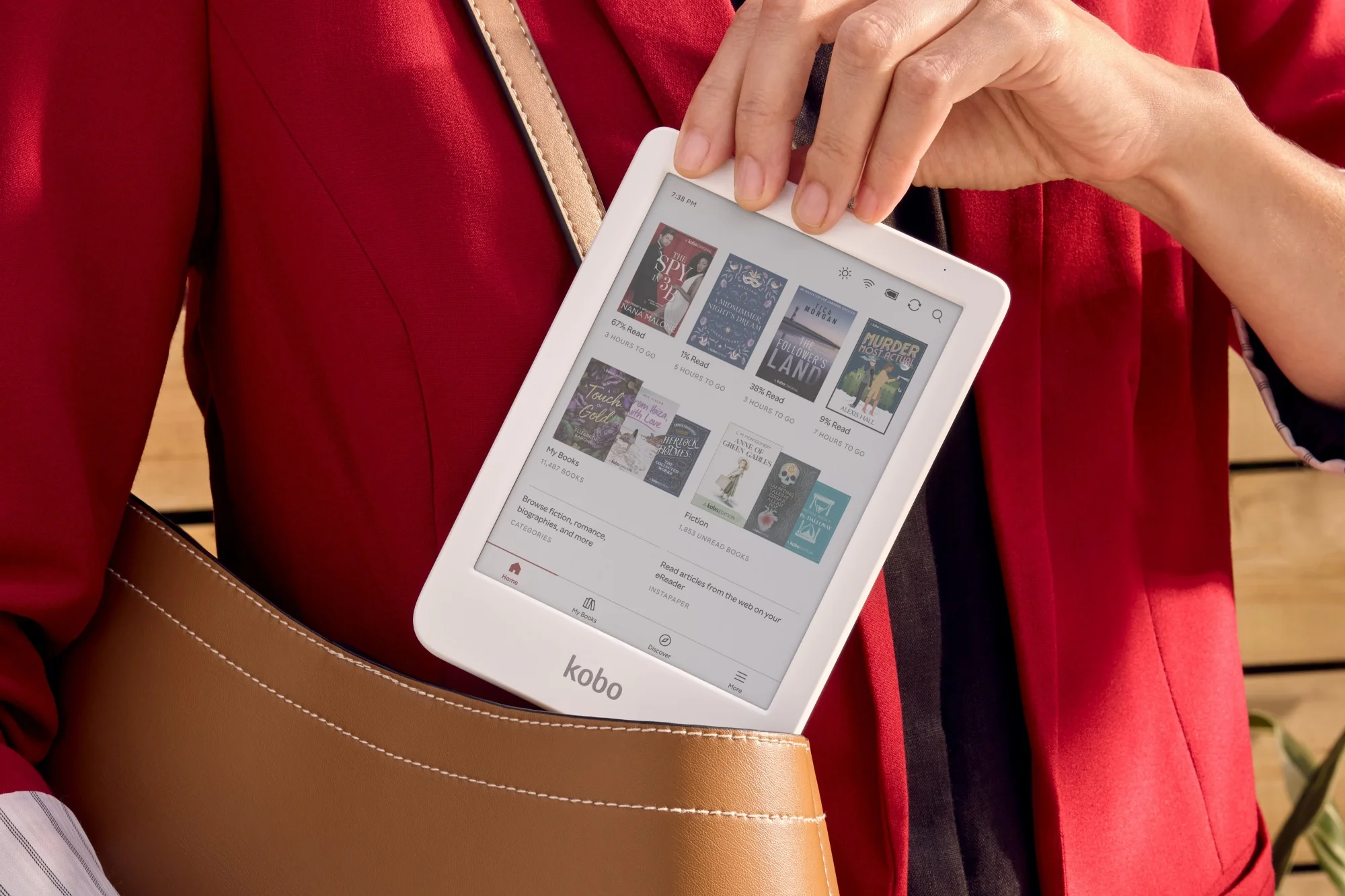 Image credit: Rakuten
In Singapore, the Kobo comes in 5 main models, each with its own unique features, but in general, they allow users to conveniently read on the go without needing to carry around heavy books. Their screens are also made with electronic ink and front-light technology which diffuses light across pages rather than illuminating them from behind, making long reading sessions easy on the eyes.
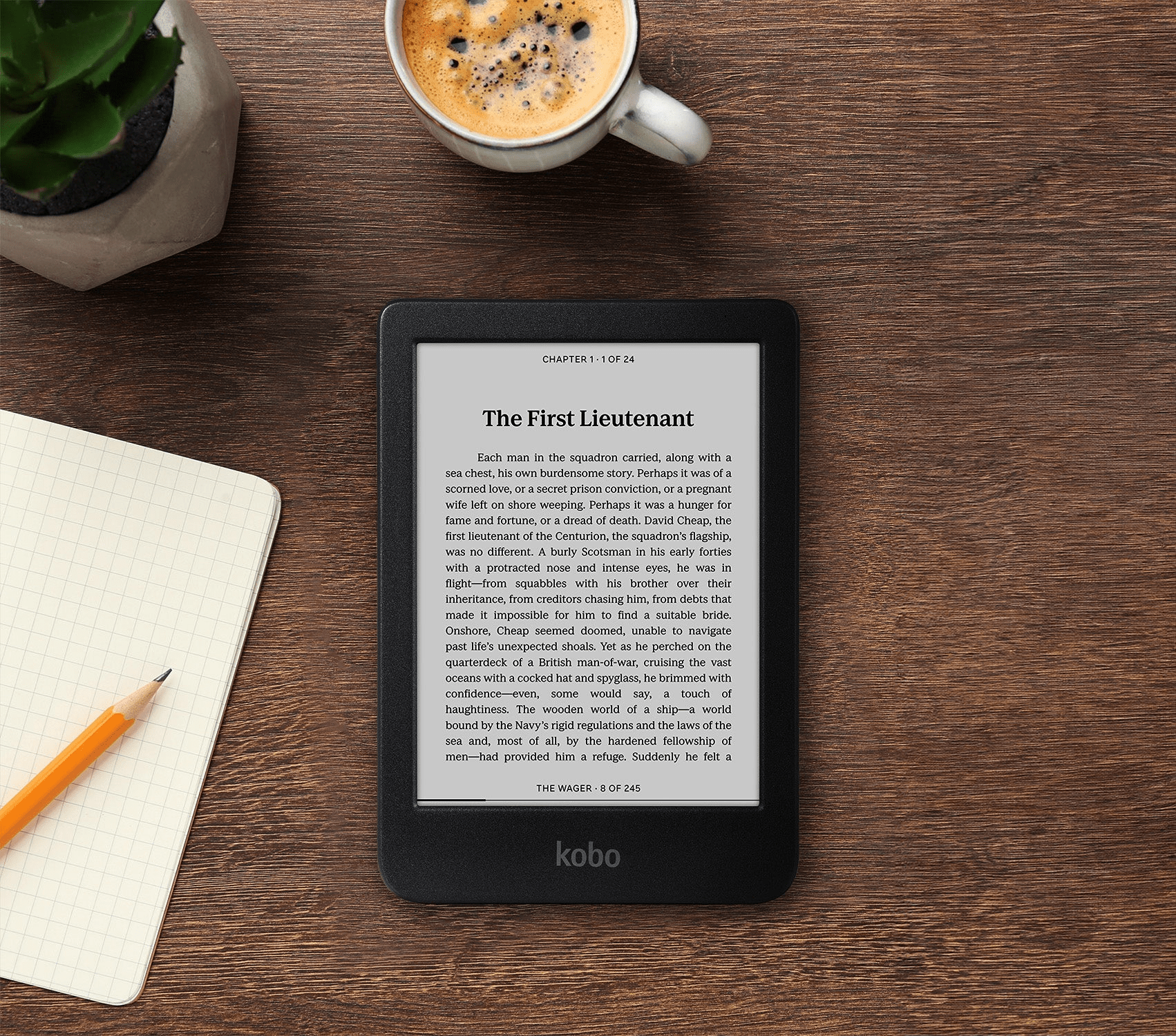 Kobo’s entry model, the Kobo Clara.
Image credit: Rakuten
The smallest of the bunch, the Kobo Clara, sports a 6-inch-long screen and weighs less than 180g, which means it won’t take up much space in your everyday carry. Below is a table comparing each of the 5 models’ specifications and price points:
| Model | Price | Features |
| Kobo Clara BW | $209.90 | – 6-inch screen
-174 grams – Black & white display – 16GB internal storage, ~12,000 eBooks |
| Kobo Clara Colour | $239.90 | – 6-inch screen
-174 grams – Colour display – 16GB internal storage, ~12,000 eBooks |
| Kobo Libra Colour | $339.90 | – 7-inch screen -199.5 grams – Colour display – 32GB internal storage, ~24,000 eBooks |
| Kobo Sage | $419.90 | – 8-inch screen
-240 grams – Black & white display – 32GB internal storage, ~24,000 eBooks – Kobo Stylus compatibility |
| Kobo Elipsa 2E | $629.90 | – 10.3-inch screen
-390 grams – Black & white display – 32GB internal storage, ~24,000 eBooks – Kobo Stylus compatibility, comes with Kobo Stylus 2 |
How to use Libby & the NLB app to borrow eBooks on my Kobo?
Now that you’ve got your hands on a Kobo, you might be eager to cosy up with a good read ASAP, so you’ll need to know how to get eBooks loaded onto your device.
Uploading ePUB & PDF files
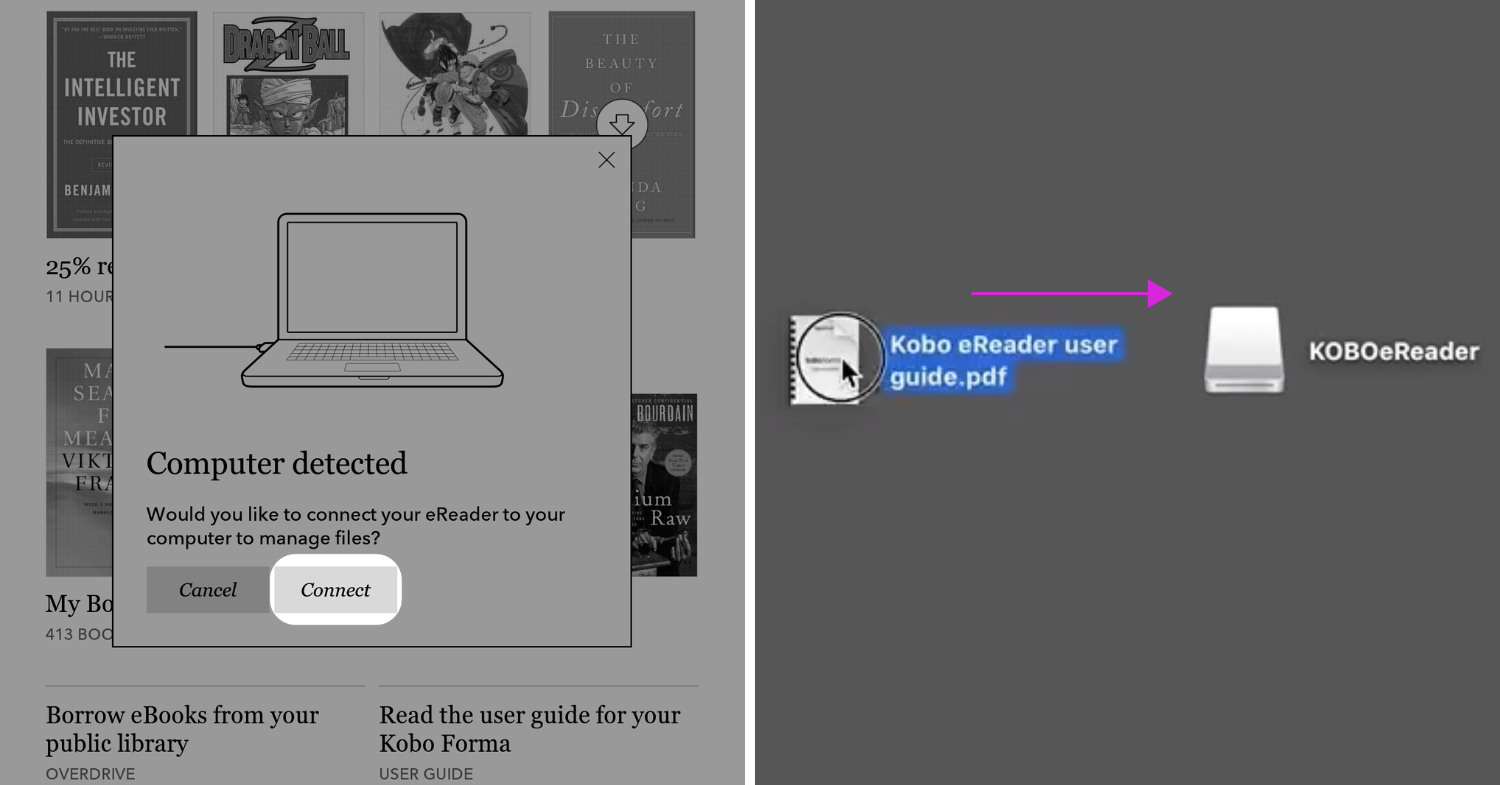 Image adapted from: Rakuten Kobo
For starters, you can connect your Kobo via USB-C to your computer, like how you would with any external hard drive. Once your Kobo detects your computer, tap on the “connect” prompt, and you’ll then be able to drag and drop ePUB and PDF files into a drive called “Kobo eReader” drive. Give a second to import your eBooks; afterwards, you’ll be able to find them under the “My Books” section at the bottom of your Kobo.
Downloading free eBooks from NLB
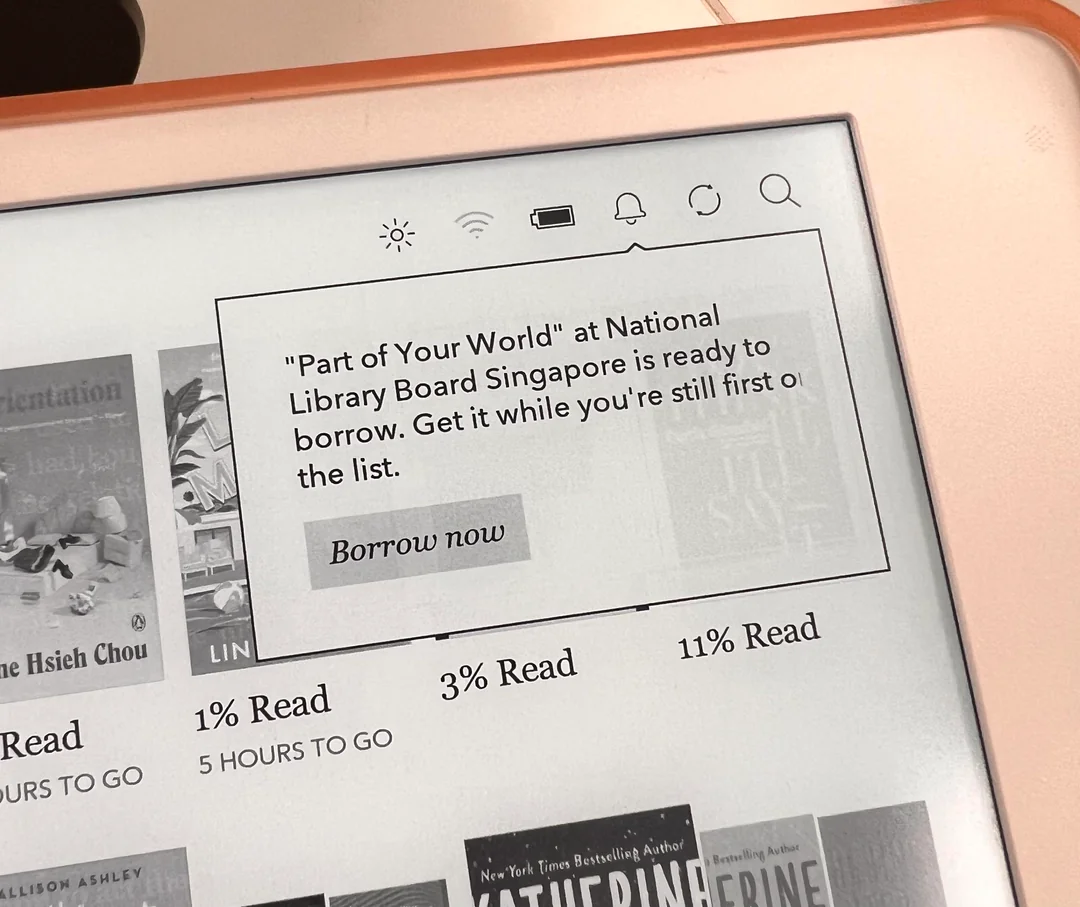
Image credit: r/random_avocado via Reddit
But if you don’t have any eBooks to read on hand, you’ll have literal libraries’ worth of them to browse through via Libby (App Store | Google Play) or the NLB app (App Store | Google Play). To set up your pocket library, follow these simple steps:
- Go to your Kobo’s settings and tap on the “OverDrive” tab
- Type in NLB and tap on any NLB library to add one to your device to borrow eBooks from. It doesn’t matter which public library you choose, as all of NLB’s eBooks are part of a centralised digital collection.
- Sign in with your NLB account. If you don’t have one, you can sign up for one via the NLB website. You can also choose to sign in via Singpass.
After you’ve signed in with your NLB account on your Kobo, you’re ready to start borrowing eBooks to read. You can borrow them directly from your Kobo’s “Discover” tab, under OverDrive, or use the aforementioned Libby or NLB apps on your other mobile devices.
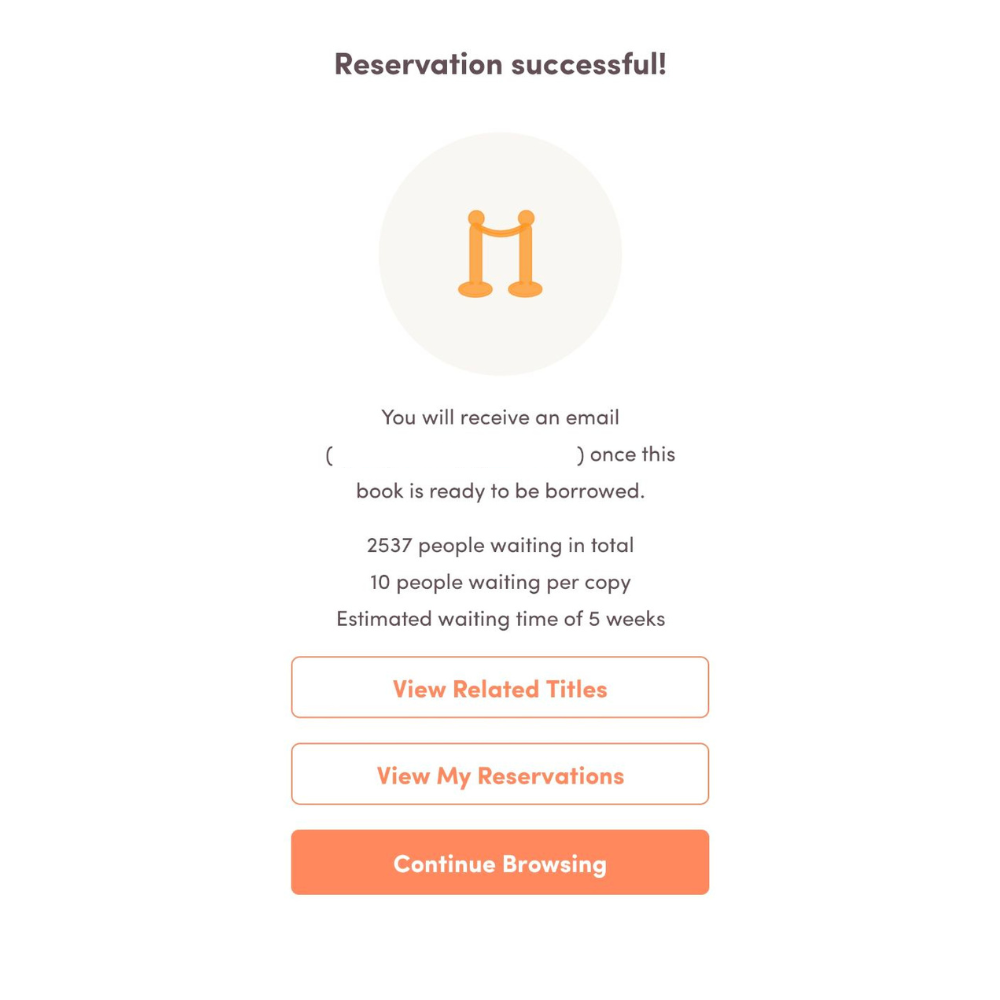
Popular titles that are hot off the press might require even longer waiting times to loan out, no thanks to BookTok.
Image adapted from: Khoo Yong Hao
By default, you are able to borrow eBooks for up to 21 days. Do note that for popular titles, you might have to place a hold in order to borrow them – this means you’ll be placed in a digital queue with waiting times floating around 1 to 2 weeks – and you’ll be notified when it’s your turn to loan the book out via email.
There’s also the option to extend your borrowing before 21 days are up, provided no one else is waiting for the eBook to be available.
Other helpful features to know on your Kobo
Aside from being mighty portable and compatible with NLB’s immense library of eBooks, Kobo eReaders also come with a plethora of other helpful features that will come in handy for both budding and seasoned readers. Here are some of them:
- Adjust brightness on the fly by sliding your finger up and down on the left side of the page.
- Long-press a word to look up its definition; you don’t need to be connected to the Internet to do this.
- Long-press words or phrases to highlight them and add your own annotations
- View reading stats like the amount of hours spent reading, pages per minute, and how many books finished. Do this by tapping on “More” at the bottom of your Kobo, and then “Activity”.
- Make collections to sort your eBooks out neatly, by tapping “…” beside titles in the “My Books” tab, then “Add to Collection”.
Where to buy a Kobo in Singapore?
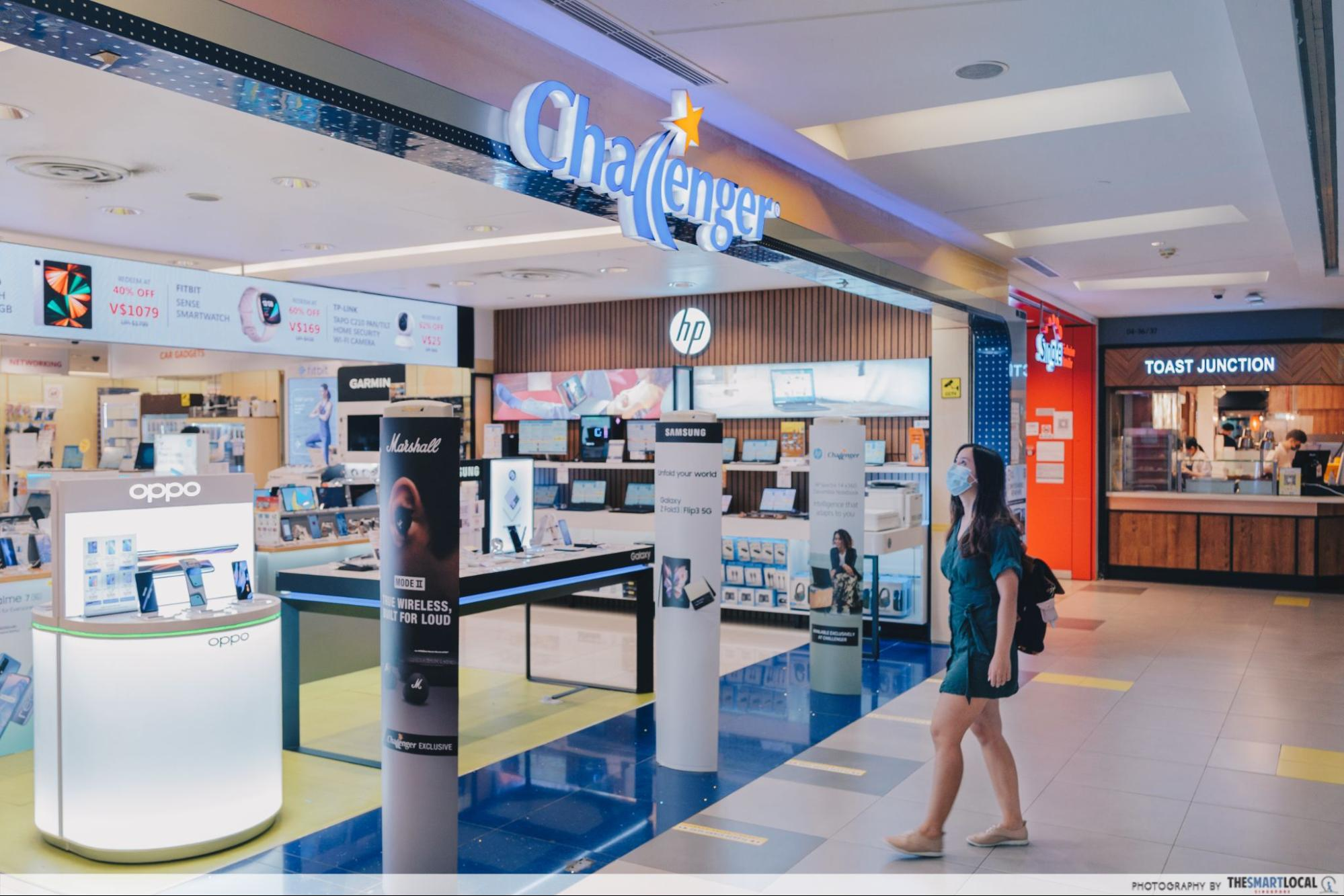
There are plenty of places in Singapore where you can pick up a Kobo eReader. For starters, you can visit electronics retailers like Challenger, COURTS, and even POPULAR bookstores found islandwide to purchase one.
If you prefer to shop online, you can get one on the official Rakuten Kobo website, but we recommend having a look at shopping platforms like Lazada, Shopee, and Amazon to take advantage of any ongoing sales to take a couple of bucks off your purchase.
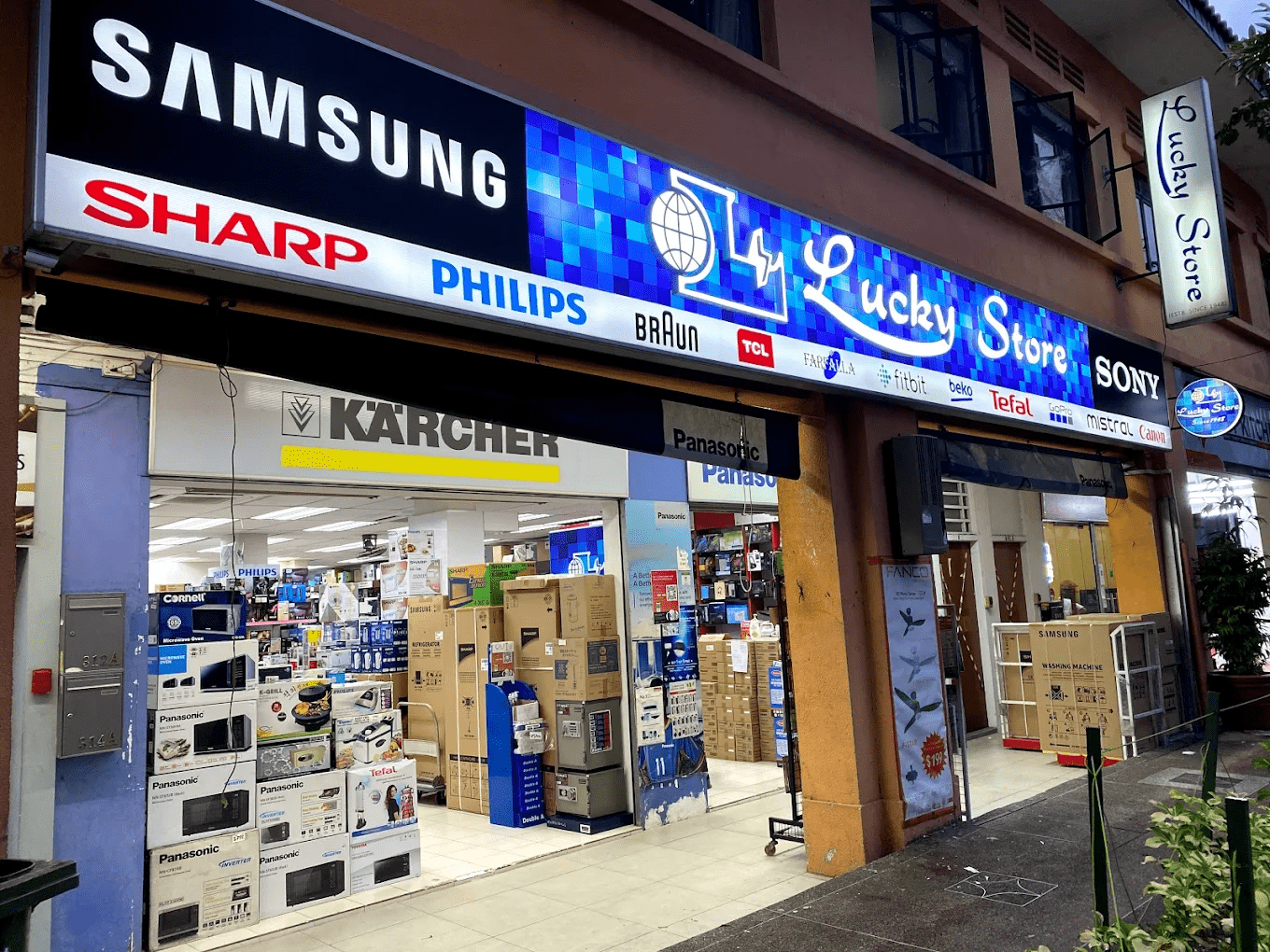 Image credit: Lucky Store via Google Maps
Speaking of discounts, you can also utilise your unused CDC Vouchers and SG60 Vouchers to buy a Kobo at stores that accept them. One such electronics shop is Lucky Store in Tanjong Katong; do enquire with them if they have any in stock before heading down, either by ringing them up or sending them a DM on Instagram.
Full list of official Kobo retailers.
All you need to know about getting a Kobo to read free eBooks
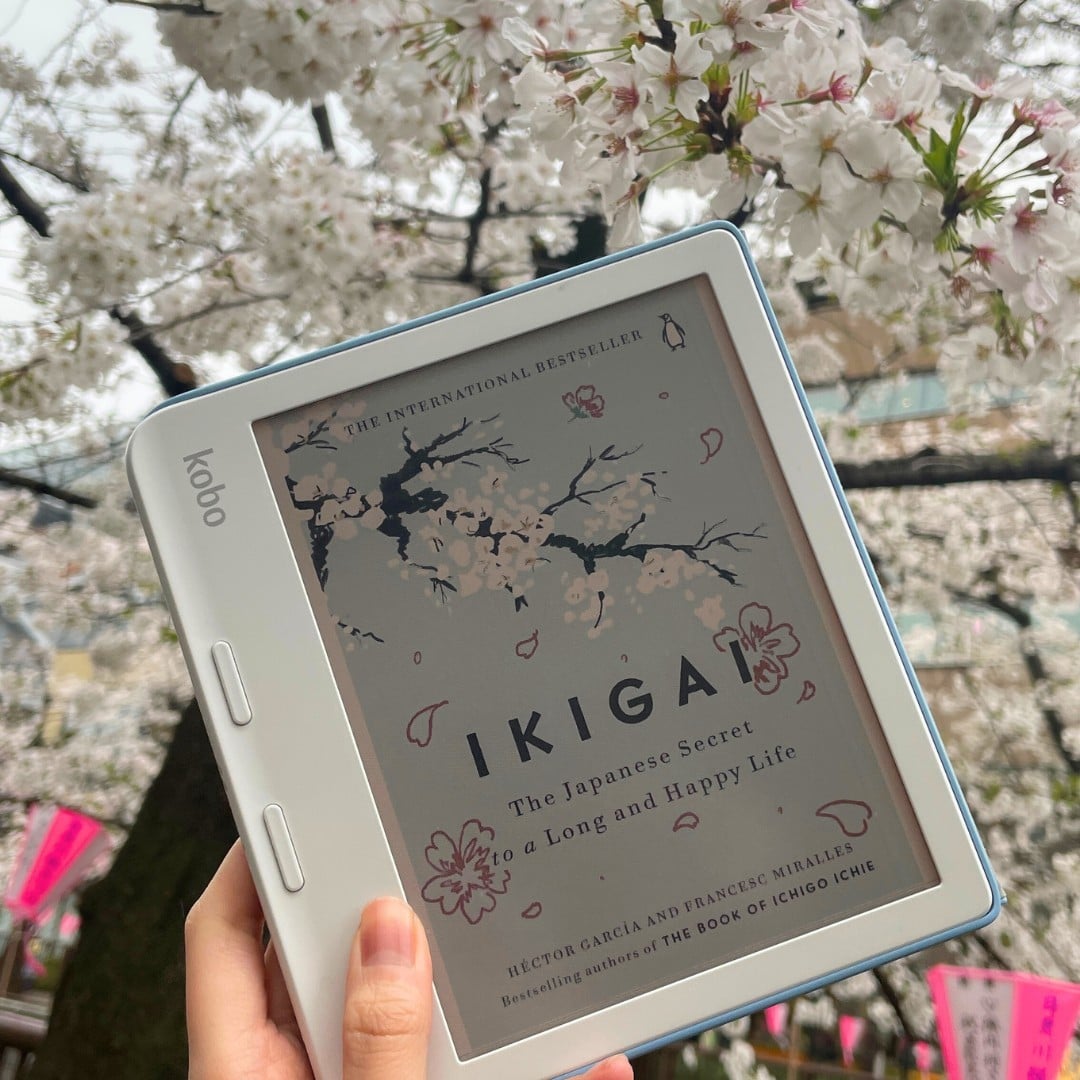
Image credit: @rakutengroup via Instagram
Having owned a Kobo Clara BW since the second half of 2025, I can truly say that having a dedicated reading device has made enjoying my books cover to cover so much easier. I don’t get distracted by errant pings, nor am I tempted to spiral into a doomscrolling session every 30 minutes.
Coupled with the fact that borrowed books have a due return date, I’ve seen my fair share of books to the end ever since picking up a Kobo, so investing in one just might be the thing to spark your interest in reading. To get you started, here’s a list of must-read fiction books of 2025.
For more tech-related reads:
- Kobo vs Kindle comparison
- Gaming & electronics stores to use CDC vouchers at
- Causeway traffic apps & websites
Cover image adapted from: