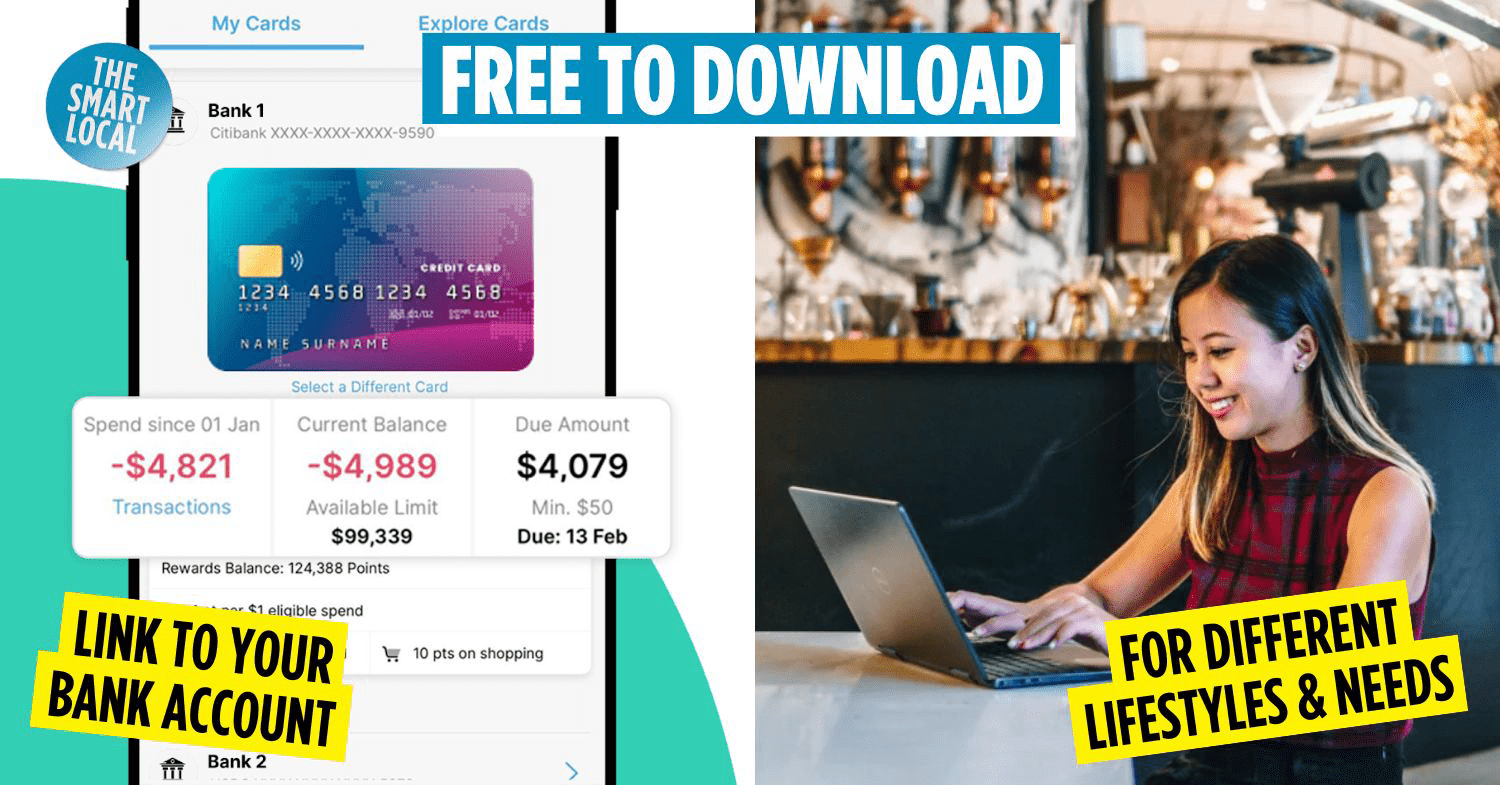

Free budgeting apps
For those of you kicking off the year with fresh resolutions, whether it’s signing up for a gym membership to get those gains or picking up side hustles to earn a little extra, everything comes down to one thing: managing your budget.
Knowing where your money goes isn’t just adulting 101 – it also helps you see if you’ve got extra cash to invest or tuck away a little more savings. To make things easier, we’ve rounded up a list of free budgeting apps that can make reaching your financial goals a whole lot easier.
Table of Contents
What is a budgeting app?

A budgeting app is a digital tool that helps you manage your finances in one place. It works by keeping a record of your income, spending, and savings without any messy spreadsheets. Depending on how detailed you want your financial records to be, some apps even link directly to your bank accounts for a full picture.
How does a budgeting app work?
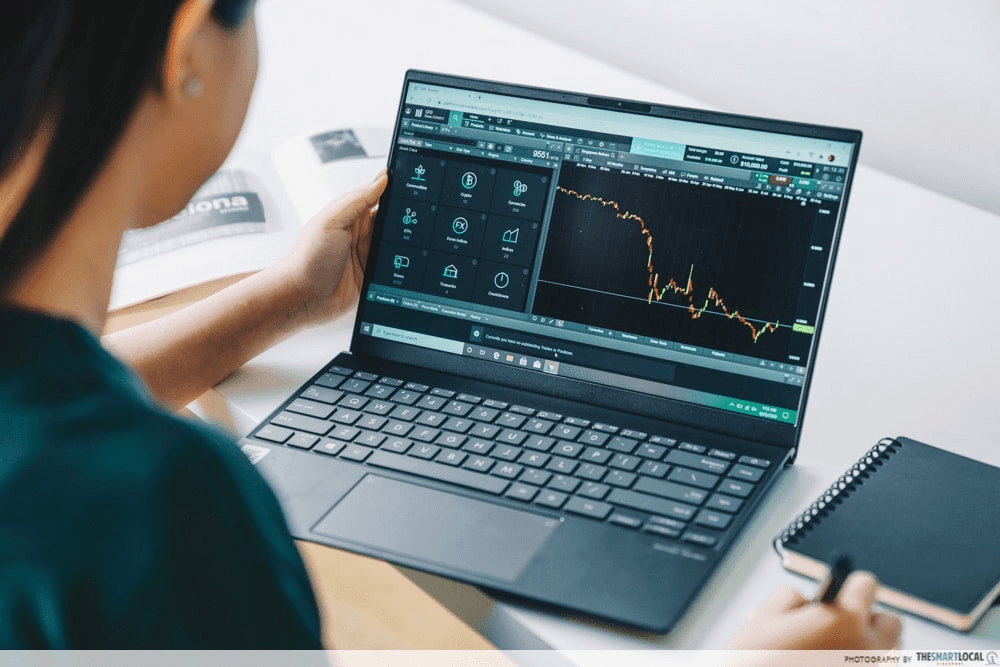
Most budget tracking apps let you see exactly where your money goes, making it easier to spot overspending. You can set monthly budgets for things like food, transport, and bills, while keeping track of your income and savings.
Many apps also use charts and graphs to help you understand spending patterns at a glance, support shared expenses with others, and even automate tracking if that’s what you prefer.
All of these features work together to support your financial goals, whether you’re saving up, paying off debt, or working towards longer-term investment targets.
Overview of free budgeting apps
| App | Best features | Available on |
| Dobin | Automate tracking by linking your bank accounts | iOS, Android |
| Spendee | Beginner-friendly app with simple categories & multiple currencies | iOS, Android |
| Dime | Clutter-free app with clean layouts & recurring expenses set up | iOS |
| Buddy | Shared budgeting and bill-splitting for groups | iOS |
| DAAK | Customisable finance tracker with multiple leaders | iOS, Android |
| EMMO | Fast expense logging with clear charts | iOS, Android |
| Money+ | Visual reports & charts showing spending patterns across multiple incomes | iOS, Android |
| bless | Block selected apps or websites to encourage mindful spending | iOS, Android |
1. Dobin
Automate tracking by linking your bank accounts
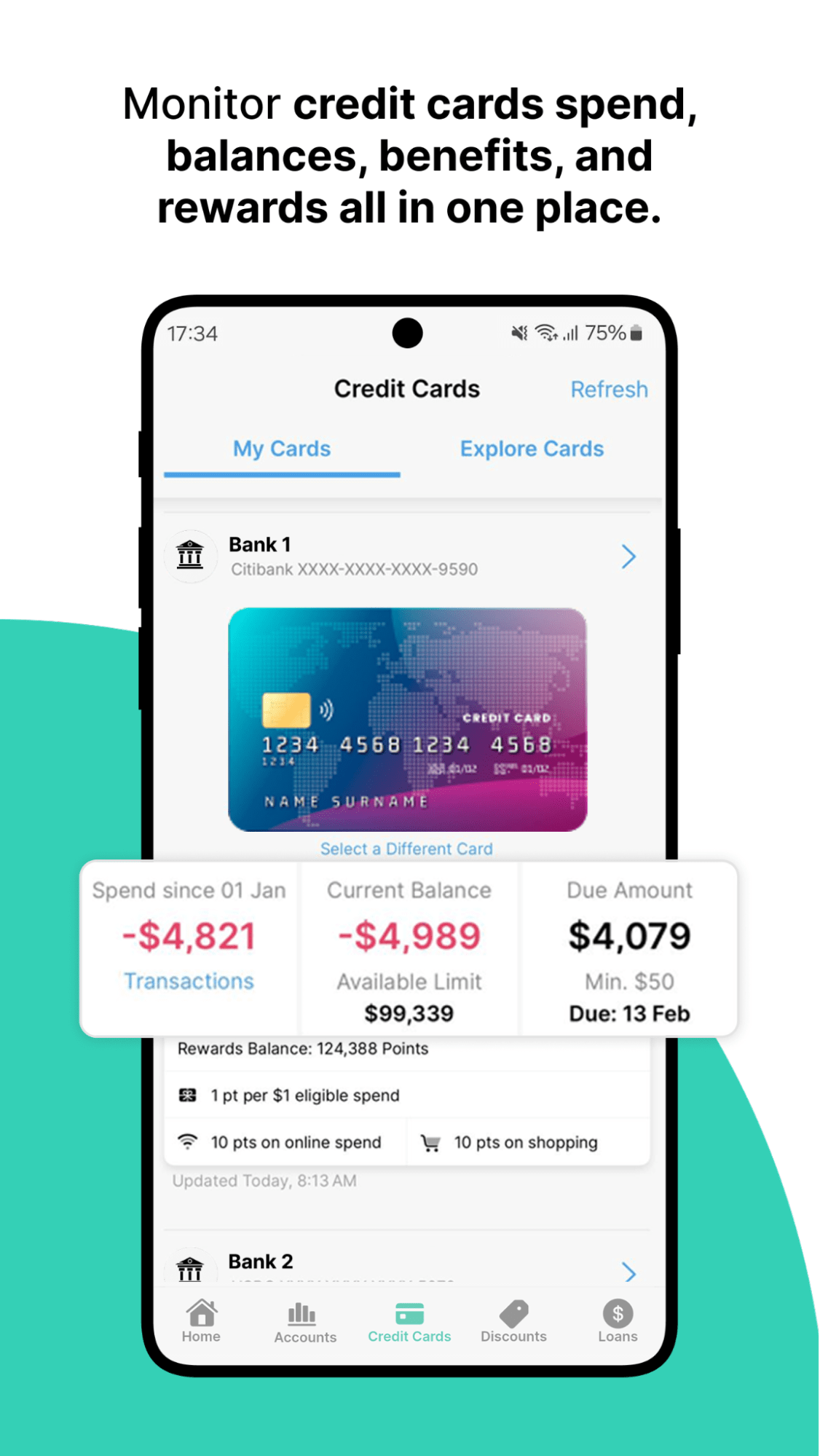 Image credit: Dobin via Google Play
If you like the idea of budgeting without having to log every POP MART purchase or MRT ride manually, you can try using Dobin (App Store | Google Play). It’s a free budgeting app that became popular thanks to its ability to link with many of our local banks.
This app gives you a clear overview of where your money goes each month, making it easier to customise budgets and cut back on areas where you might be overspending.
Beyond tracking spending, Dobin also helps you compare credit cards, loans, and exclusive deals based on your spending habits, so you can make smarter financial decisions and maximise rewards.
How it works: You link your bank accounts and credit cards to Dobin, and the app automatically pulls in your transactions. These are categorised into spending types, like food, transport, and shopping, allowing you to review monthly trends and adjust your budget planner settings accordingly.
2. Spendee
Beginner-friendly app that supports multiple currencies
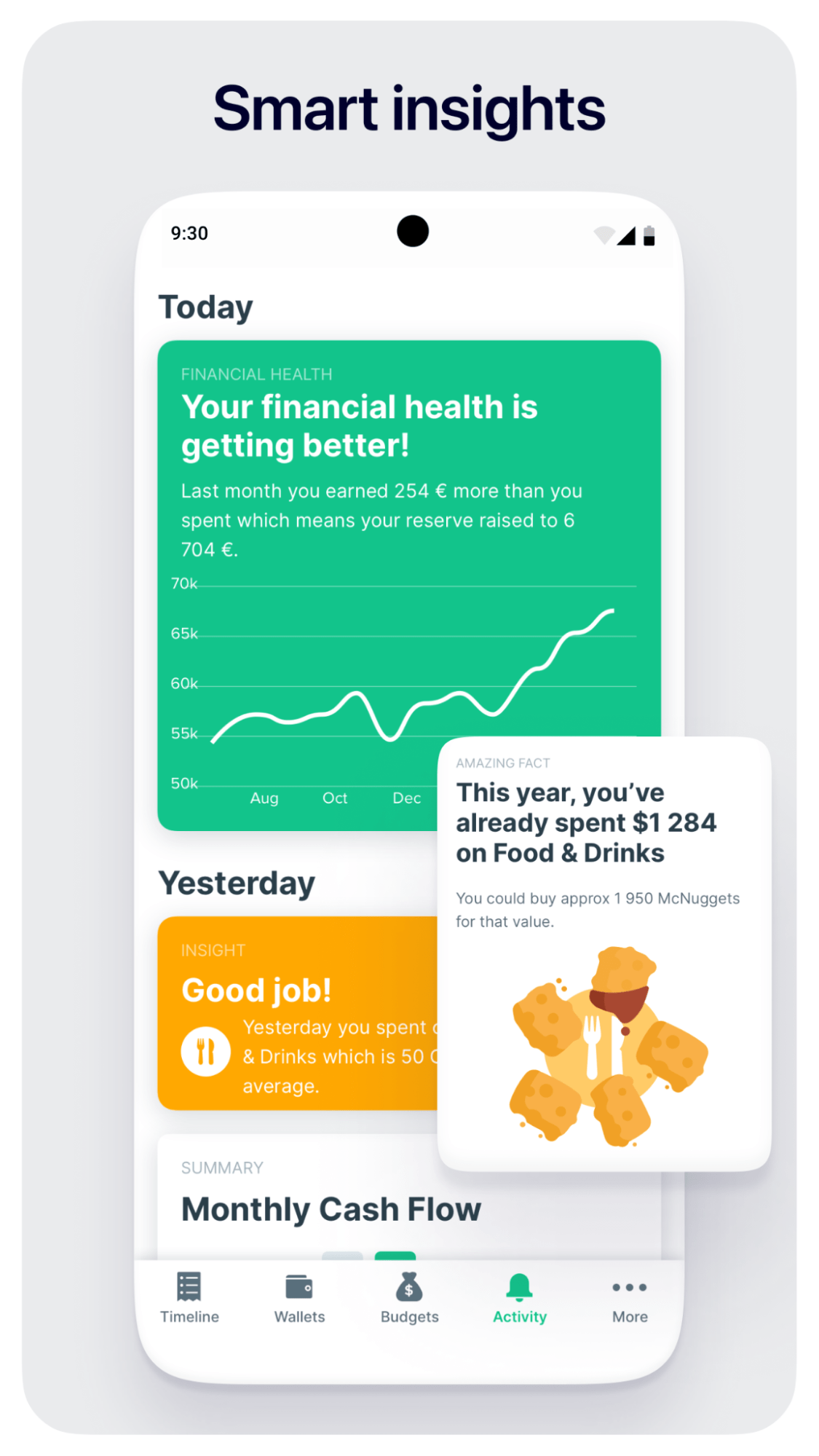 Image credit: Spendee
Spendee (App Store | Google Play) is a popular money manager with a clean, beginner-friendly interface that keeps things simple and visual. It even sends you alerts when you’re nearing your budget limit, making it ideal if you’re new to budgeting, or if you just want to build better saving habits.
On the free plan, you can manually log expenses and income, and create simple budgets to keep your finances in check. It supports multiple wallets and currencies, which is especially handy for those who travel often or juggle different accounts and cash sources.
How it works: You manually input your expenses and income into Spendee, assigning each transaction to a category. The app then shows you how much you’ve spent versus your budget, helping you stay aware of your spending habits over time.
3. Dime
Set up recurring expenses
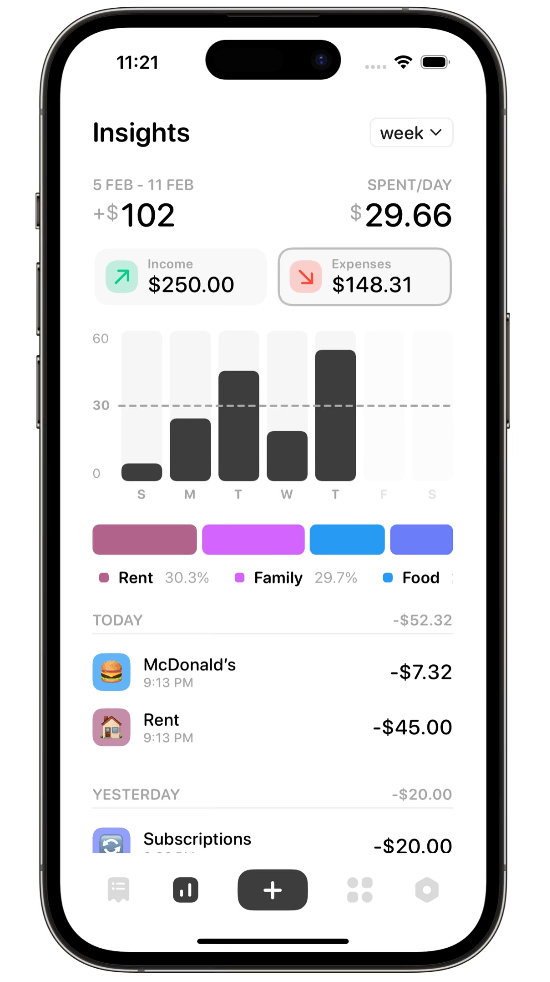
Image credit: Dime via App Store
Dime (App Store) might be for you if you prefer a clutter-free app that doesn’t have unnecessary features or distractions like complicated charts or ads.
This app lets you track income and expenses, create category-based budgets, and review your spending daily, weekly, or monthly. You can also set recurring expenses such as rent or subscriptions, so your budget stays realistic. Your data syncs across Apple devices via iCloud, and features like widgets and biometric lock add convenience and privacy.
How it works: You enter your income and expenses into Dime, set up budget categories, and define recurring costs. The app automatically organises everything into timelines and summaries, giving you a clear financial snapshot across different periods.
4. Buddy
Coordinate group budgets & spending

Image credit: Buddy via App Store
Splitting bills with friends, your partner, or travel buddies can be a bit messy – this is where Buddy (App Store) comes in to keep everyone on the same page, so no one ends up stuck footing someone else’s tab.
You can set up a budget plan, track spending together, and see detailed breakdowns of income, expenses, and savings, helping everyone stay accountable. This is especially useful for group travels, so if you’re planning a trip this year, you might want to check this app out.
How it works: You create a shared budget or trip within the app, invite others to join, and log expenses as they happen.
5. DAAK
Customisable finance tracker
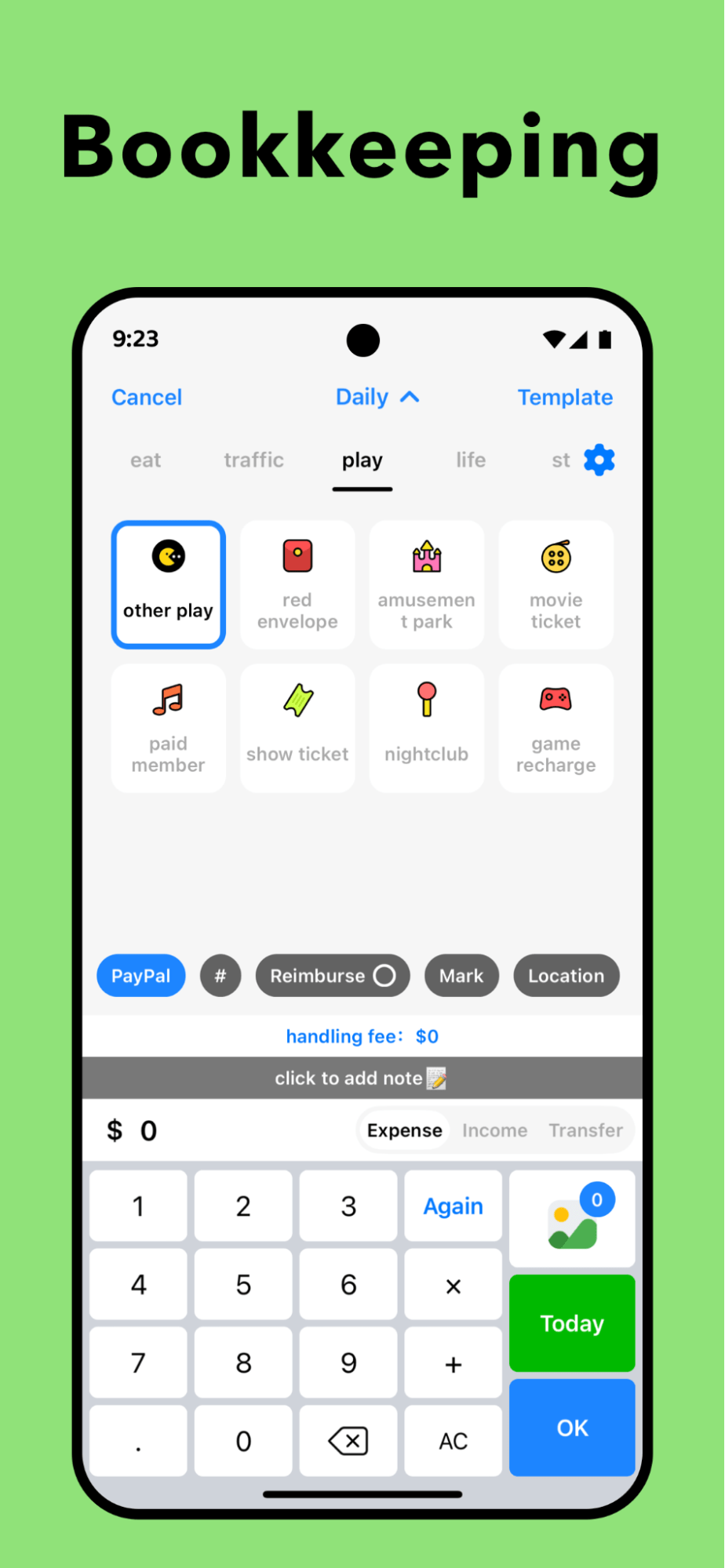
Image credit: Daak via Google Play
DAAK (App Store | Google Play) makes managing your money a lot more enjoyable with its fun, customisable design – you can pick your own spending categories and themed icons to match your style.
And it’s not just for tracking everyday expenses; use it to manage multiple ledgers and keep tabs on any debts for a clearer picture of your overall finances. The cute visuals make budgeting feel less like a chore, so if traditional finance apps feel dull or intimidating, this one keeps you engaged and motivated to stay on top of your money.
How it works: You set up your own categories, ledgers, and financial goals, then manually record transactions. DAAK organises everything visually, allowing you to track spending, debts, and balances in a way that suits your personal style.
6. EMMO
Log spending quickly on the go
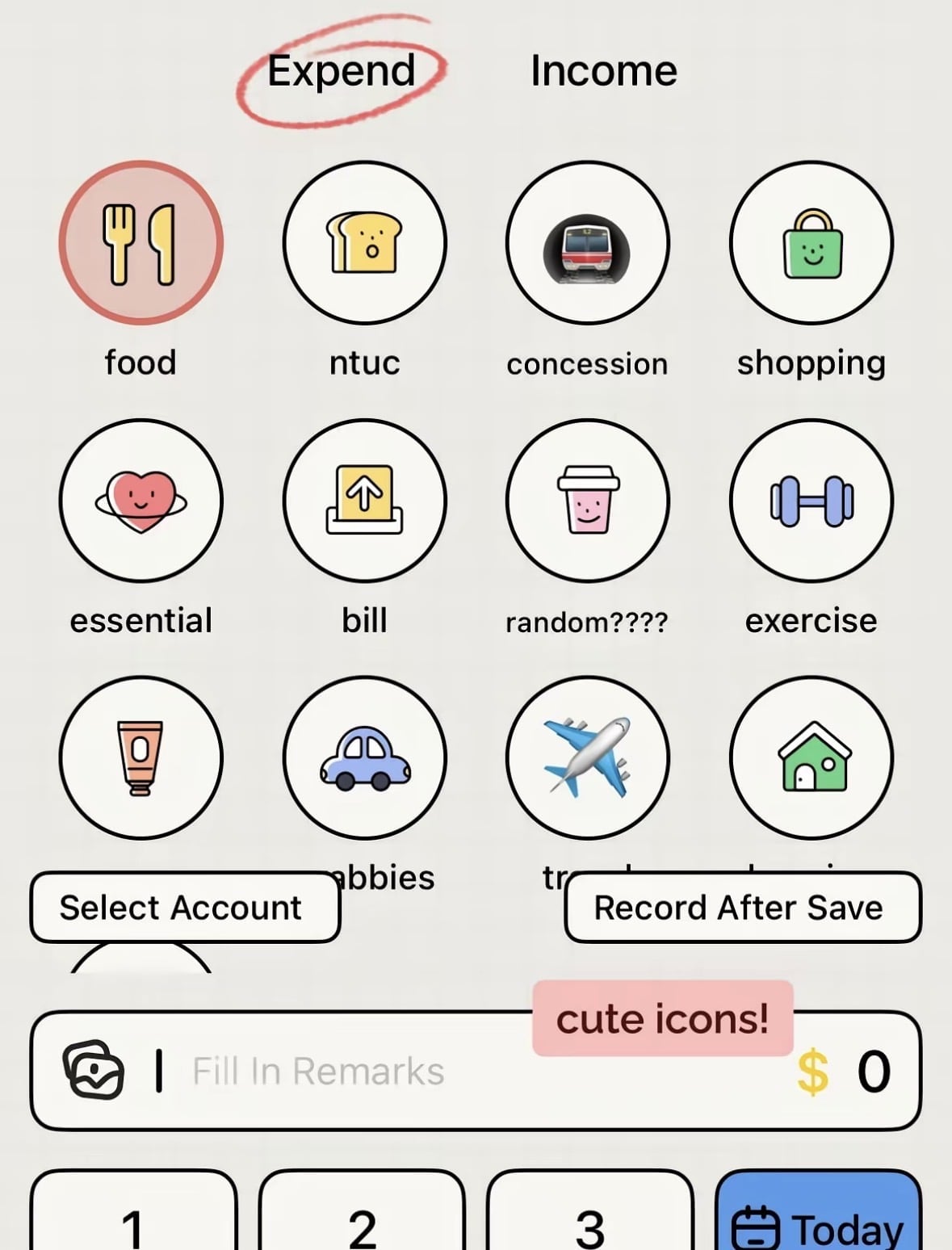 Image credit: bunnimoochi via Lemon8
EMMO (App Store | Google Play) offers a simple, no-nonsense ledger-style approach if you want to log expenses quickly and intuitively.
You can jot down your daily spending on the go without worrying about complicated features. The app also provides clear charts and reports that help you visualise your spending patterns over time, making it easier to spot trends, identify areas where you might be overspending, and adjust your habits – all without overthinking your finances.
How it works: You manually enter expenses as they occur, and EMMO records them in a digital ledger. Over time, the app generates reports and charts for you to review your spending patterns at a glance.
7. Money+
Clear & straightforward graph overview
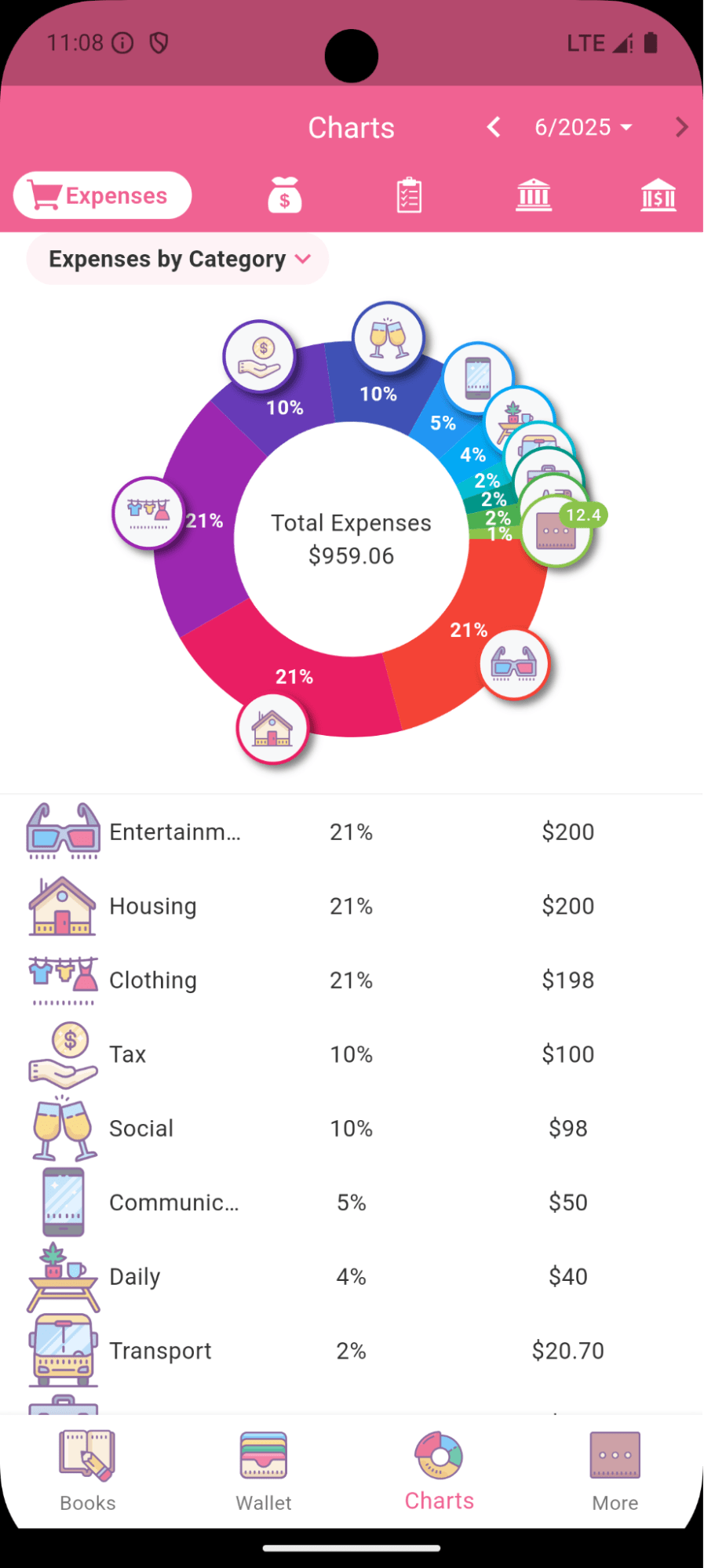
Image credit: Money+ via Google Play
Calling all visual learners – Money+ (App Store | Google Play) makes budgeting easier by consolidating your finances into clear, easy-to-read charts and graphs. This lets you instantly see where your money is going and spot patterns over time.
You get daily, weekly, and monthly breakdowns, plus insights that help you adjust your spending or savings strategies in kawaii layouts and designs.
On top of that, Money+ is flexible enough for freelancers or small businesses, as it allows you to track multiple cash flows by creating separate accounts for personal expenses, side hustles, or business income, and even assign categories and budgets to each one.
How it works: You input your income, expenses, and assets into Money+. The app consolidates everything into visual reports, giving you a broad overview of your financial health across different time frames.
8. bless
Encourages mindful spending
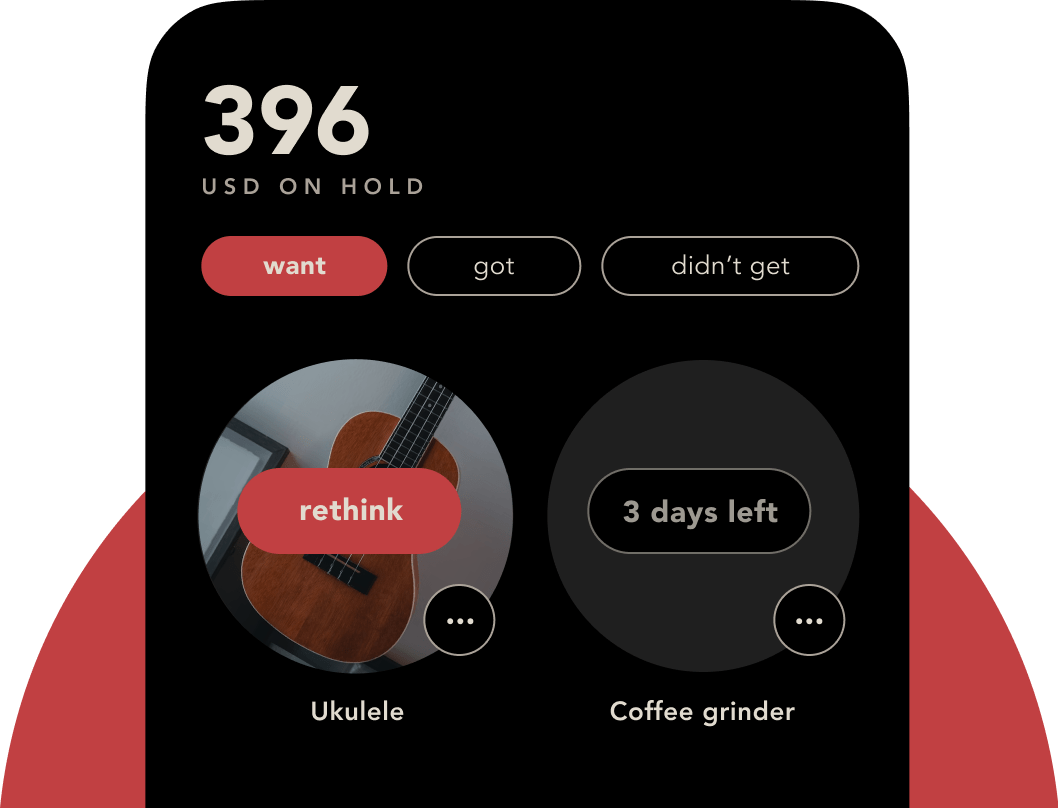 Image credit: bless.
bless (App Store | Google Play) isn’t your typical budgeting app. Instead of focusing purely on numbers, it encourages mindful shopping and conscious spending. The app prompts you to pause before making a purchase, log your decision, and reflect on whether the item is necessary. It also tracks your buying habits over time.
There’s also this feature you can install called “Bless Shield” that lets you choose specific apps or websites to block while you’re working on mindful spending, helping you reduce temptation and become more intentional with your money.
How it works: bless encourages reflection before purchases by prompting you to log and review buying decisions. Over time, it helps you identify impulse patterns and build healthier spending habits rather than just sticking to strict budgets.
Start saving & spending wisely in 2026 with these budgeting apps
Managing your finances doesn’t have to be complicated. By choosing a budgeting app that fits your lifestyle and needs, you’ll get to kick off 2026 with a clearer view of your finances.
Hitting your financial goals this year will feel a lot less stressful and more doable.
Read our other articles on managing your money:
Cover image adapted from: Dobin via Google Play