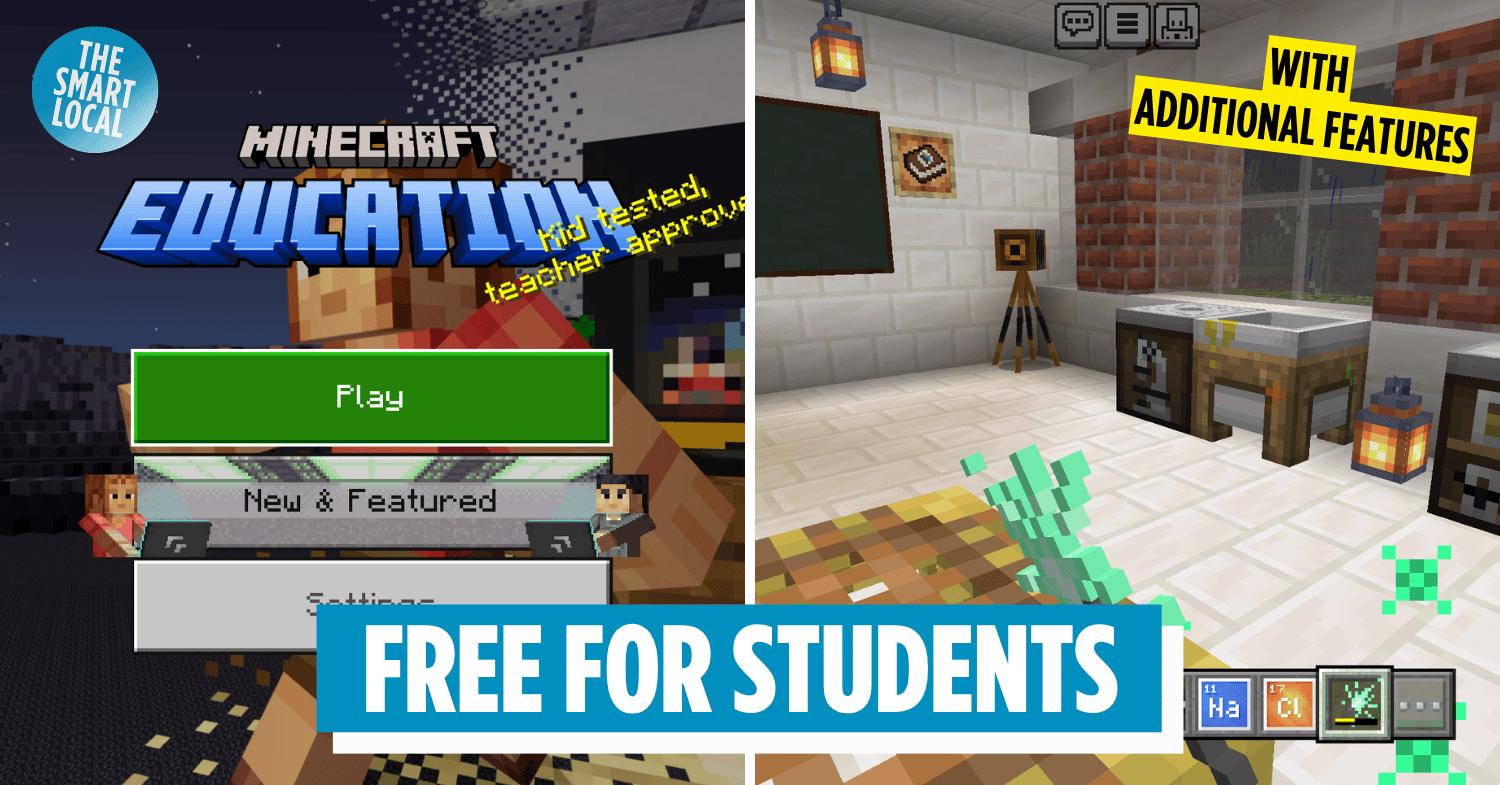

Guide to Minecraft Education
You’ve definitely heard of Minecraft before, especially since it’s the world’s bestselling video game, according to Guinness World Records. There’s recently been even more buzz surrounding the game, thanks to the new Minecraft Experience at Mandai Wildlife Reserve, which has 8 themed rooms and various missions for players to complete.
Typically, you’ll need to pay for Minecraft – prices range from $9.99 on mobile platforms to $29.99 for the PC Standard Edition. But here’s the good news: Minecraft Education is included with your Microsoft 365 Education account. So if the price tag is holding you back, here’s how you can play Minecraft for free.
What is Minecraft?
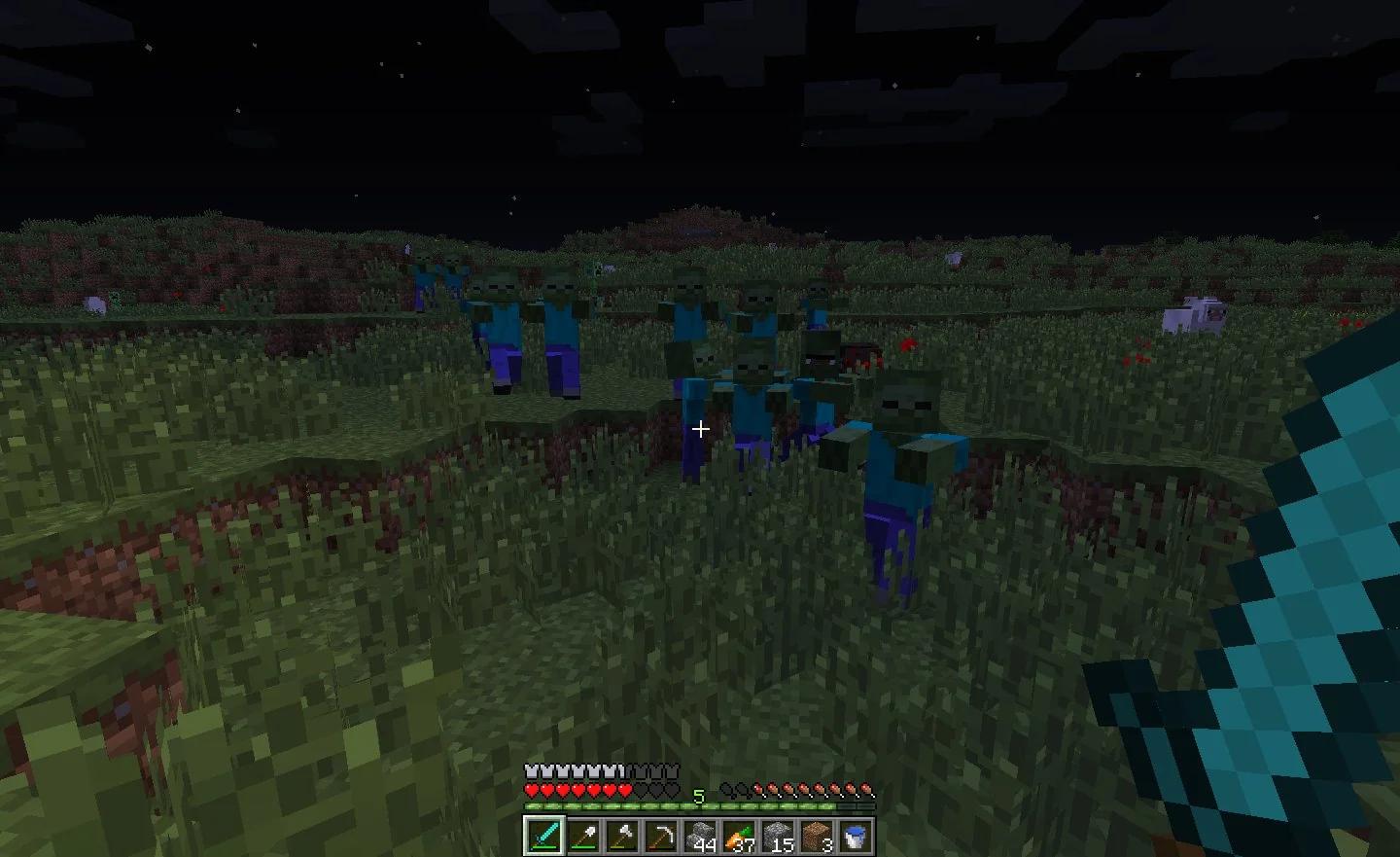
Image credit: Reddit
In case you’re really living under a rock, Minecraft is sort of like a virtual LEGO – everything is made up of blocks. It’s a 3D sandbox game where you can explore an infinite, blocky world to build structures, craft items, and survive.
There are 2 main modes of play: creative and survival. The biggest difference is that survival mode gives you a hunger and health bar, which means you can “die” and lose your entire inventory. Creative mode, on the other hand, lets you have access to infinite blocks and materials, and you won’t “die”.
For example, a typical gameplay in survival mode goes something like this: mine wood from trees, use the wood to craft better tools, fend off zombies and creepers, kill a sheep for food and its wool to craft a bed, and survive the night. Ultimately, players can choose to kill the Ender Dragon to beat the game.
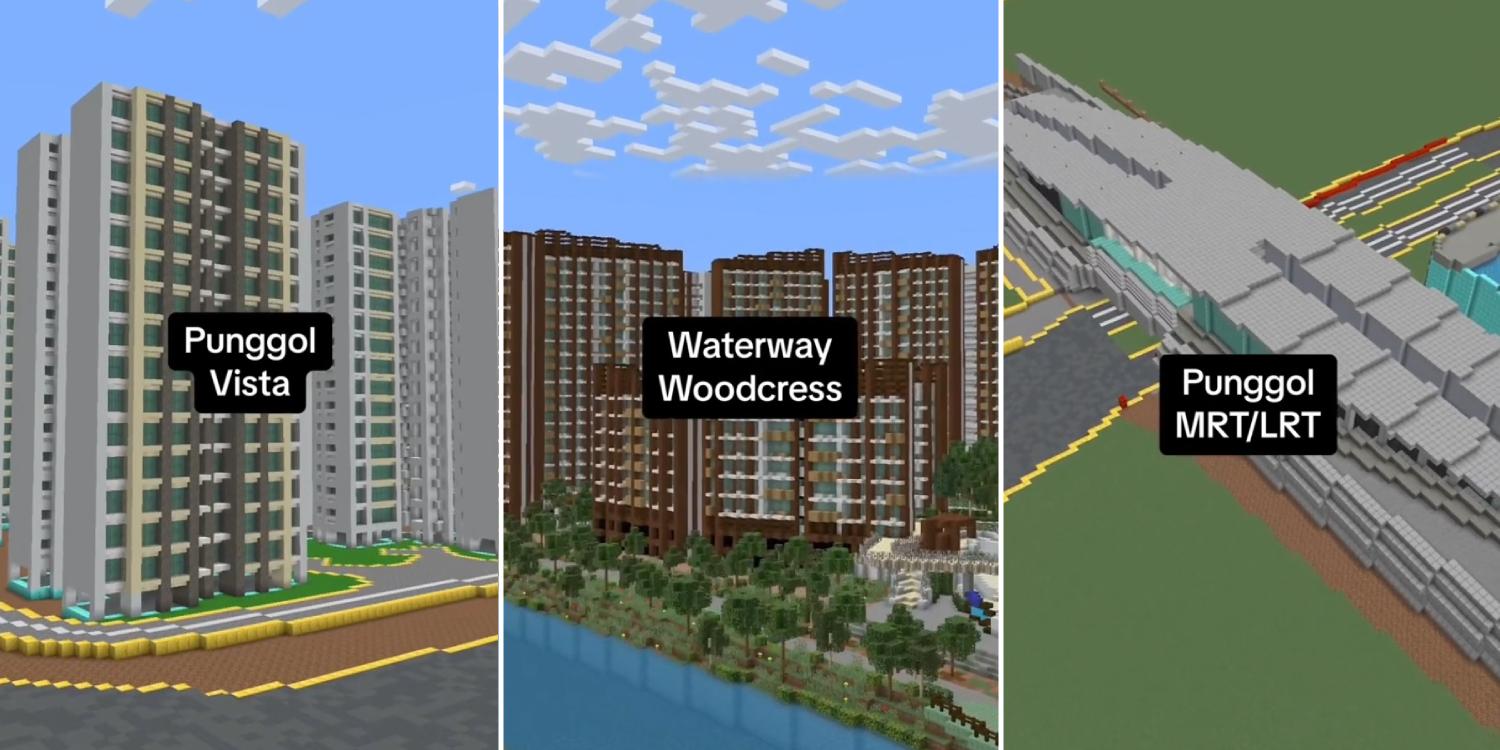
Image credit: Must Share News
In creative mode, people go ham on building – some Singaporeans have even built Minecraft replicas of estates like Punggol and schools like Victoria Junior College.
How is the Minecraft Education Edition different from the standard edition?
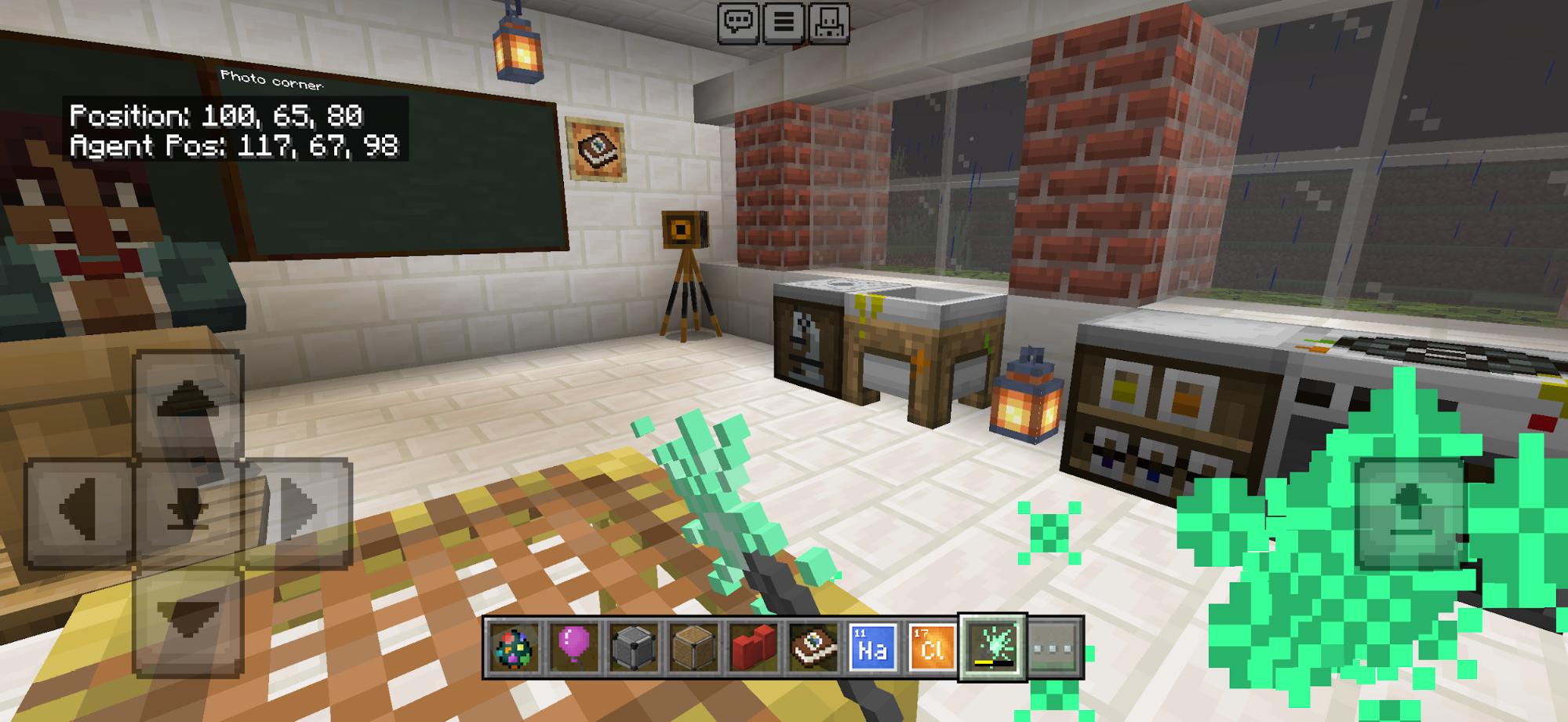
Image credit: Ong Rui En
Minecraft Education Edition is exactly the same as the standard Bedrock Edition, but with a bunch of additional features – like built-in coding tools, chemistry features, camera and portfolio tools for documentation, and NPC or agent characters.
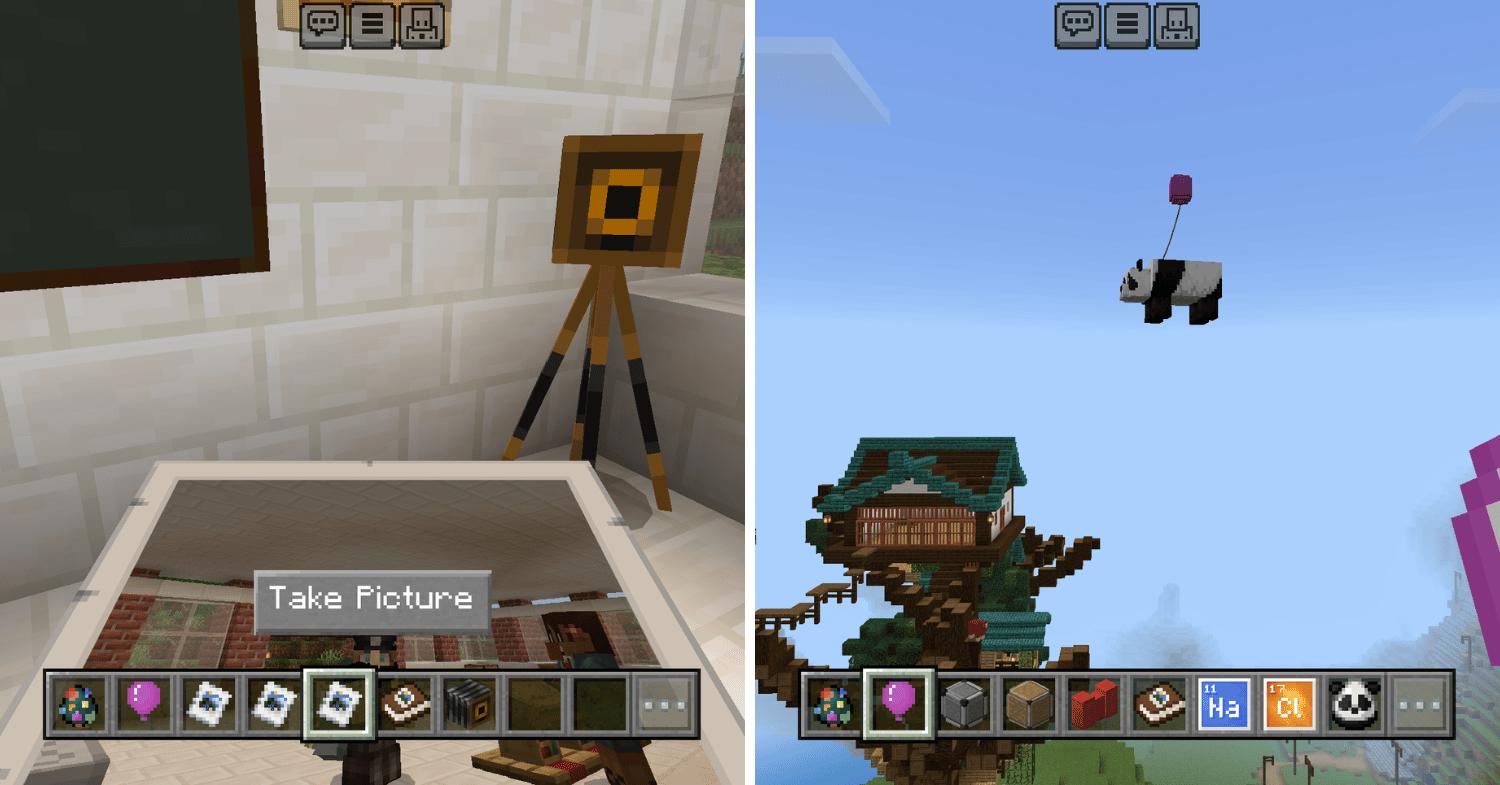
Taking a picture using a camera (left) and attaching a balloon to a Panda (right).
Image adapted from: Ong Rui En
There are even many new items you wouldn’t find in the standard edition, like chemical elements, photos, NPC spawn eggs, bleach, ice bombs, super fertiliser, medicine, sparklers, and even balloons.
Pro tip: Don’t attach the balloons to mobs unless you want them to float off into the sky and disappear.
Screenshot from: Minecraft Education
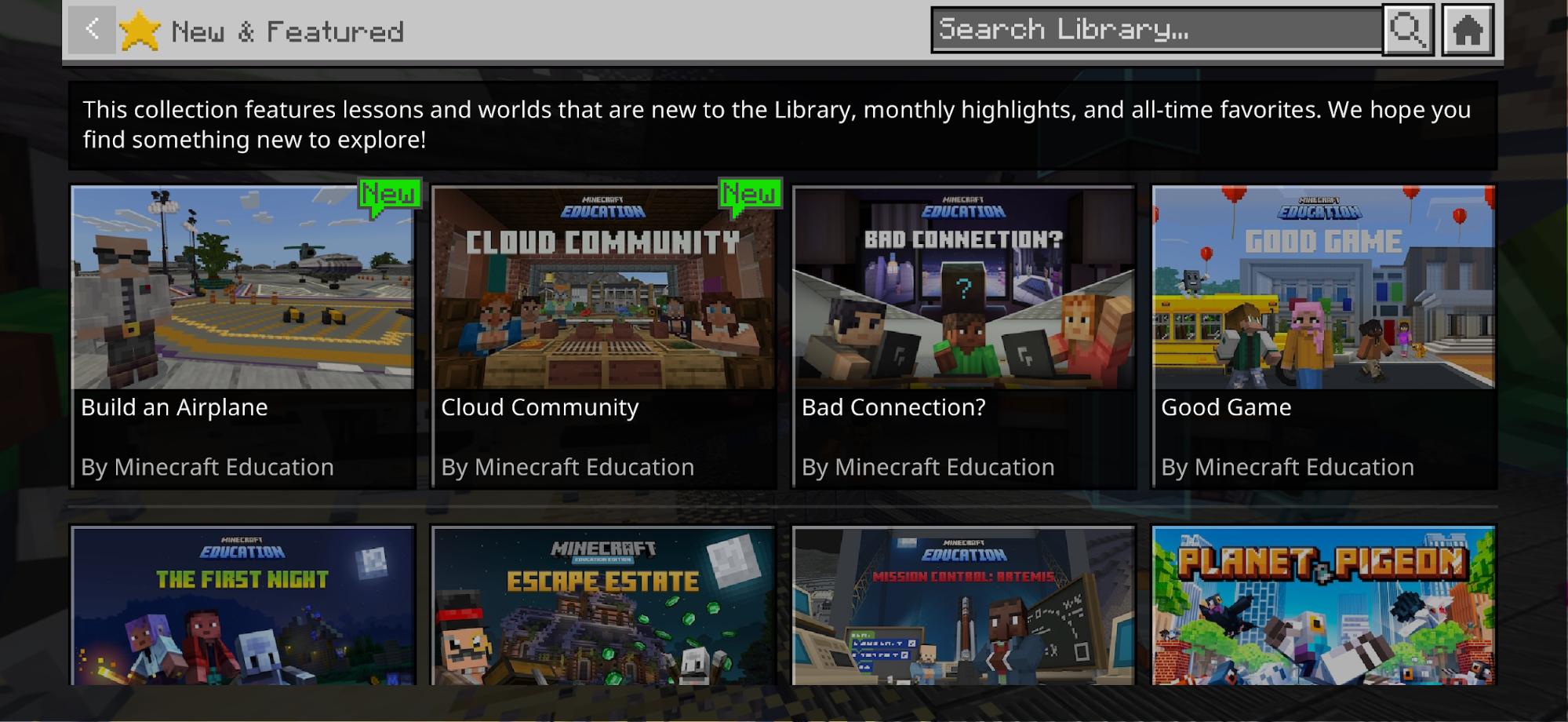
Other than the standard worlds you can create and play, there’s also a library of pre-built worlds to explore, covering subjects from computer science and social studies to career education.
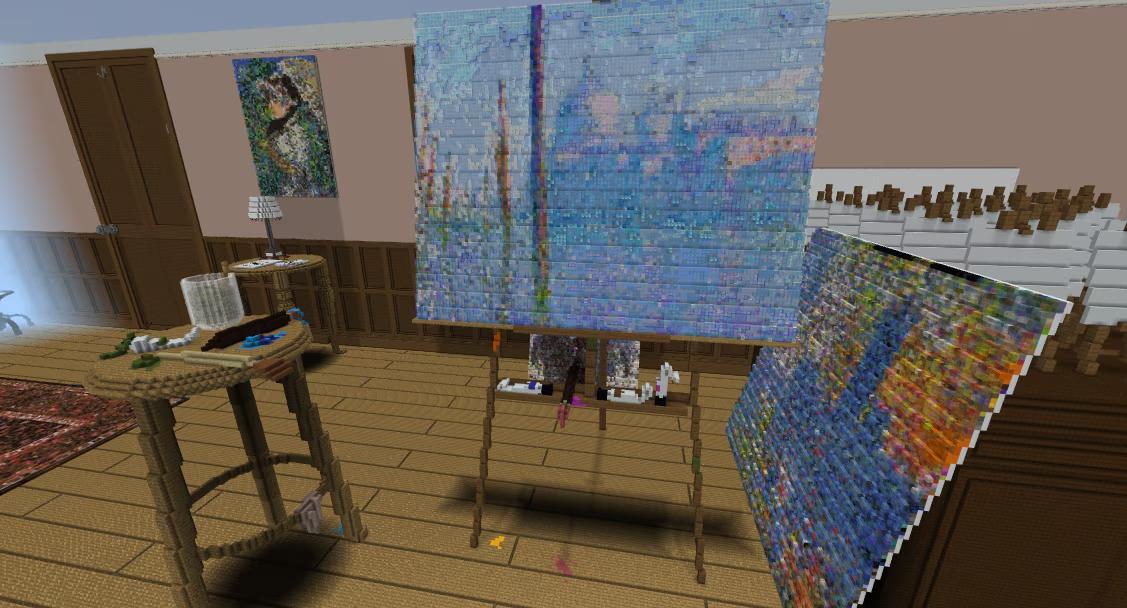
Influential Artists.
Image credit: Minecraft Education
For example, as part of the Influential Artists collection, you’ll get to explore Claude Monet’s studio or Michelangelo’s gallery in pixel form. Or tour Baghdad, Melbourne, and Washington D.C., all replicated in Minecraft Education’s World Cities and Civilizations collection.
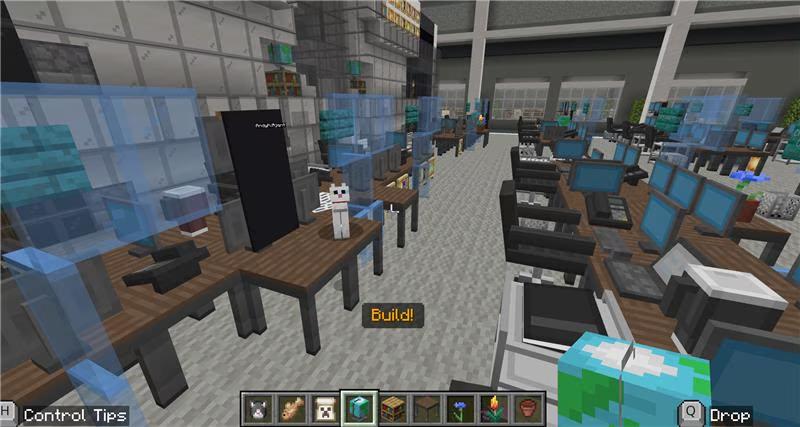
Mission Control: Artemis.
Image credit: Minecraft Education
There are also opportunities to participate in challenges to build bridges and aeroplanes in pre-built landscapes, design a Mission Control Centre for space exploration in Mission Control: Artemis, or try your hand at beginner-friendly block-based coding with Hour of Code.
How do I play Minecraft for free with my school email?
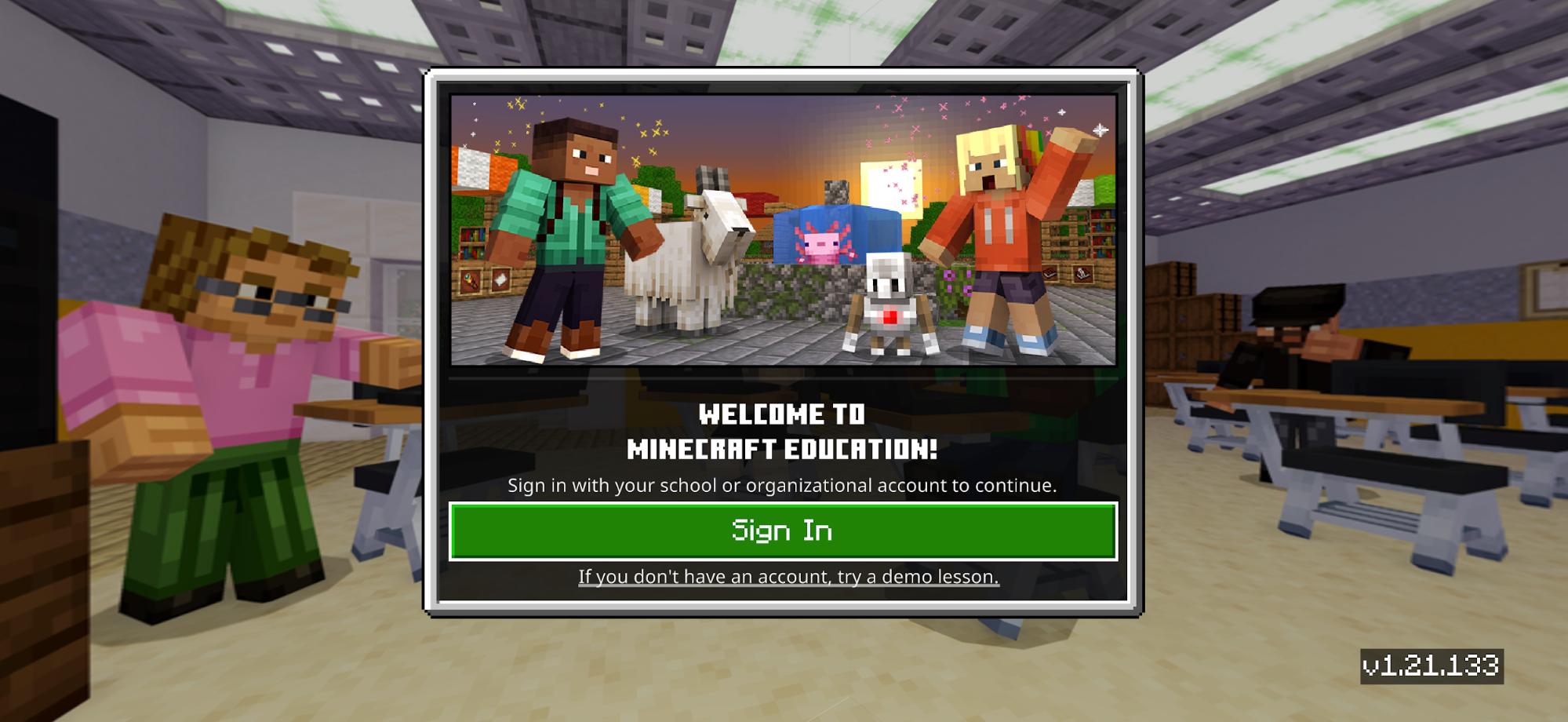
If you have a Microsoft 365 Education account – usually tied to an email with the domain @students.edu.sg – it should already include a license for Minecraft Education.
Screenshot from: Minecraft Education
Simply download Minecraft Education (App Store | Google Play) on your device and sign in with your @students.edu.sg email address and password. You can also download the game for Windows, Mac, Chromebook, or Android from the Minecraft website.
Can I play Minecraft Education with friends?
Yes. You and your friends can play multiplayer in the same world on Minecraft Education, as long as you share the same email domain.
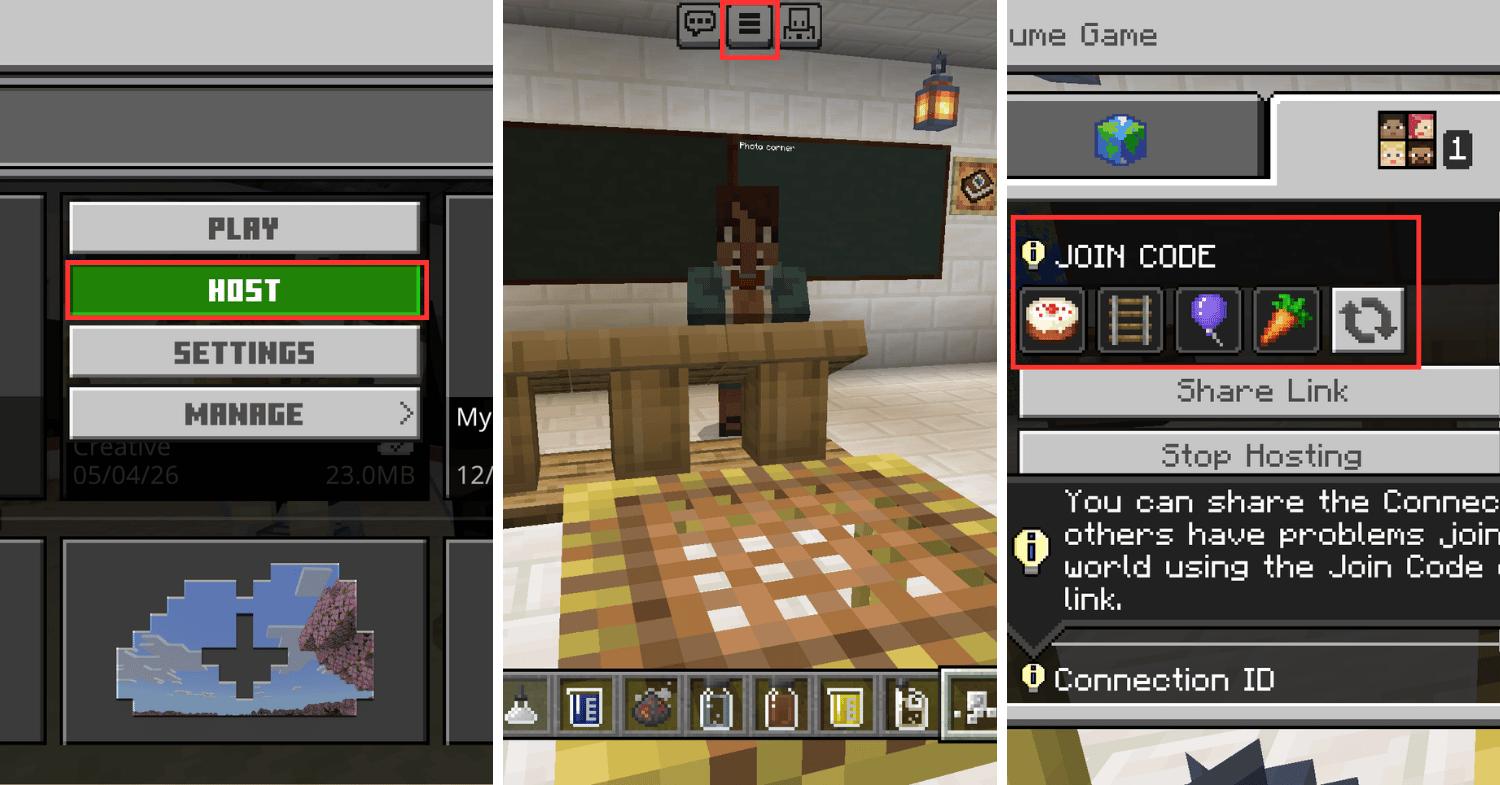
Image adapted from: Ong Rui En
For the person hosting the world: tap on “HOST” instead of “PLAY” when entering your world. Then, tap on the menu icon – the 3 stacked bars at the top of the screen – to access the join code. Share the join code with your friends, and you’re good to go.
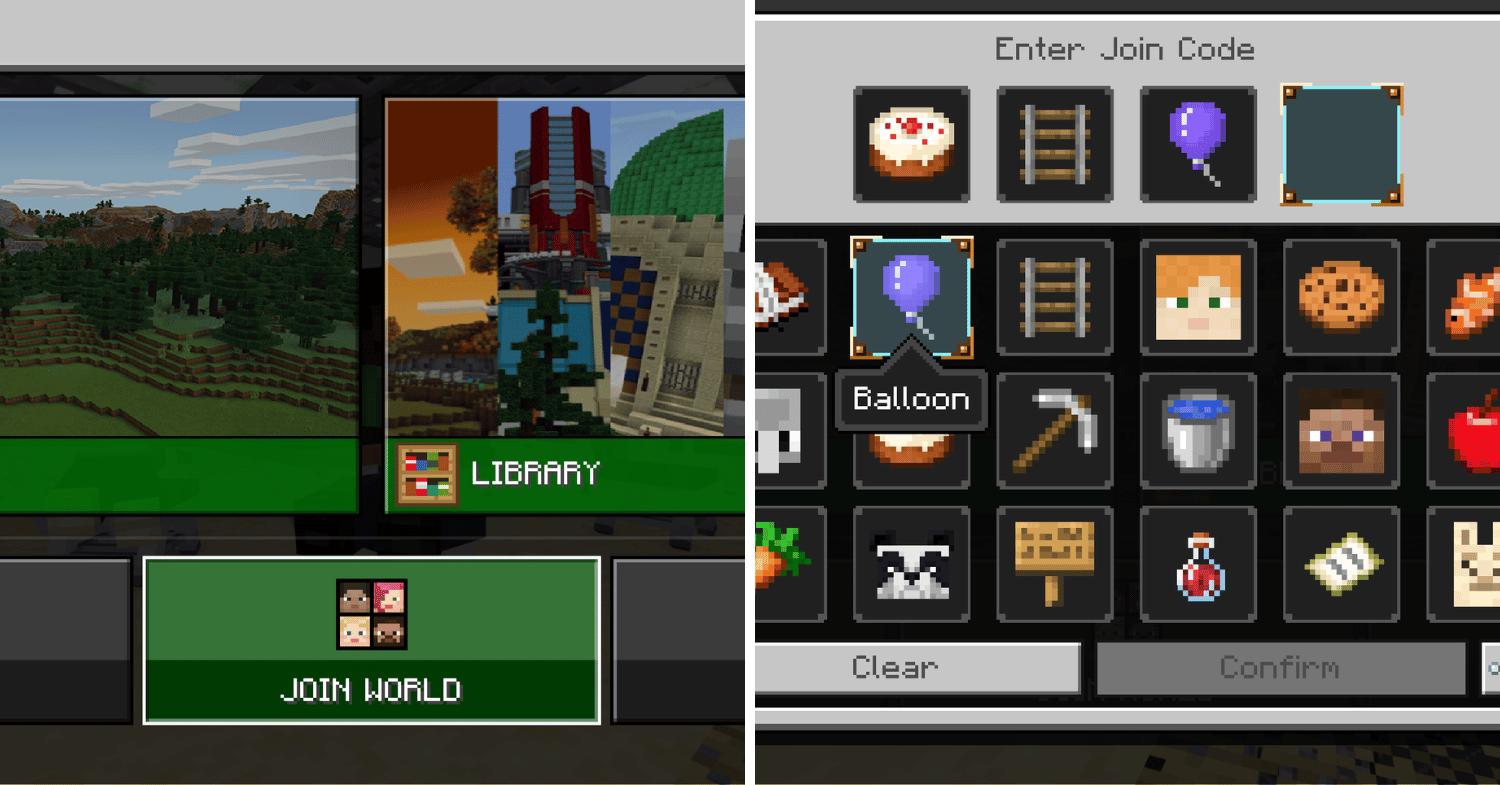
Image adapted from: Ong Rui En
To join your world and play multiplayer, your friends will have to tap on “JOIN WORLD” and enter the join code.
Can I still play Minecraft for free if I don’t have a Microsoft 365 Education account?
Even if you don’t have a Microsoft 365 Education account or an @students.edu.sg email domain, you might still be in luck. Some schools have purchased Minecraft licenses separately, so it’s worth trying to log in with your school email address.
And even if your school hasn’t purchased one, you can still get free trials for the game using your organisation’s Office 365 Education account information (which might be your school email) or Microsoft 365 account information. Just take note that you’ll be limited to 10 logins before you’ll need to purchase a license to continue playing.
Screenshot from: Minecraft Education
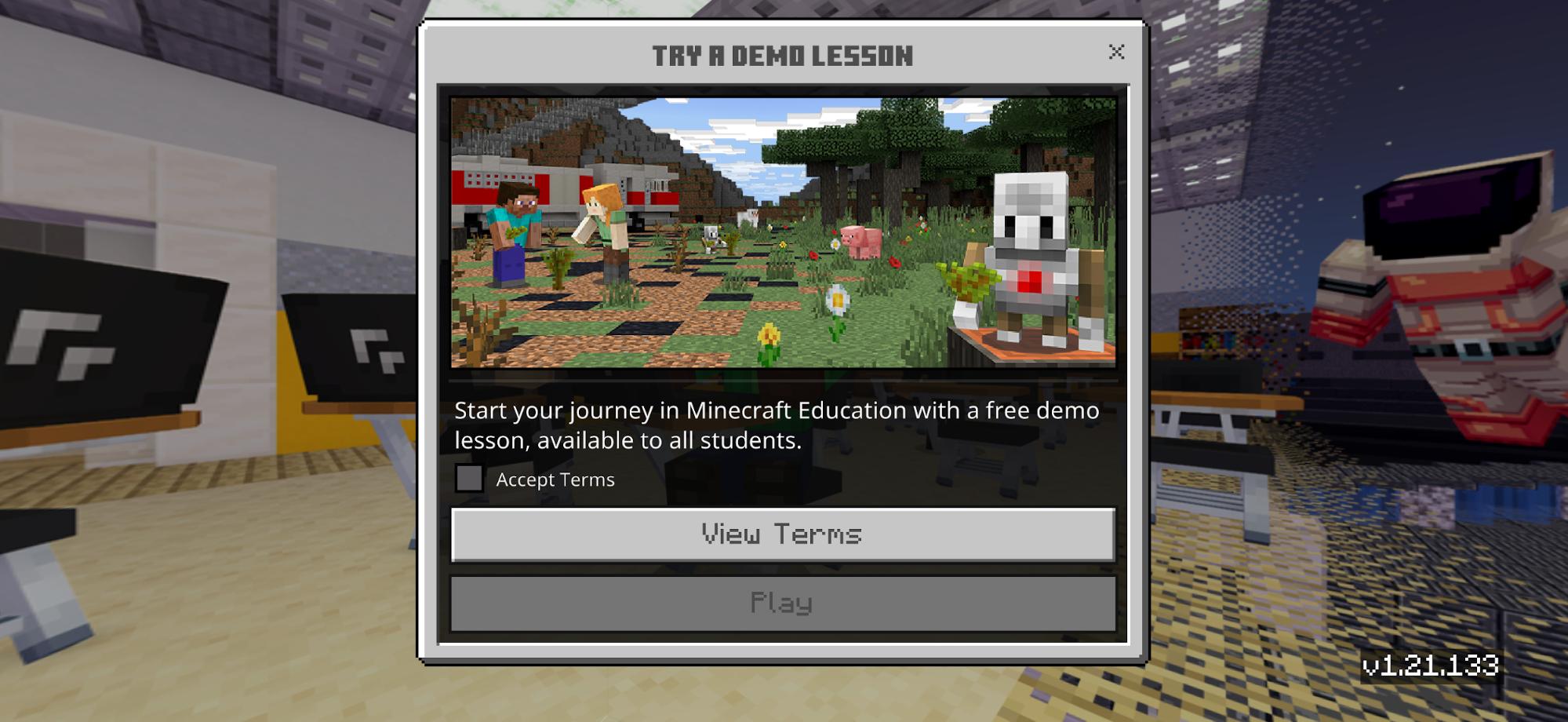
Alternatively, there are also demo lessons with limited functionality for those without any organisational account at all.
Is Minecraft Education safe for kids?
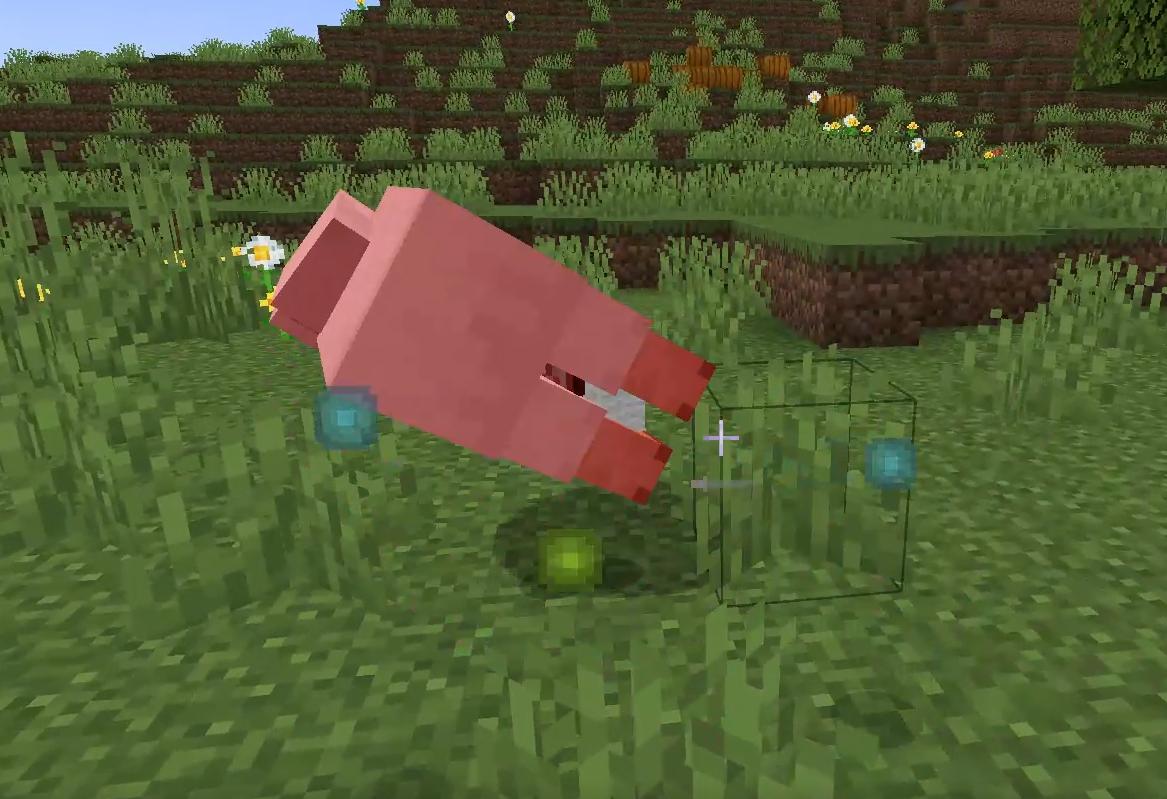
Minecraft sheep dying. It drops XP and materials before disappearing.
Image credit: Modded Minecraft with Jangro
To all the worried parents reading this because your kids have been begging you for Minecraft – the zombies and the “killing animals” part are a lot more tame than they sound. There are no gory graphics, as everything looks like a blocky cartoon.
Screenshot from: Minecraft Education Support Centre
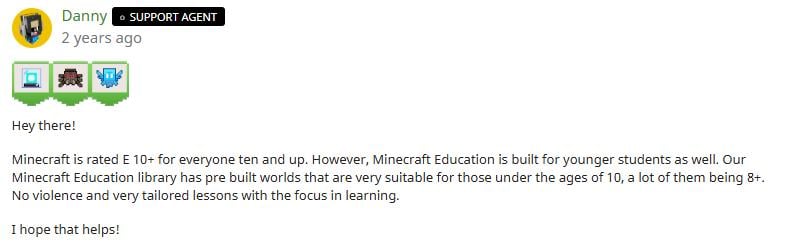
Minecraft is rated E10+, meaning it’s suitable for everyone aged 10 and above. A support agent on the Minecraft Education Support Centre has also stated that even children younger than that can play, especially in the pre-built worlds designed around learning.
What else can I use my Microsoft 365 Education account for?
Image for illustrative purposes only.
Image credit: CHUTTERSNAP via Unsplash
Minecraft Education isn’t the only perk; there are many other free apps you can use with your Microsoft 365 Education account. Here’s the full list:
- Copilot: AI productivity assistant
- Teams: Collaboration and chat platform
- Word: Document writing programme
- Excel: Spreadsheet programme
- PowerPoint: Presentation programme
- Reflect: Journaling and well-being app
- Outlook: Email and calendar client
- OneNote: Note-taking application
- Azure: Cloud computing platform
- Whiteboard: Digital brainstorming canvas
- Microsoft Defender: Security protection software
Chances are you’re already using half of these without realising your school’s footing the bill.
Try Minecraft Education for free before you graduate
So make full use of your school’s Microsoft 365 Education subscription while you have it. The adults reading this are probably regretting that they didn’t know about this before graduation. Honestly, same.
And students, don’t forget to export your Minecraft Education worlds before graduating, or you’ll lose all your hard work along with your school email account. Perhaps by then, you’ll have enough adult money to buy the standard edition to continue playing.
Read more gaming-related articles:
- Pokémon truck in Singapore
- FDK Gaming Homestay in JB
- Gaming & electronics stores that accept CDC vouchers
Cover image adapted from: Ong Rui En