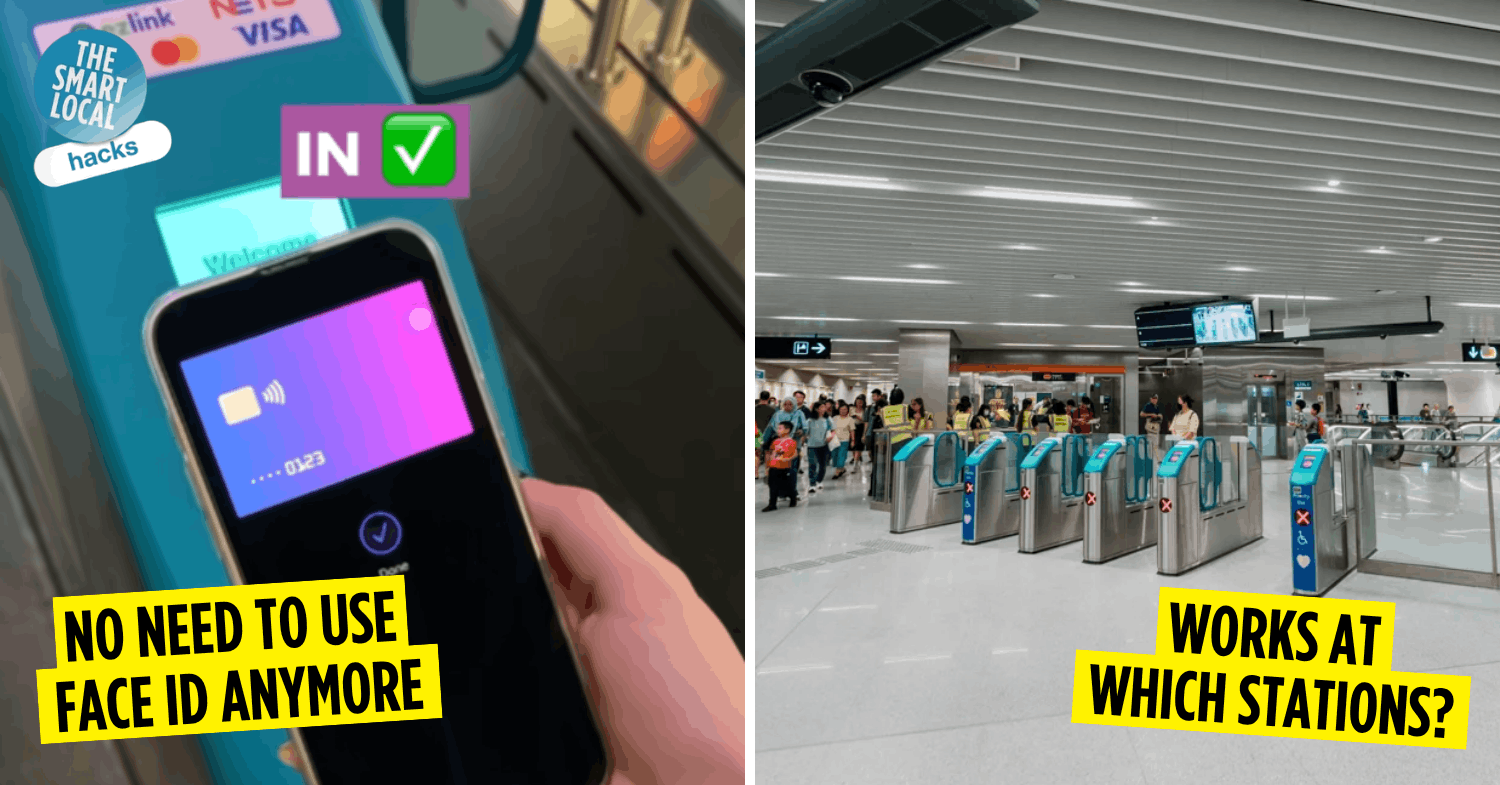

Apple Pay Express Transit in Singapore
If you’re an iPhone user, you probably know the drill all too well: double-click the side button, authenticate with Face ID, Touch ID, or your passcode, and then use Apple Pay at the MRT gantry. Most of the time, you’ll have to do all this before you even reach the gantry, lest you fumble with your phone and hold up the peak-hour crowd. An auntie might even loudly tsk at you from behind.
Thankfully, Apple Pay Express Transit, also known as Express Mode, is finally available in Singapore, letting you use Apple Pay without having to unlock or authenticate your device first. That means a much quicker tap-and-go experience, especially when you’re squeezing through crowded MRT stations.
Here’s how it works and how to set it up before your next MRT ride.
How to set up Apple Pay Express Transit on your device
On iPhone
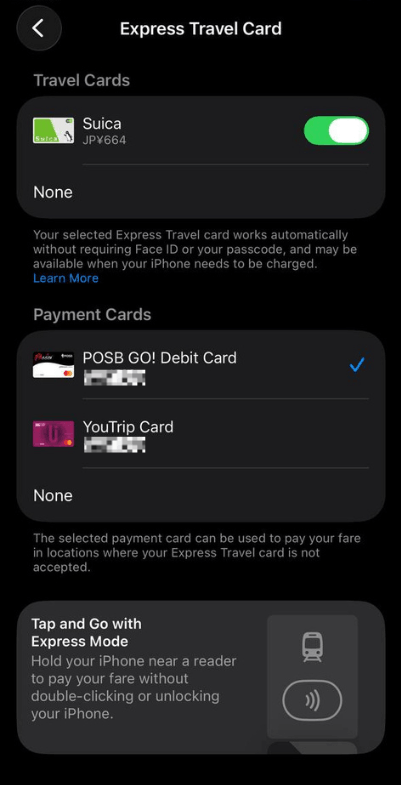
Image adapted from: Wei Yin
Follow these quick steps to set it up on your phone:
- Open the Wallet app on your phone and select your preferred card.
- Tap the 3-dot button on the top right of your screen, then select Card Details.
- Tap Express Travel Settings, then choose your preferred payment card.
On Apple Watch
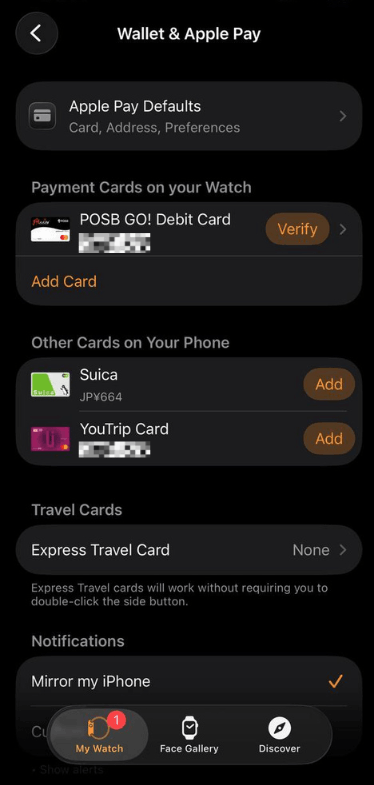
Image adapted from: Wei Yin
You can also set it up on your watch:
- Launch the Apple Watch app on your iPhone.
- Under the My Watch tab, scroll down and select Wallet & Apple Pay.
- Tap Express Travel Card and select your preferred payment card.
How to use Apple Pay Express Transit
Screenshot from: SimplyGoSG via Facebook
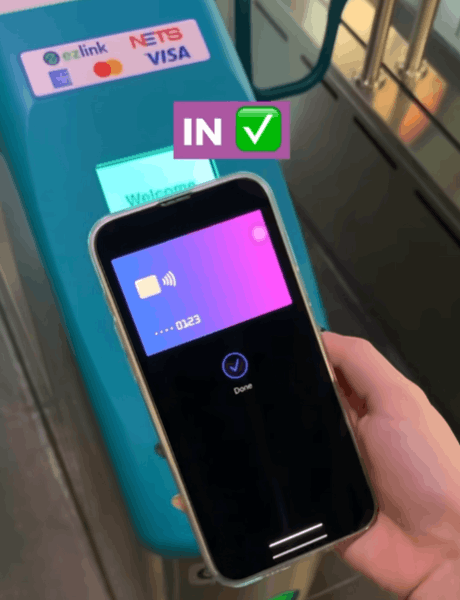
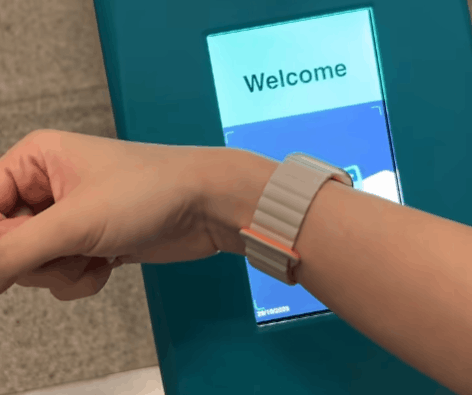
The biggest difference with Apple Pay Express Transit is that you can skip the usual authentication steps altogether. Simply hold the top of your iPhone or the display of your Apple Watch near the contactless reader, and your device should automatically be detected. Once the transaction goes through, the gantry will open as usual.
Where can I use Apple Pay Express Transit in Singapore?
At MRT stations
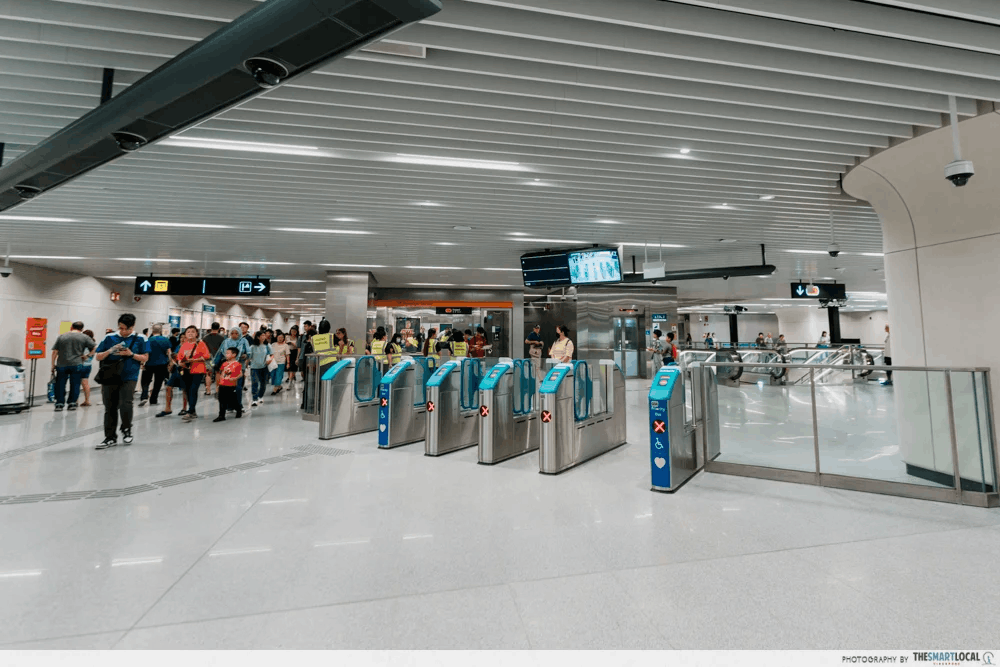
For now, Apple Pay Express Transit works only at MRT stations, and it isn’t supported on buses at the time of writing. BTW, there hasn’t been an official list of supported stations released yet, so we wouldn’t assume that every MRT station is compatible with the feature.
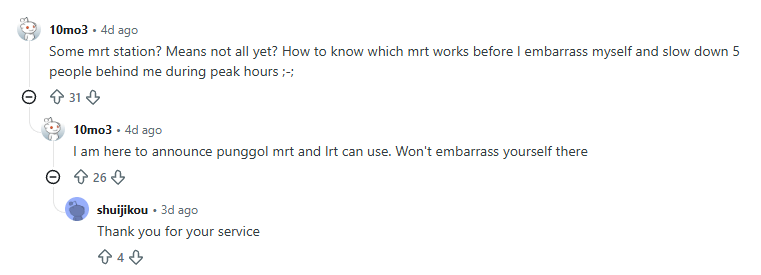
User 10mo3 had a very relatable and valid concern.
Screenshot from: Reddit
But some Reddit users have reported that they’ve successfully used Express Transit at several stations. These include Braddell, Bukit Panjang, Newton, Orchard, Punggol, Punggol Coast, Sengkang, Paya Lebar, Tampines, Bishan, and Beauty World MRT stations.
And as someone whose office is in the Boon Keng area, this writer can personally confirm that it works at Boon Keng MRT Station too.
Both newer & older MRT gantries

Screenshot from: Reddit
One Reddit user initially wondered whether Express Transit would only work with the newer gantries, but later reported that it also worked at the older gantries at Serangoon MRT Station. So, it looks like you don’t necessarily need to hunt down a shiny new gantry to give it a go.
Try Apple Pay Express Transit on your next commute
Screenshot from: SimplyGoSG via Facebook
Hopefully, the feature will be rolled out to buses soon, but in the meantime, you don’t have to worry about being slapped with an extra boarding charge just because Express Transit isn’t supported there yet.
As long as you use the same device and payment card to tap in and out across your MRT and bus journeys, you should still be charged according to the usual distance-based fare system, provided you follow the transfer rules. Check out our guide to avoiding extra boarding charges when taking public transport.
More hacks:
Cover image adapted from: SimplyGoSG via Facebook, The Smart Local