

YouTrip Split – New shared expenses feature
YouTrip is one of those travel e-wallet apps many Singaporeans whip out while travelling, whether it’s for paying for ramen in Japan, shopping in Bangkok, or tapping for a cornetto and espresso in Rome without digging through your wallet for coins. But if you’re travelling with friends, one super unglam part of the trip is figuring out who owes what after someone pays first.
That’s where a new feature, YouTrip Split, comes in. It lets you split and settle shared expenses directly in the YouTrip app, so there’s no need to manually key in amounts or open another app like Splitwise or Tricount just to do the maths.
Split bills directly from your YouTrip transactions
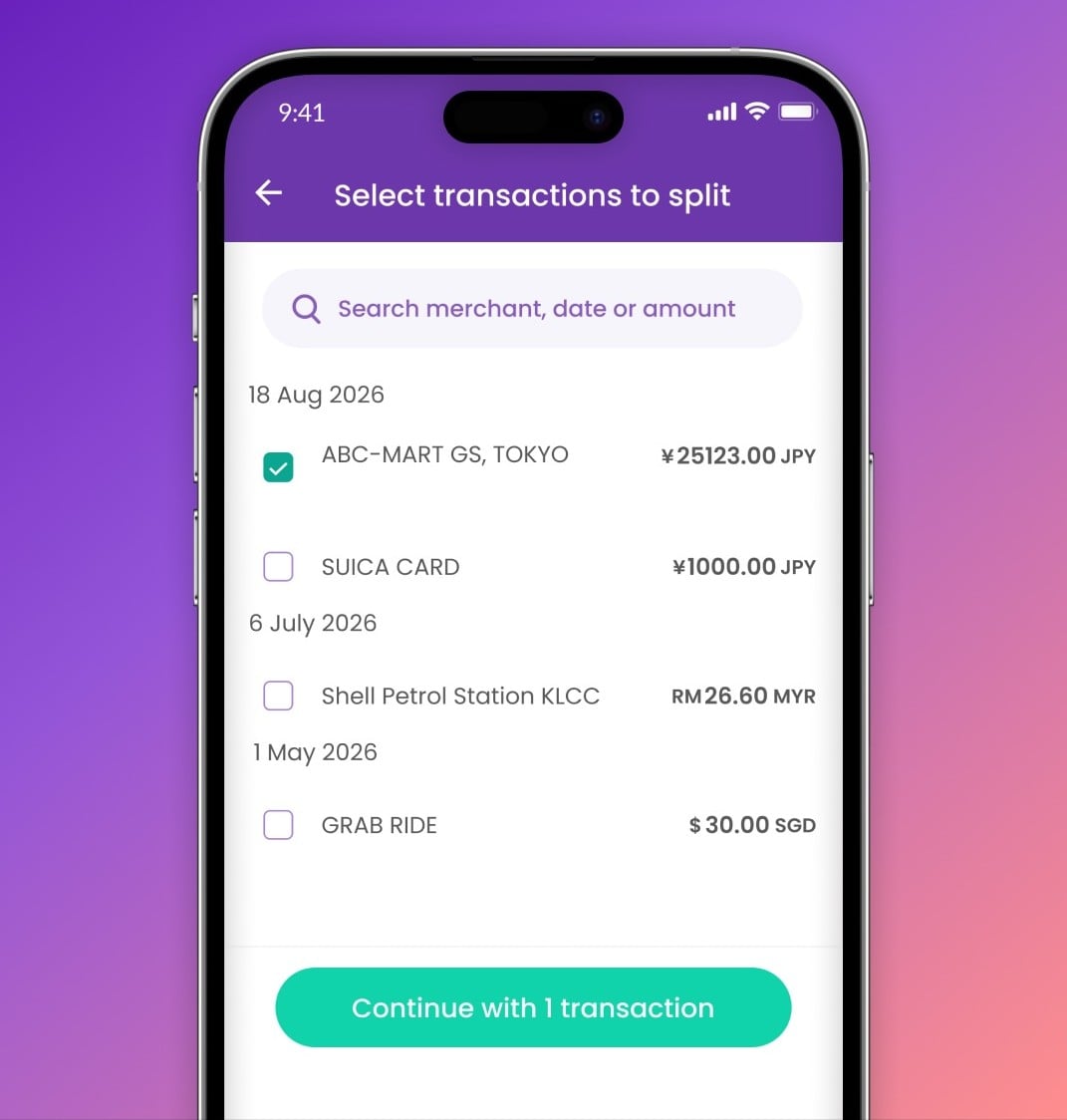
Image adapted from: @youtripsg via Instagram
What we like most about YouTrip Split is that you don’t have to manually key in every single expense. Just tap on any transaction in your YouTrip app, choose who you’re splitting it with, and the amount will be pulled directly from the transaction itself.
This makes it handy for shared overseas meals, attraction tickets, cab rides, and hotel deposits during group travel. You can also settle in the same currency you were charged in, or in SGD, which is useful when you’re splitting travel expenses across supported wallet currencies like JPY, MYR, THB, USD, EUR, GBP, HKD, AUD, NZD, CHF, and SEK.
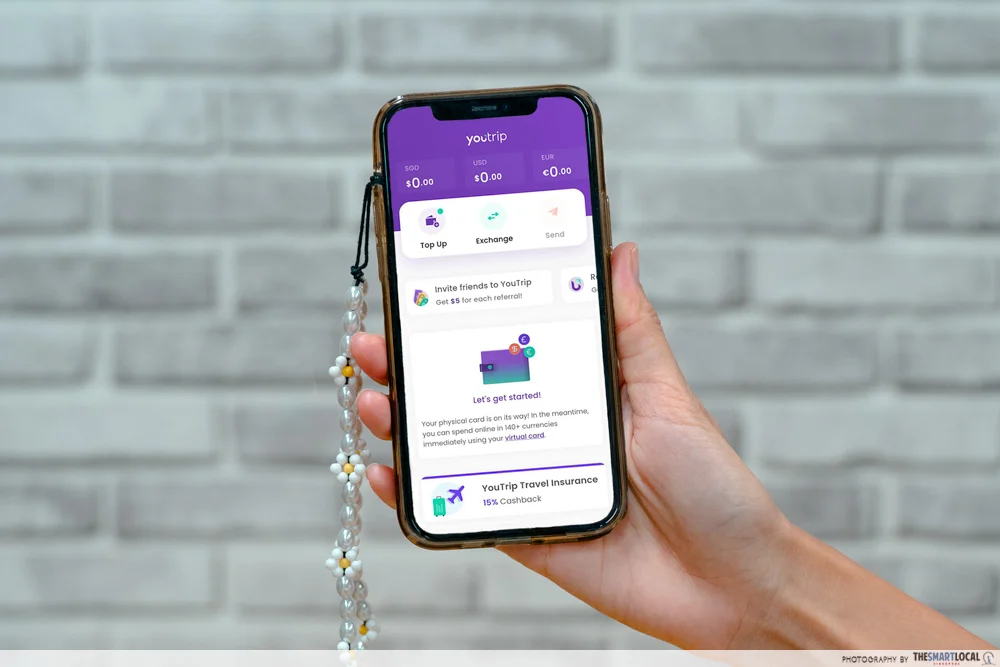
Since the split is based on the actual card transaction, there’s also less room for wrong amounts, forgotten receipts, or zooming into screenshots after dinner. Plus, the feature is free.
Create groups for every trip

If you’re constantly travelling with friends, you can also create a Group for each trip to keep all shared expenses in one place. Think of it as one neat tab for your Bali villa stay, and then a separate one for a JB weekend getaway. That’s much more convenient than a bunch of random screenshots and “wait, did I pay you back?” messages buried in the group chat.
It works for holidays with friends, couple trips, family getaways, and group travel in general. You can also add cash and non-YouTrip expenses, which is useful for spends that weren’t paid with your YouTrip card, though these will have to be added in SGD.
So, even if someone paid cash for a taxi or covered a meal on another card, it can still be tracked in the same group.
How to use YouTrip Split

Using YouTrip Split is pretty straightforward. In the app, tap Split, then + Create group split. From there, choose who you’re splitting with, name your group, and select the transaction or transactions you want to split.

No more counting cash like this when paying your friends back.
You can then choose to split the amount equally, or customise it by exact amount, percentage, or share. That’s especially useful for situations where someone only had drinks while everyone else ordered mains. After that, choose whether to settle in the same currency charged or in SGD, review the details, and slide to request the split.
Win your trip expenses back

If you needed even more reasons to try YouTrip Split out, there’s currently a launch promo perfect for those planning a group trip soon. From 17th September to 14th October 2026, qualifying Group Splits can earn your group a chance to win a full trip refund. That means YouTrip will reimburse the winning group’s eligible trip expenses, capped at $5,000 per group.
To qualify, tap “Join now” via the promo banner in the YouTrip app, then create a YouTrip Group Split with at least 3 people in total. The more friends you have in the split, the more entries your group gets. At the end of the campaign, 3 winning Group Splits will be drawn, with each winning group getting their trip expenses refunded.
Use YouTrip Split for your next group trip
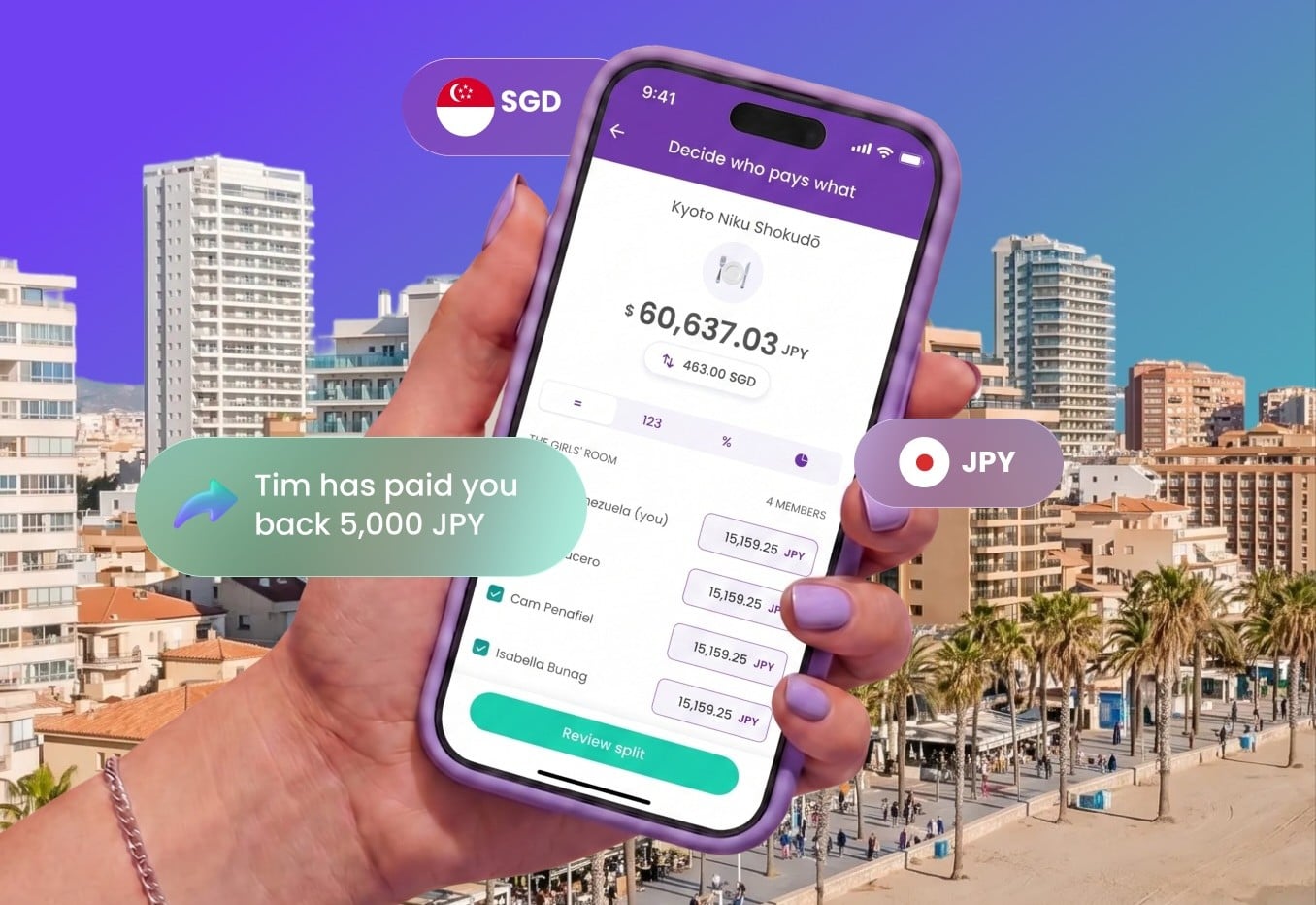
Image adapted from: @youtripsg via Instagram
Gone are the days when group trips end with random PayNow screenshots and one poor fella quietly chasing everyone for money. YouTrip Split should make the admin a lot less painful. It keeps shared expenses in one place, so it’s easier to keep track of who still owes what. And you can just settle up within the app, handy for those who are already using YouTrip when travelling.
P.S. We’ve also got some tips for group travel if you’re planning a holiday with the gang and want everyone to still be friends by the end of it.
More travel guides & tips:
- Travel mistakes to avoid on holiday
- Travelling to Japan in 2026
- How to apply for an International Driving Permit
Cover image adapted from: @youtripsg via Instagram