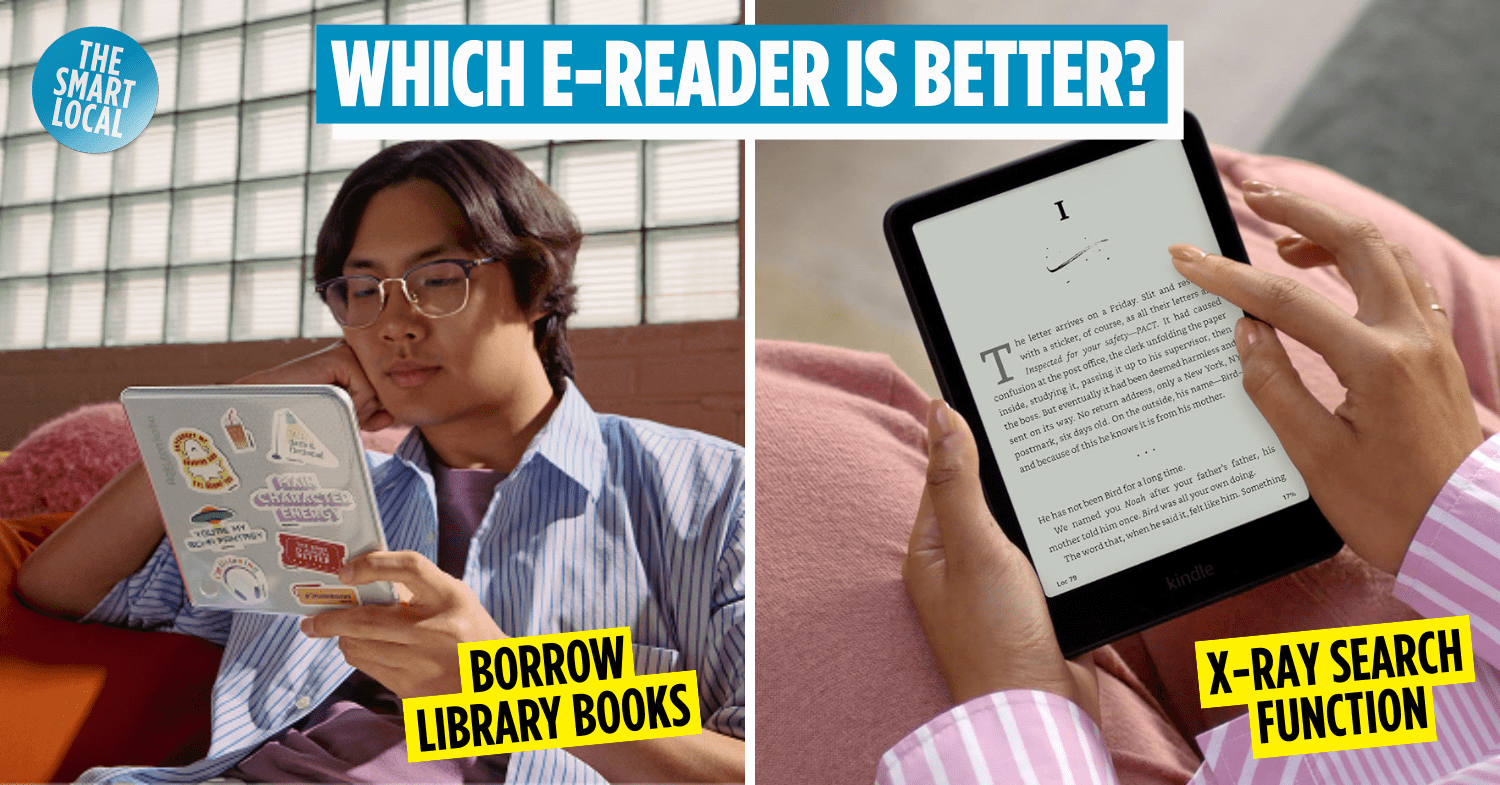

Comparing the Kobo & Kindle e-readers
There has been a surge of interest in e-readers lately, especially since a TikTok video showing how and where to buy one using CDC vouchers went viral. But with so many options out there, it’s easy to get lost in the techy jargon.
We’ll be comparing 2 popular e-readers in Singapore, the Kobo and Kindle, so you’ll know which one’s worth spending your cash or CDC vouchers on.
Table of Contents
- Comparing the Kobo & Kindle e-readers
- Why should you buy an e-reader?
- Where to buy an e-reader in Singapore?
- What are the different Kobo & Kindle e-reader models?
- Are there subscription services & how much do they cost?
- What are the unique features of the Kobo & Kindle e-readers?
- Is it possible to transfer existing e-books to the Kobo & Kindle e-readers?
- So, which e-reader is better?
Why should you buy an e-reader?
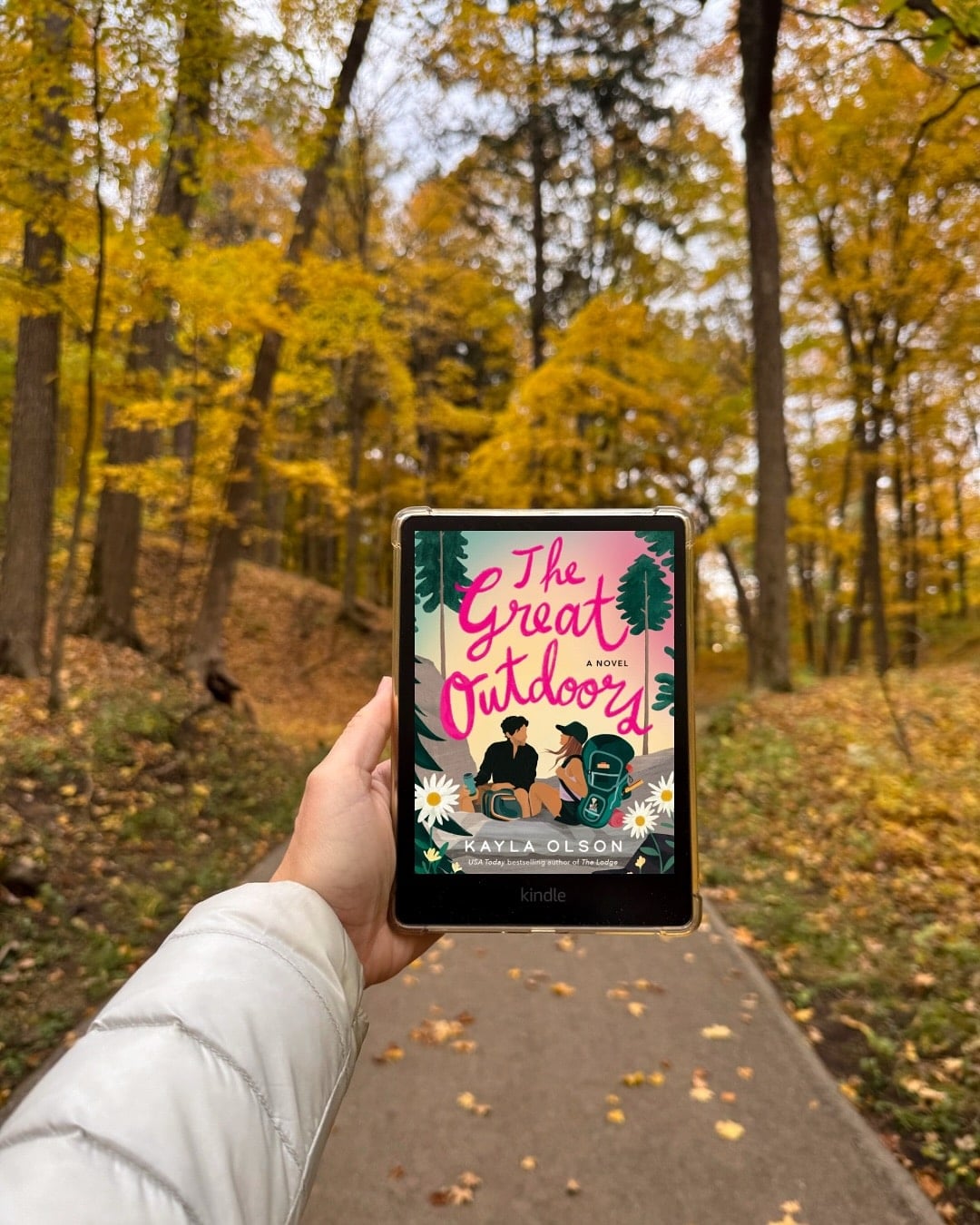
Image credit: @melindasbooked via Instagram
As much as we love the smell of a fresh paperback, traditional books can be a strain. They’re bulky, pricey, and hard to lug around, especially when life is already so hectic.
That’s where an e-reader comes in. E-books are generally cheaper, and with an e-reader, you’ll be able to store hundreds of titles – way more than what a regular HDB flat can handle. They’re also lightweight, which makes reading on the go or while travelling much easier.
While there’s always the option of reading on your phone or tablet, that usually ends with eye strain and fatigue. Luckily, e-readers use E Ink technology, which mimics the texture of real ink on paper, helping you binge-read for hours without feeling like your eyeballs are on fire.
In Singapore, the 2 main contenders are Kobo by Rakuten and Kindle by Amazon.
Where to buy an e-reader in Singapore?
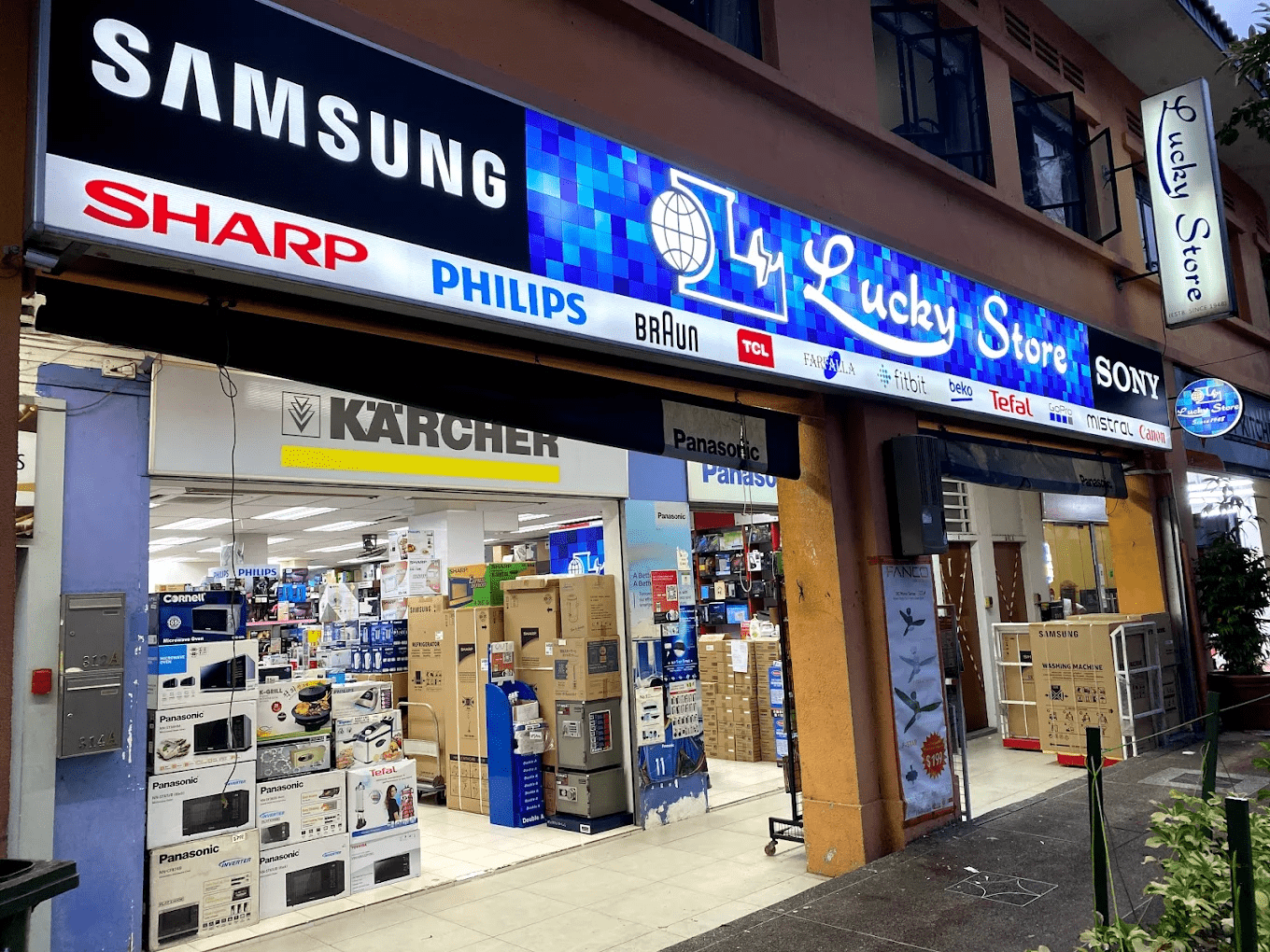 Image credit: Lucky Store via Google Maps
If you’ve seen that viral TikTok video, Lucky Store is one of the more popular places to buy a Kobo e-reader using your CDC vouchers. Since then, demand has been through the roof, so it is recommended to reserve your order with them in advance. Once the stock arrives, they will drop you a text on WhatsApp so you can head down to pick it up.
You’ll also find Kobo and Kindle e-readers on various online retailers like Shopee, Lazada, and Amazon Singapore.
What are the different Kobo & Kindle e-reader models?
Kobo Clara Colour in the white colourway.
Image credit: @kobobooks via Instagram
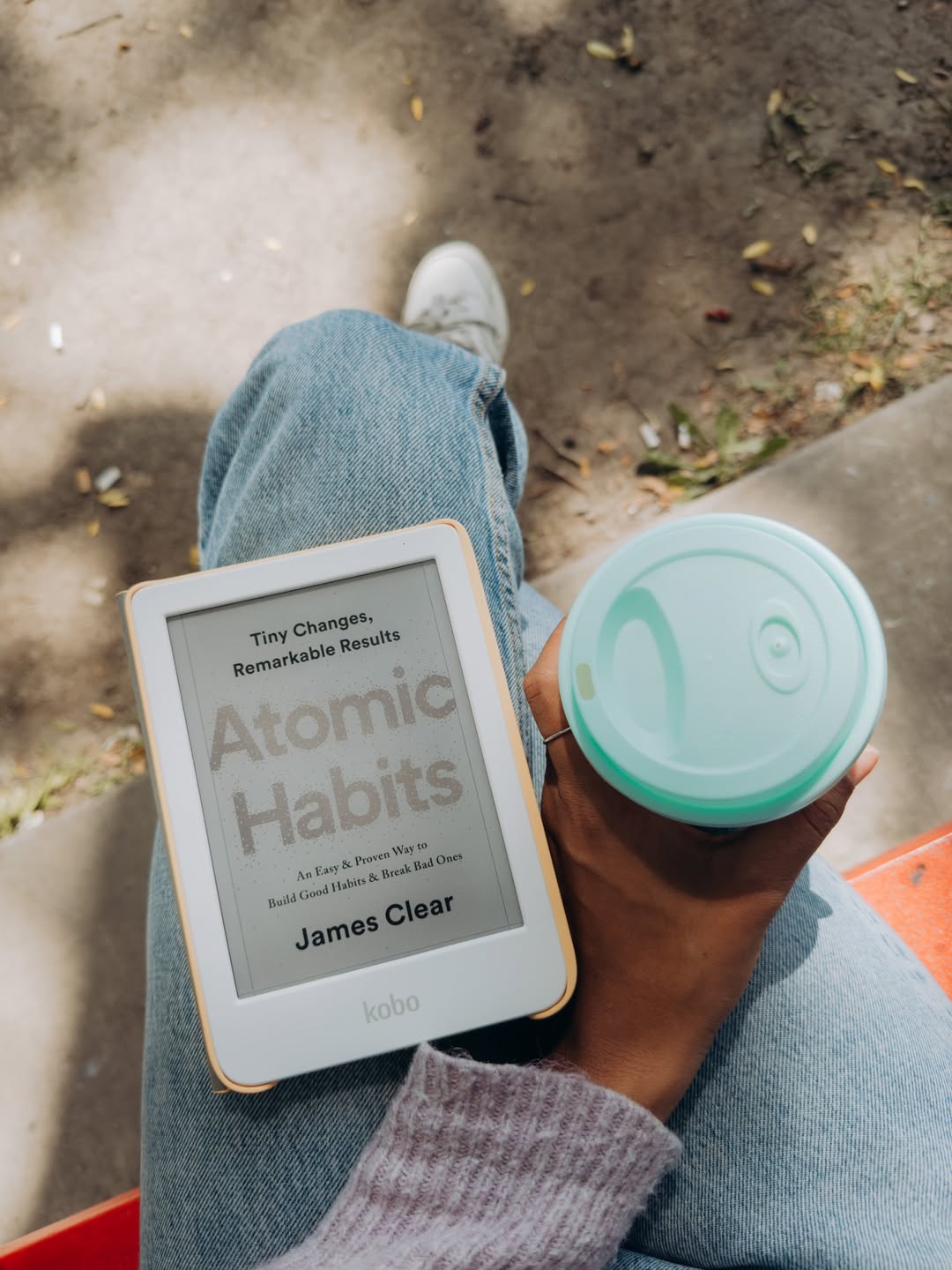
There are currently 5 Kobo e-reader models in the Singapore market, with prices ranging from $209.90 to $649.90. Here’s a quick overview:
| Model | Price | Storage | Features |
| Kobo Clara BW | $209.90 | 16GB | 6-inch E Ink Carta 1300 HD touchscreen
Black and white display |
| Kobo Clara Colour | $239.90 | 16GB | 6-inch colour E Ink Kaleido 3 touchscreen
Coloured display Has 2 colourways: black and white |
| Kobo Libra Colour | $339.90 | 32GB | 7-inch colour E Ink Kaleido 3 touchscreen
Coloured display Compatible with Kobo Stylus 2, sold separately Has 2 colourways: black and white |
| Kobo Sage | $419.90 | 32GB | 8-inch HD E Ink Carta 1200 touchscreen
Black and white display Compatible with Kobo Stylus 2, sold separately |
| Kobo Elipsa 2E | $629.90 | 32GB | 10.3-inch E Ink Carta 1200 touchscreen
Black and white display Kobo Stylus 2 included |
Get the Kobo Clara BW, Kobo Clara Colour, Kobo Libra Colour, Kobo Sage, and Kobo Elipsa 2E.
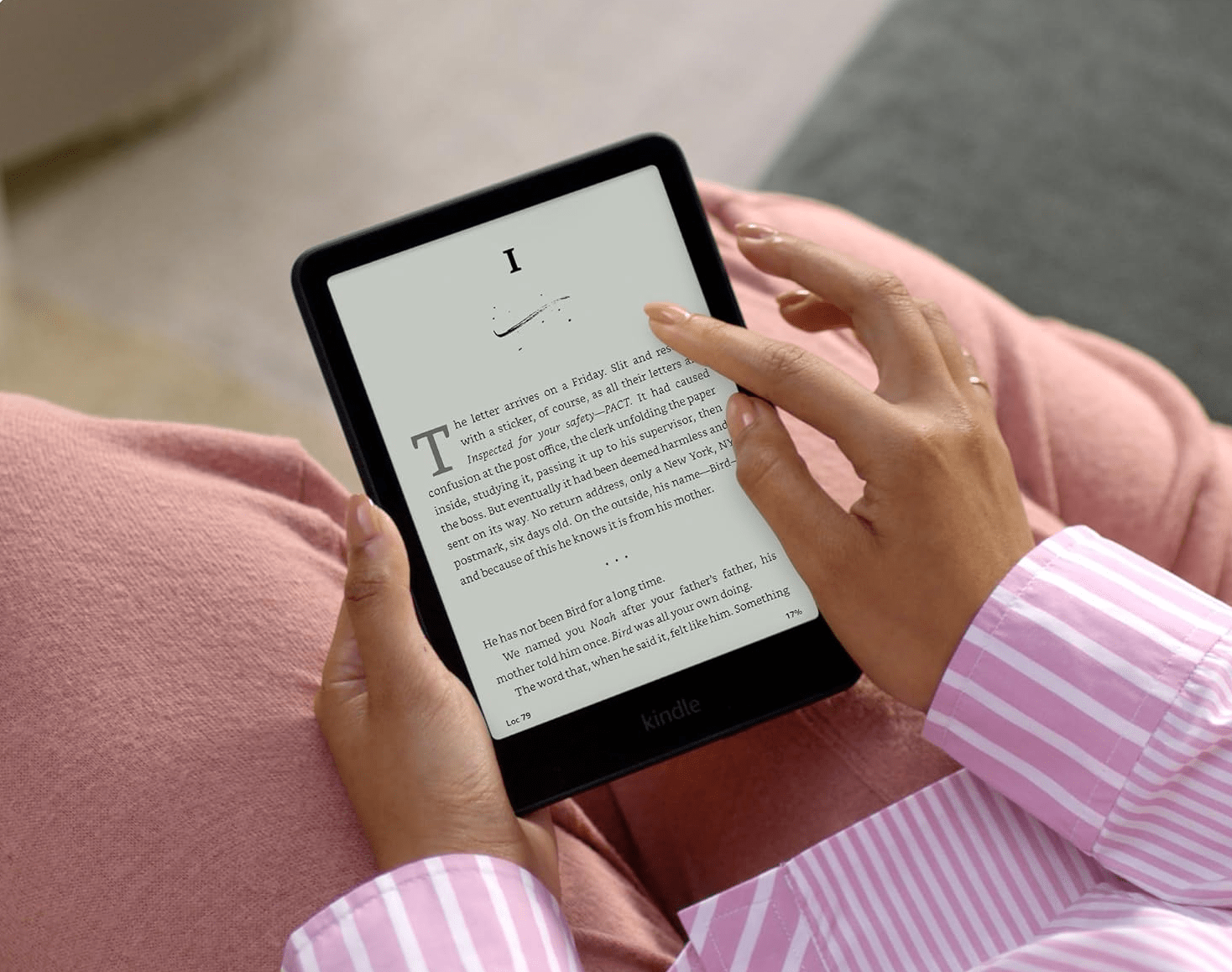 Image adapted from: Amazon
As for the Kindle e-reader, the most widely available model in Singapore is the Kindle Paperwhite, which costs $270.43 on Amazon. It’s the 12th Generation version, featuring a 7-inch display with a warmer tone that gives it that paper-like look and feel. You’ll also get 16GB worth of storage, adjustable warm light settings, and a battery that can last up to 12 weeks.
Get the Kindle Paperwhite.
Are there subscription services & how much do they cost?
Yes, there are subscriptions. However, they aren’t compulsory, and you can still purchase or borrow books without subscribing to one.
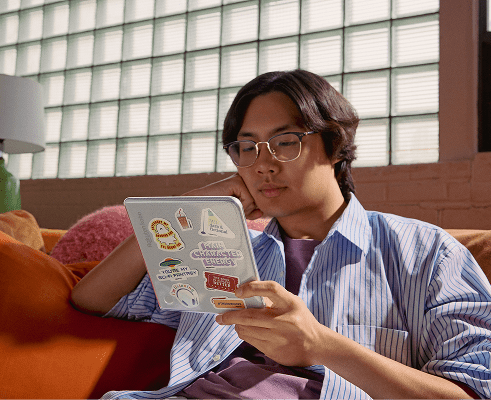
Image credit: Rakuten Kobo
Kobo has its own subscription service, Kobo Plus. There are 3 types you can choose from: Kobo Plus Read ($9.99/month) for unlimited e-books, Kobo Plus Listen ($9.99/month) for audiobooks, and Kobo Plus Read and Listen ($12.99/month) if you want to enjoy the best of both worlds.
You’ve also probably heard of the Kindle Unlimited subscription service, but that is unfortunately unavailable in Singapore. What you can use is Audible (App Store | Google Play) – Amazon’s exclusive audiobook subscription. Set aside US$14.95/month (~S$19.36) and you’ll get access to an unlimited catalogue, from fiction novels to autobiographies and self-help books. If you’re not ready to commit to that, there’s a 1-month free trial available for those just testing the waters.
Do note that Audible is only compatible with the 10th Generation Kindle Paperwhite and newer. Another way to get e-books and audiobooks on Kindle is through Amazon. More on that below.
What are the unique features of the Kobo & Kindle e-readers?
X-Ray function on Kindle
@traegerwives Back with kindle hacks 101 #kindlehacks #kindle #kindletips #kindlexray #onyxstorm #bookish #kindlegirly #kindleunlimited #variation #creatorsearchinsights
One of the Kindle’s most well-loved features is X-Ray – a built-in super search engine that lets you look up characters and see every time they’re mentioned in a book. This is a lifesaver when you’re reading mystery or fantasy novels with multiple characters to follow.
You can also search for different locations in the book. For titles that jump between worlds or settings, X-ray helps you stay oriented so you’re never left wondering, “Wait, how did we get here again?”
Note that the function only works with e-books purchased on Amazon, and the experiences differ depending on the book. But overall, it’s a useful tool that really enhances the reading experience.
Purchase e-books & audiobooks without a subscription on both Kobo & Kindle
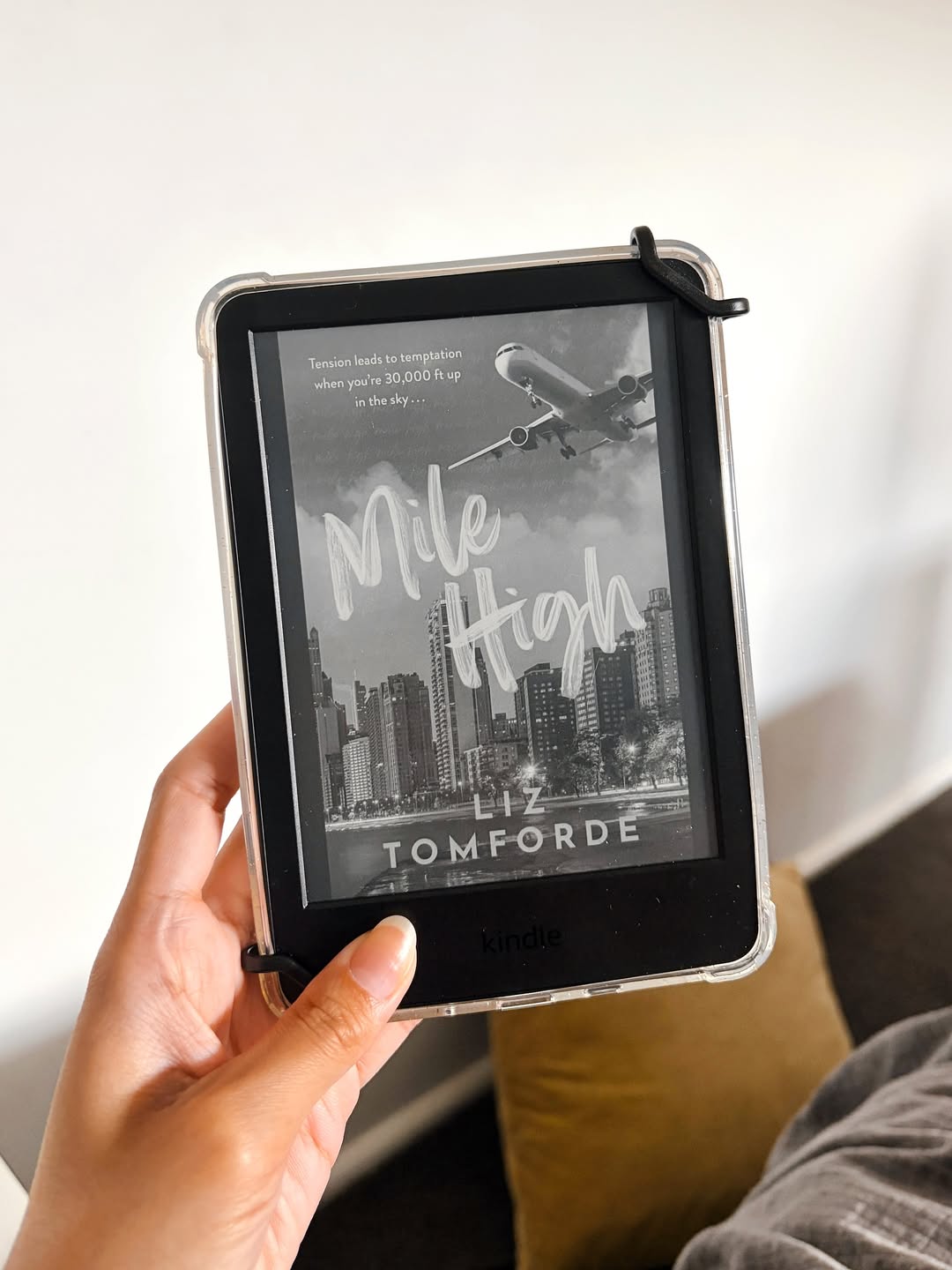
Image credit: @shannonbythebook via Instagram
Like we’ve mentioned above, it’s possible to purchase e-books without a subscription. You can easily get e-books for your Kindle from the Amazon online store or the Kindle store on the device itself. The content available varies depending on your region, but most of the popular titles and new releases should be easy to find.
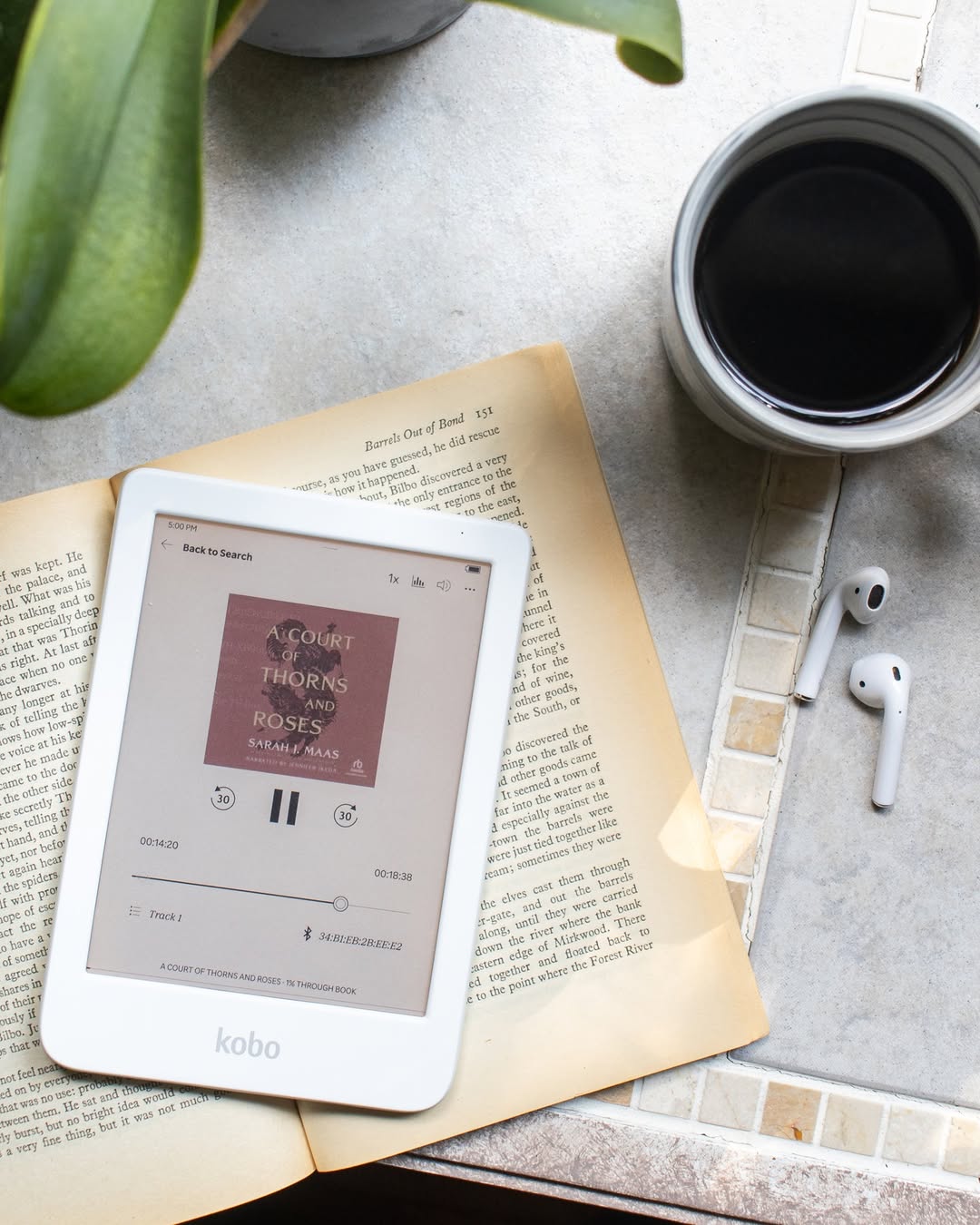
Image credit: @kobobooks via Instagram
For the Kobo e-reader, e-books and audiobooks can be purchased directly from the Kobo store on the device itself. Just click the “Checkout on this device” option and add your credit card to complete the purchase.
Borrow library books through OverDrive on Kobo
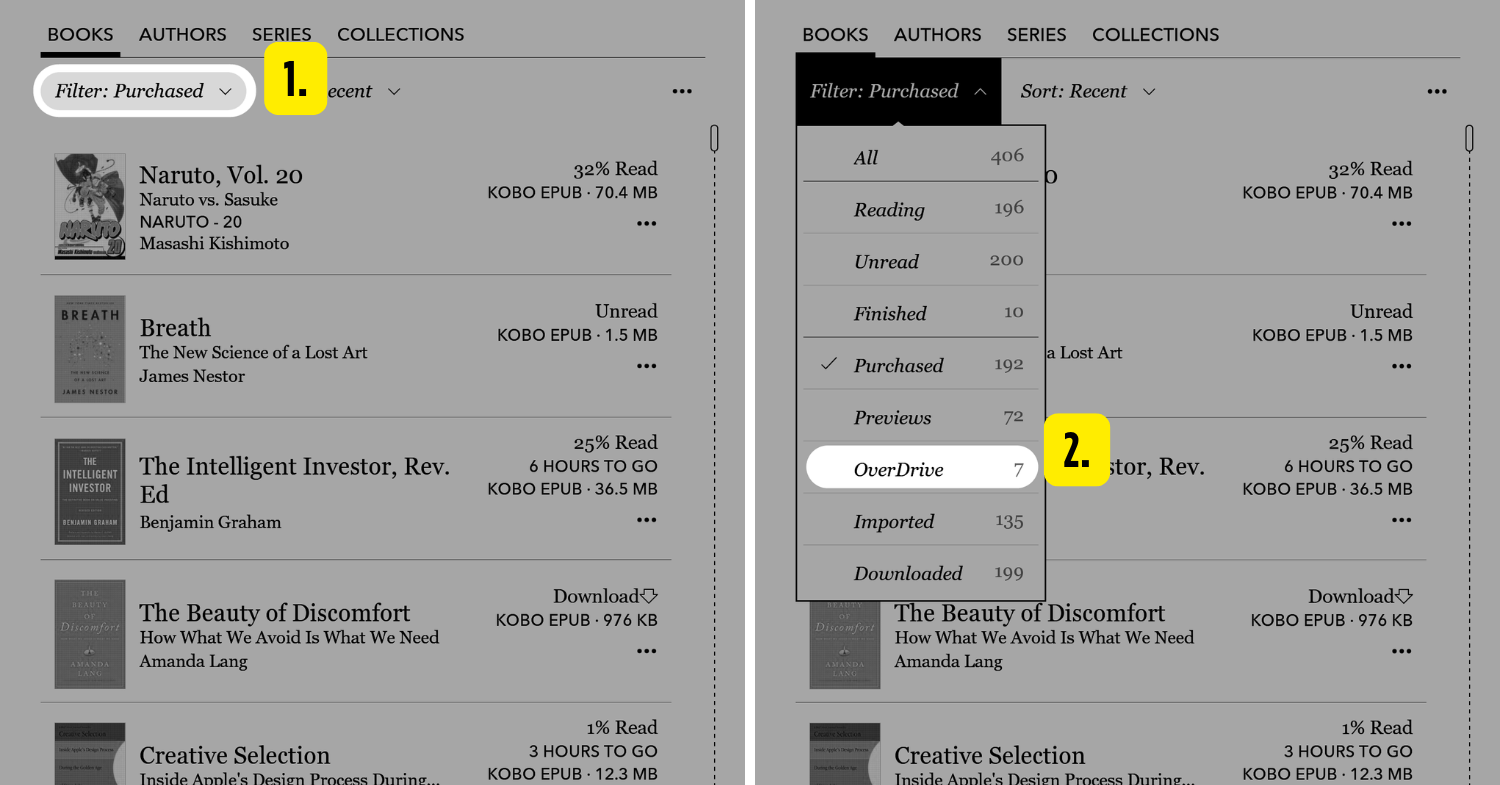
Image adapted from: Rakuten Kobo
Many who argue in favour of the Kobo usually mention the OverDrive function. It basically allows you to connect to your NLB account and borrow e-books from local libraries. So if you haven’t touched your NLB account in a while, it might be a good idea for you to dig it up again. And the best part is: you don’t need to download any external apps – everything’s done right on the Kobo itself.
Here’s how to download books through OverDrive:
- Go to the Kobo’s Home screen.
- Tap on “More” at the bottom of the screen.
- Go to “Settings”, then “OverDrive”, and tap on “Get Started”.
- Navigate to “Sign in to OverDrive”.
- Key in the nearest NLB library to you, click on it, then proceed to signing in.
- Either scan the QR code or click on the URL provided and key in the code displayed on your e-reader to continue. Follow the onscreen instructions.
- If prompted, fill in your library card number and password.
- Tap “Sign in” and agree to connect your NLB account to your Kobo account.
Check out Kobo’s website if you need more help with OverDrive.
Note-taking & highlighting text on Kobo
For those who can’t bring themselves to highlight or scribble all over a physical book – we get it, it feels almost criminal. With an e-reader, you’ll get to annotate whenever you want, and if you change your mind, just press delete and it’s like it never happened.
Kobo even takes it up a notch with the Kobo Stylus 2 ($99.90), which lets you write notes, highlight text, and annotate on the pages. It’s a separate product you can get on top of your device. If you’re the type to have a lot of thoughts when reading, you should consider investing in this. The stylus is compatible with the Kobo Libra Colour and Kobo Sage, while the Kobo Elipsa 2E comes with one included.
There’s also the Kindle Scribe, which also has the notetaking functionality along with a stylus, but this one isn’t available in Singapore yet. We’ll keep you posted when that happens.
Is it possible to transfer existing e-books to the Kobo & Kindle e-readers?
“Send to Kindle” function
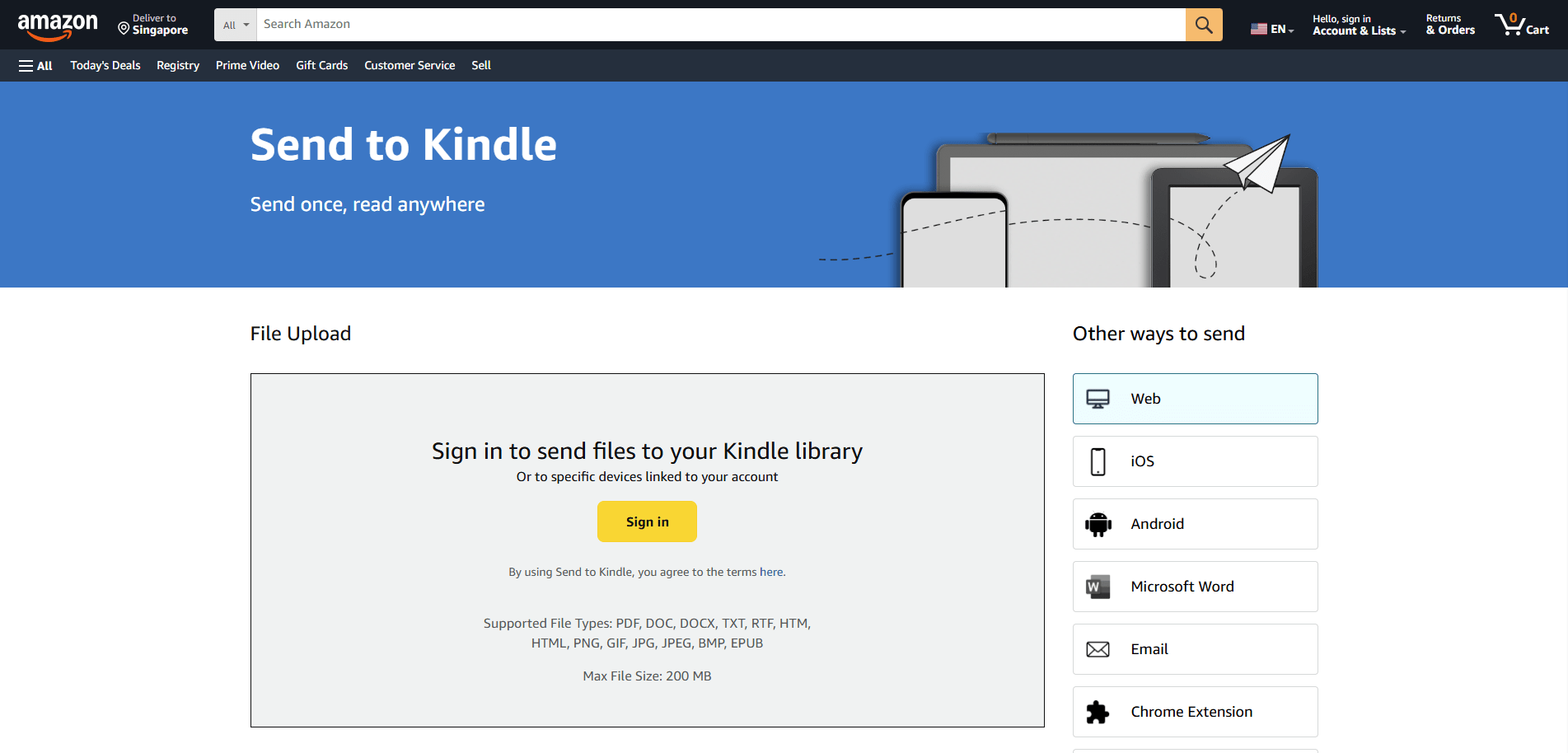
Screenshot from: Amazon
Some of you might already have a stash of e-books sitting on your computer or phone, and the good news is that it’s possible to transfer them to your e-readers. Amazon has a Send to Kindle function on its website. Sign in to the account that’s linked to your Kindle, and just drag and drop your files from your computer into the website, and you’re good to go.
Beyond using the computer, there are many other ways to transfer e-books to your Kindle:
| Device | How to transfer to Kindle |
| iOS/Android | Share to Kindle app (App Store | Google Play). |
| Microsoft Word | From Microsoft Word on Windows: Send documents to Kindle
From Microsoft Word website: File > Export > Send documents to Kindle This requires a Microsoft 365 subscription. |
| Manage Your Content & Devices > Preferences > Personal Document Settings > Add your email address to the “Approved Personal Document E-mail List”
Send to the email address you used to create your Kindle account. You need to send it from a different email address. |
|
| Chrome Extension | Add the Kindle Google Chrome extension
“Quick send”: Send full pages to your library “Preview and send”: Allows you to preview the pages before sending them to your library “Send selection”: Send specific sections of text |
| Windows | Install “Send to Kindle” for Windows
Send to > Kindle or drag and drop onto the app |
| Macbook | Install “Send to Kindle” for Mac
System Settings > Privacy & Security > Extensions > Sharing > Check the “Send to Kindle” box Then, right-click and share to the Kindle app. Or, drag and drop onto the app. |
Check out the Amazon website for more details.
Send to Kobo via Google Drive
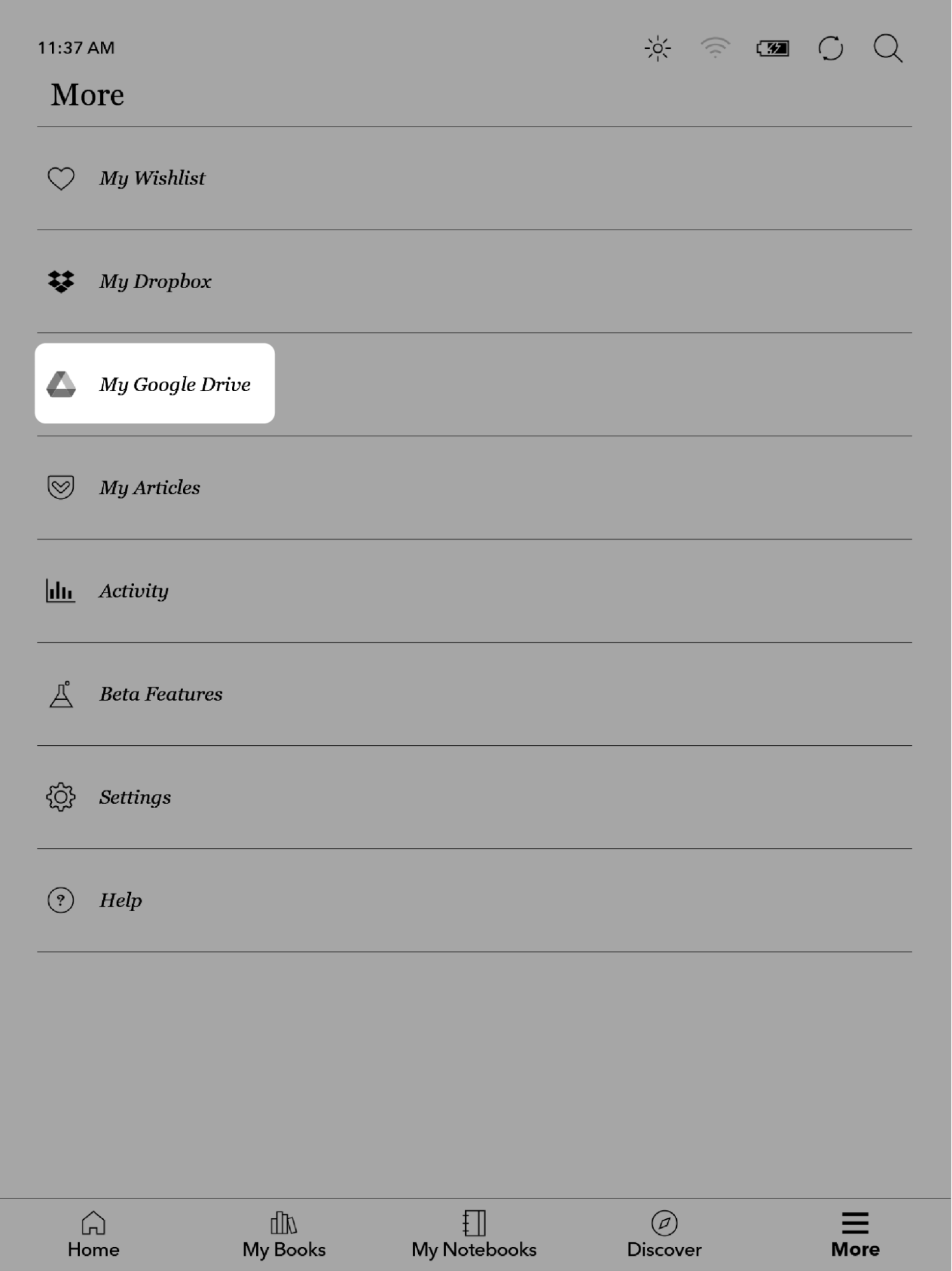 “My Google Drive” tab on Kobo.
Image credit: Rakuten Kobo
With Kobo, the easiest method is through the Google Drive app (App Store | Google Play) or website. You don’t have to use a laptop for this, but do make sure your e-reader is up to date, as it’s only compatible with version 4.37 or higher.
Here’s how:
- Pair your Google Drive account with your Kobo device. You’ll receive a 6–digit alphanumeric code.
- Key this code into the website shown on the display.
- Sign in to your Google account and give Kobo permission to access it.
- From Google Drive, find the Rakuten Kobo folder.
- Drag and drop your files into the Google Drive folder.
- Reload your Kobo and toggle to the “My Google Drive” tab to access the books.
Check out Kobo’s website for a list of compatible files, just to be sure your uploads will work smoothly.
So, which e-reader is better?
| Feature | Kobo | Kindle |
| Popular models in Singapore | Kobo Clara BW & Kobo Libra Colour | Kindle Paperwhite (12th Generation) |
| Price | $209.90-$629.90 | $270.43 |
| Display size | 6-10.3 inches | 7 inches |
| Storage | 16GB-32GB | 16GB |
| Note-taking | Kobo Stylus 2 compatible (included with Elipsa 2E) | Kindle Scribe (not available in SG yet) |
| Subscription | Kobo Plus Read at $9.99/month
Kobo Plus Listen at $9.99/month Kobo Plus Read & Listen at $12.99/month |
Audible at US$14.95 (~S$19.36)/month
Kindle Unlimited is unavailable in Singapore |
| Unique features | Supports OverDrive, note-taking with Stylus, and colour display on some models | X-Ray function, Send to Kindle, and up to 12-week battery life |
| Library borrowing | OverDrive integration for NLB e-books | Not available in Singapore |
The Kobo is generally great for bookworms who want to borrow e-books from the library, scribble notes with a stylus, or enjoy a splash of colour on their pages. Meanwhile, the Kindle is ideal for those who live in the Amazon ecosystem, love handy features like X-Ray to track every character and plot twist, and are all about that crisp, paper-like reading experience.
At the end of the day, choosing between the 2 is purely a matter of preference. Knowing what matters most to you will make the choice a lot easier. Think of it less as which is “better” and more as which fits you best.
Invest in an e-reader to help you reach your reading goals
Overall, having an e-reader makes reading more convenient in our hectic day-to-day lives. You can now read with no distractions and access your entire library from anywhere.
For more gadgets & tech guides:
Cover image adapted from: Rakuten Kobo, Amazon
A portion of this content may contain referral links where The Smart Local may collect a commission. Our opinions remain our own.